
FL Studio Editions Comparison: Which One to Buy in 2026
A practical FL Studio editions comparison for beginners choosing between Fruity, Producer, Signature, and All Plugins.
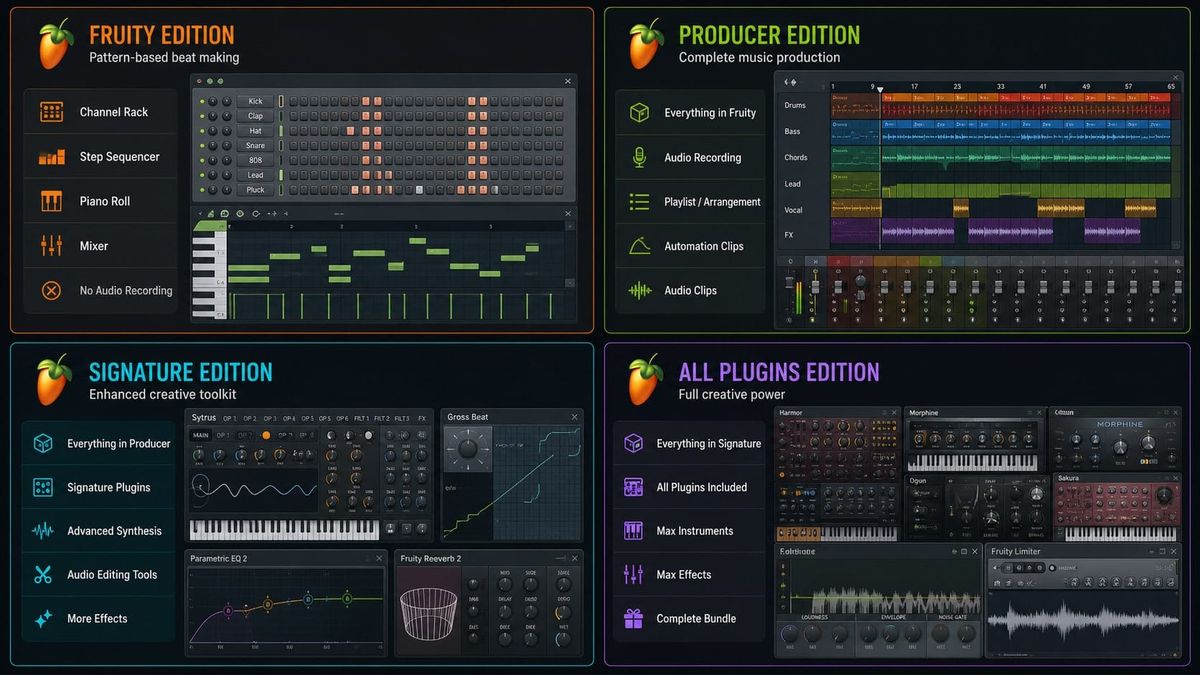
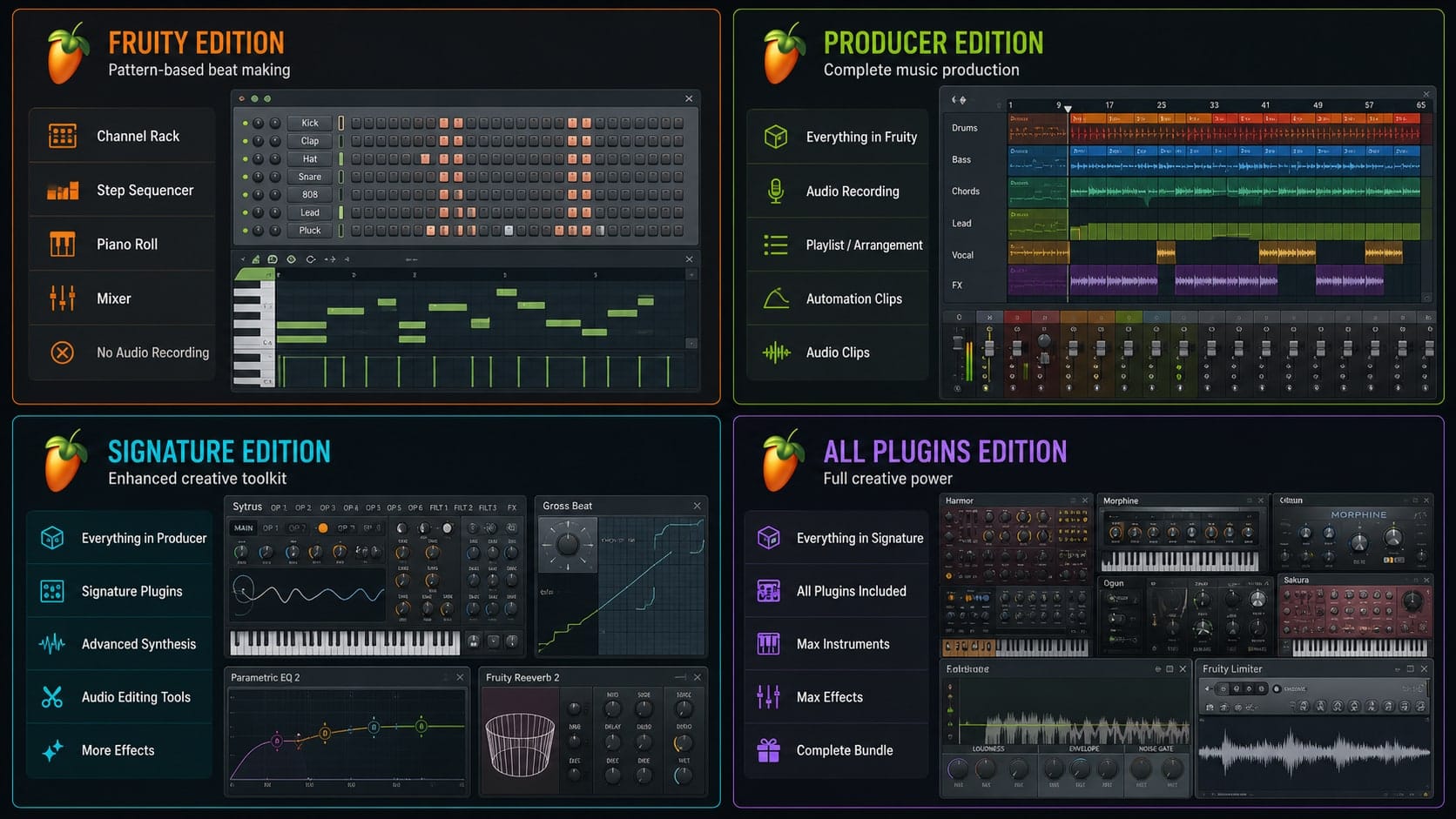
Picking an FL Studio edition is a balancing act between two ways of wasting money. Spend too little and you'll hit a wall the first time you try to record a vocal or load an audio loop into the playlist. Spend too much and you're paying for synths and mastering tools you won't open for the first year. Image-Line offers four tiers in 2026 — Fruity, Producer, Signature, and All Plugins — and the gaps between them are bigger than the price tags suggest. The good news: lifetime free updates apply across every edition, and upgrades only cost the difference. The decision you make today isn't permanent, but picking the right tier saves you the frustration of discovering on day three that your $99 license can't do the one thing you bought it for.
What Fruity Edition Actually Locks Out
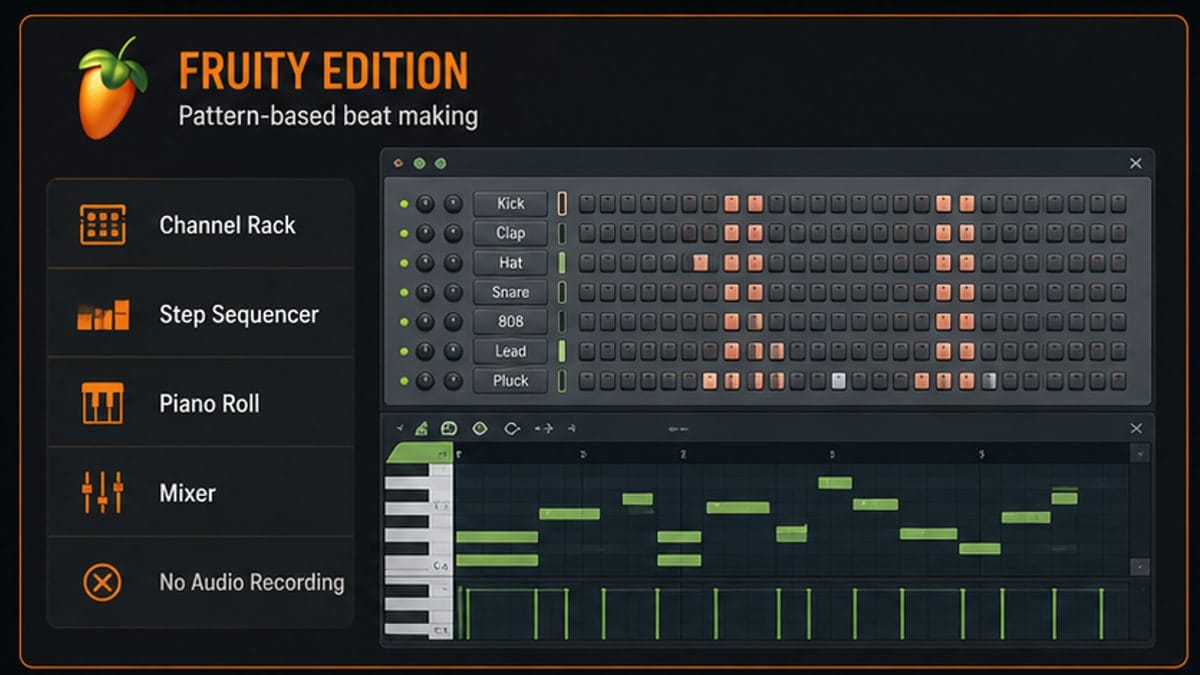
Fruity is the entry tier at around $99. It gives you the full sequencer, the Channel Rack, the Mixer, the Playlist, automation, and every stock generator plugin Image-Line ships with Fruity tier — Fruity DX10, Fruity DrumSynth Live, Fruity Slicer, and a stack of effects. For beat-making in a vacuum, it's a lot of DAW for the money.
Then comes the wall. Fruity cannot record audio. At all. No microphone input, no guitar DI, no re-amping, no audio clips dropped onto the playlist as audio. You can drop a sample into the Channel Rack and trigger it like an instrument, but the full audio-clip workflow — the thing that makes a DAW a DAW for most people — is locked behind Producer edition. Edison, the audio editor, runs in a reduced mode. You can't bounce stems to disk through file-export-by-track in the way Producer users can.
If you've never opened a DAW and you only want to program drum patterns and basslines with stock synths, Fruity is enough for a few months. For anyone else, it's a stepping stone you'll outgrow before the first project finishes.
Producer Edition: The Real Starting Line
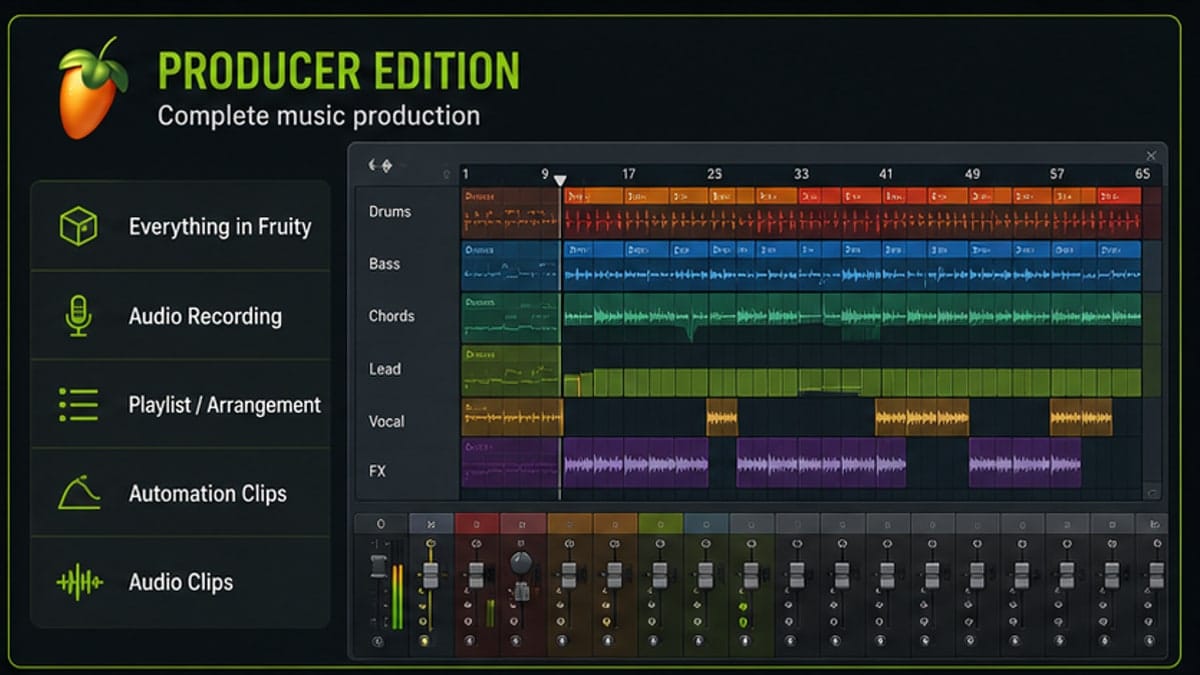
Producer at around $199 is what most people should actually buy. It unlocks everything Fruity locks out: full audio recording through your interface, audio clips on the playlist, the complete Edison editor with spectral editing and noise reduction, Slicex (the better successor to Fruity Slicer), the recorded-audio-to-pattern conversion tools, and the ability to bounce individual tracks. It also includes Sytrus — Image-Line's flagship FM synth, which a lot of people assume is Signature-tier or above. It isn't. Sytrus has shipped in Producer for years and it's one of the deeper FM engines in any DAW at any price.
Producer is the cheapest version that lets you record a vocal, drag an audio loop onto the playlist, or sample from a record. From what we see in producer communities, this is also the version most working musicians settle on. The upgrade from Fruity to Producer is about $100 — the same price as buying Producer outright — so there's no penalty for starting at Fruity and moving up later, but there's also no discount for it.
Signature: The Vocal Producer's Tier
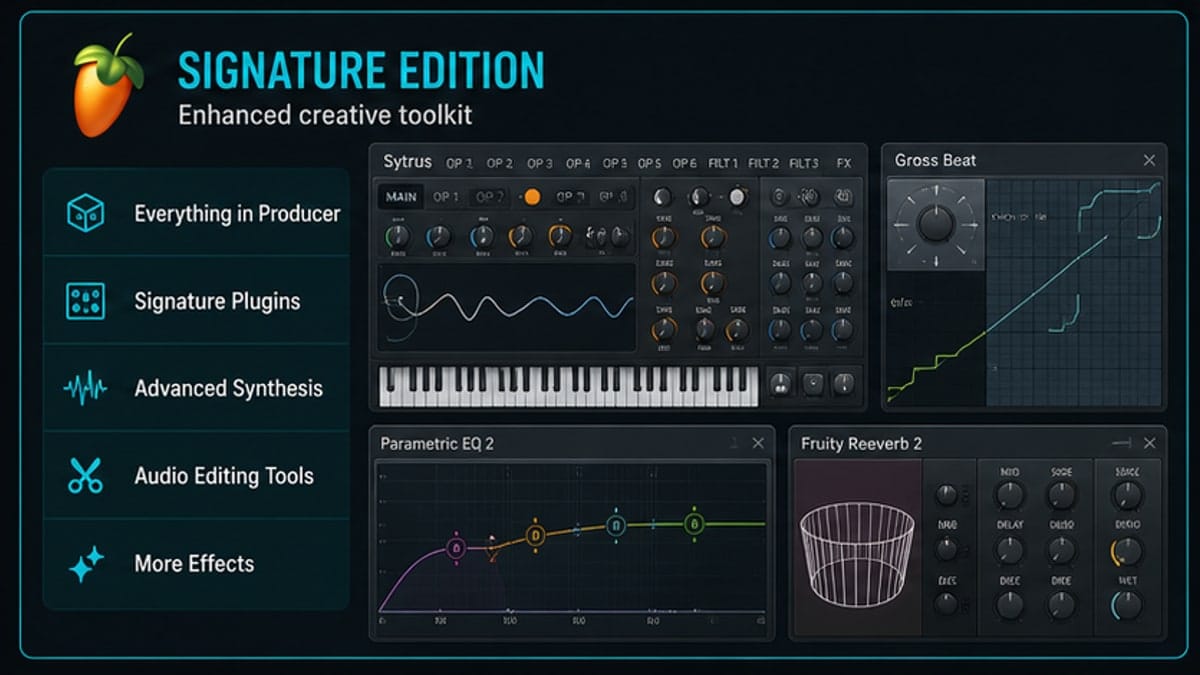
Signature at around $299 is Producer plus four specific plugins that matter mostly to one specific person: someone working with vocals or guitar. The additions are NewTone (offline pitch and time correction, FL's Melodyne equivalent), Pitcher (real-time autotune and harmoniser), Hardcore (guitar amp and pedal modelling), and Gross Beat (the time-and-volume-warping plugin that's become a signature sound in hip-hop and electronic production).
That last one is the wild card. Gross Beat is famous enough that some producers buy Signature just for it. The other three are job-specific. If you're tracking vocals and you'd otherwise buy NewTone ($99) and Pitcher ($79) separately, Signature pays for itself the day you install it. If you're a beat-maker who has no vocals to tune and no guitars to amp, you're paying $100 for one plugin you'll use (Gross Beat) and three that sit in the browser collecting dust.
The honest test: write down which Signature plugins you'd buy on their own at full price. If the total clears $100, Signature is the better deal. If not, stay on Producer and buy Gross Beat à la carte if you decide you need it.
All Plugins: When the Math Stops Making Sense
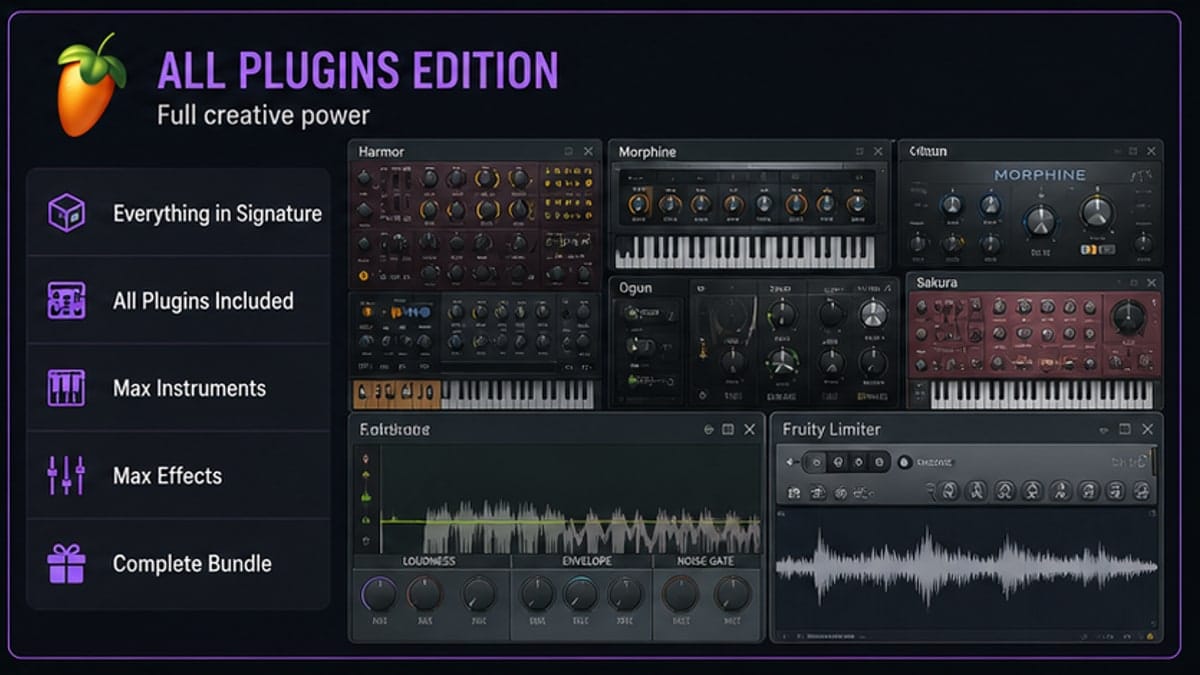
All Plugins at around $499 throws in the rest of Image-Line's first-party catalogue — Maximus (a three-band multiband maximiser used on a lot of commercial masters), Vintage Chorus, Vintage Phaser, DirectWave (a sampler that competes with Kontakt for basic patch playback), Harmless, Harmor, Toxic Biohazard, Sakura, Morphine, and several more synths and effects. The list is long enough that listing it out doesn't help — what matters is whether you'd actually use any of it.
For working mix engineers, Maximus alone is worth a serious look. For sound designers, Harmor (an additive synth with audio resynthesis) and DirectWave matter. For everyone else, All Plugins is a $200 premium over Signature for a stack of tools that overlap heavily with free or cheap third-party alternatives. Vintage Chorus is great, but so is the free TAL-Chorus-LX. Maximus is great, but if you're not mastering your own releases, you don't need it.
The case for All Plugins is straightforward: if three or more plugins on the bundle list are things you'd otherwise buy individually, the math works. If you can't name three, it doesn't.
The Edition-by-Edition Feature Table
| Feature / Plugin | Fruity | Producer | Signature | All Plugins |
|---|---|---|---|---|
| Audio recording (mic / DI) | ✗ | ✓ | ✓ | ✓ |
| Audio clips on Playlist | ✗ | ✓ | ✓ | ✓ |
| Edison (advanced editing) | Limited | ✓ | ✓ | ✓ |
| Slicex | ✗ | ✓ | ✓ | ✓ |
| Sytrus (FM synth) | ✗ | ✓ | ✓ | ✓ |
| NewTone (pitch correction) | ✗ | ✗ | ✓ | ✓ |
| Pitcher (real-time autotune) | ✗ | ✗ | ✓ | ✓ |
| Hardcore (guitar amps) | ✗ | ✗ | ✓ | ✓ |
| Gross Beat | ✗ | ✗ | ✓ | ✓ |
| Maximus (multiband maximiser) | ✗ | ✗ | ✗ | ✓ |
| Vintage Chorus / Phaser | ✗ | ✗ | ✗ | ✓ |
| DirectWave sampler | ✗ | ✗ | ✗ | ✓ |
| Harmor (additive synth) | ✗ | ✗ | ✗ | ✓ |
| Lifetime free updates | ✓ | ✓ | ✓ | ✓ |
2026 Pricing at a Glance
These are Image-Line's direct USD prices as of 2026. Resellers and seasonal sales can shave 10–25% off — Image-Line runs proper discounts at least twice a year — so if you're not in a hurry, wait for a sale.
| Edition | Price (USD) | Best for |
|---|---|---|
| Fruity | ~$99 | Pure beat-makers who never record audio |
| Producer | ~$199 | Most people — the real starting line |
| Signature | ~$299 | Vocal producers, guitarists, Gross Beat users |
| All Plugins | ~$499 | Working mix engineers and sound designers |
One thing that genuinely sets FL Studio apart: lifetime free updates apply to every edition. Buy Fruity in 2026 and you'll get FL Studio 25, 26, 27, and beyond at no extra cost. Upgrade paths only charge you the difference between editions — Fruity to Producer is roughly $100, Producer to Signature is roughly $100, Signature to All Plugins is roughly $200. There's no penalty for starting small.
One thing worth knowing if you're testing first: the free trial lets you explore everything except saving your project in a reopenable format. You can export audio from a trial session, but you can't save the .flp and come back to it later. Treat the trial as a tyre-kicker, not a way to finish a track for free.
Who Should Pick What
The Beat Maker
You make instrumentals, you don't record live audio, you sample from records or loop packs and chop them in the Channel Rack. Producer edition. You need audio clips on the playlist and Slicex for sample chopping, but you don't need Pitcher or Hardcore. Sytrus is already included.
The Singer-Songwriter
You record vocals, maybe acoustic guitar, and you want to tune your own takes without paying for Melodyne. Signature edition. NewTone and Pitcher alone justify the upgrade over Producer. If you also play electric guitar through a DI, Hardcore is a real bonus.
The EDM Producer
You work entirely in the box, you use third-party synths like Serum and Vital, and you bounce stems to a mastering engineer. Producer edition. All Plugins gives you Harmor and Maximus, which are great, but if you're already on Serum and you're not mastering yourself, you're paying $300 for plugins you'll bypass.
The Working Mix Engineer
You mix and master your own releases, you process drums through multiband saturation, and you want Image-Line's full toolkit on hand. All Plugins edition. Maximus, Vintage Chorus, Vintage Phaser, and the deeper synths add up quickly when you're billing for the work.
Frequently Asked Questions
Can I upgrade later?
Yes — and you only pay the difference. Buy Fruity for $99 today, decide six months later you need audio recording, and the Producer upgrade costs roughly $100. Image-Line tracks your license against your account, so the upgrade is one click in your customer portal.
Does FL Studio give student discounts?
Image-Line offers an EDU program with discounts for verified students and teachers through resellers like JourneyEd and Academic Superstore. Discounts are typically 30–50% off retail, but the EDU license is non-transferable. Check Image-Line's edu page for current resellers in your region.
Are the All Plugins extras really worth $200 more than Signature?
For most people, no. The honest answer: if you can name three plugins from the All Plugins exclusive list (Maximus, Harmor, DirectWave, Vintage Chorus, Vintage Phaser, Sakura, Morphine, Toxic Biohazard) that you'd buy individually, then yes. If you can't, save the money and buy the one or two you actually want as standalone plugins.
Do FL Studio licenses transfer to a new computer?
Yes. The license lives in your Image-Line account, not on your hard drive. You can install FL Studio on a new machine, log in, and your edition unlocks automatically. There's no machine-locked authorisation and no install limit for personal use.
Can I share my FL Studio license with my brother?
No, and Image-Line is clear about it. Each license is for one person. Your brother can install FL Studio on the same household machine if it's strictly your machine, but he can't log in on his own computer with your account and use it as his DAW. If he wants his own, he needs his own license.
The Short Answer
Buy Producer. It's the cheapest edition that's actually a complete DAW, it includes Sytrus, and you can upgrade to Signature or All Plugins later for the price difference if you find a specific plugin you need. Skip Fruity unless you're absolutely certain you'll never record audio — the $100 you save will be the $100 you spend upgrading three weeks later. Skip All Plugins unless you can list the specific bundled plugins that justify the premium. For more on which stock plugins are worth learning first, see our plugins guides and the beginner tag for setup walkthroughs.
Sources and reference pages
Image-Line FL Studio pricing and editions.
FAQ
Which FL Studio edition is best for beginners?
Producer Edition is the safest beginner choice because Image-Line positions it as the best beginner option and it supports audio recording and audio clips.
Does Fruity Edition support audio recording?
No. Image-Line lists audio recording as Producer Edition and up. Fruity is better treated as a pattern and MIDI-focused entry tier.
Can I upgrade FL Studio later?
Yes. Image-Line says you can upgrade to a higher edition by paying the price difference.
Do FL Studio editions include Lifetime Free Updates?
Yes. Image-Line lists Lifetime Free Updates across editions.