FL Studio Mixer Tutorial for Beginners
A beginner-friendly FL Studio Mixer walkthrough: inserts, routing, effects slots, sends, sidechain, gain staging, and common mistakes.
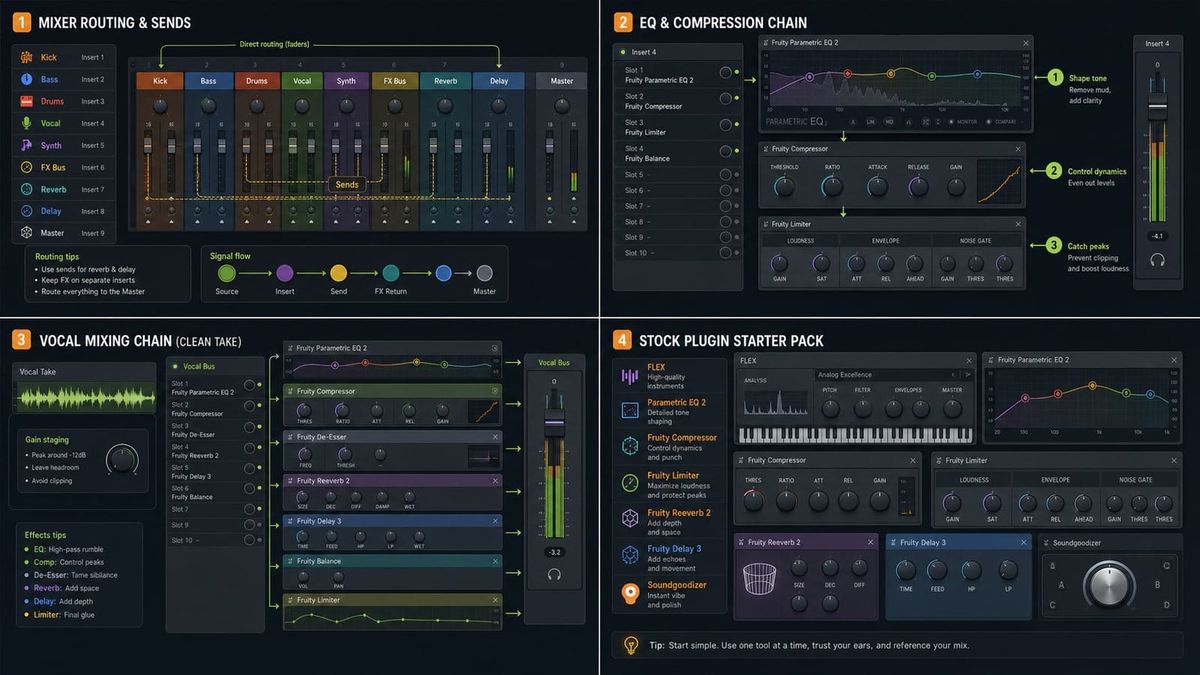
Short answer: the Mixer is where you balance levels, route audio, add effects, use sends, and control what reaches the Master. Learn routing and faders before stacking plugins.
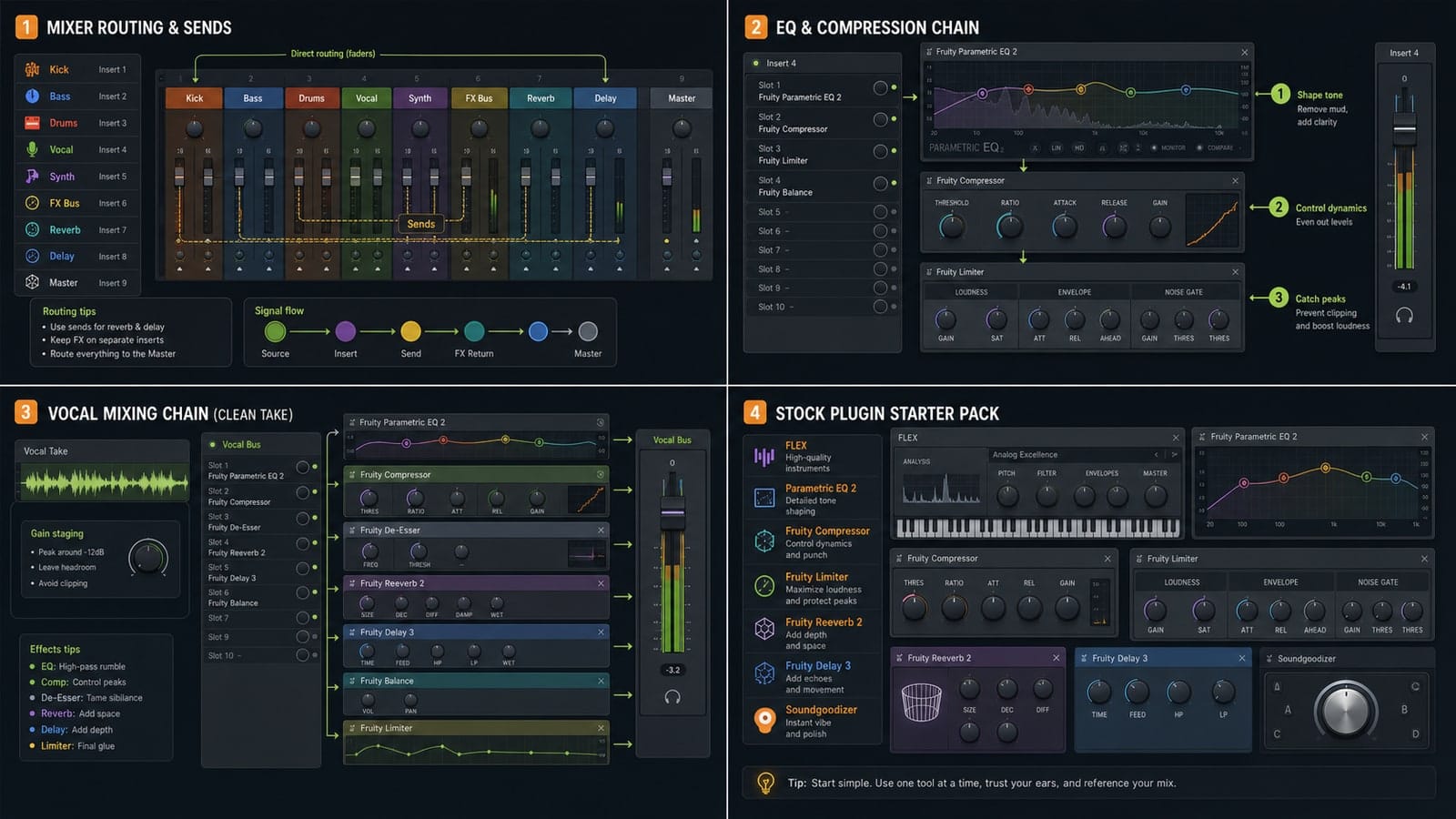
Mixer inserts receive sounds
Each important sound should land on a Mixer insert: kick, snare, hats, bass, lead, vocal, and so on. This gives you separate faders and effect chains.
Routing tells audio where to go
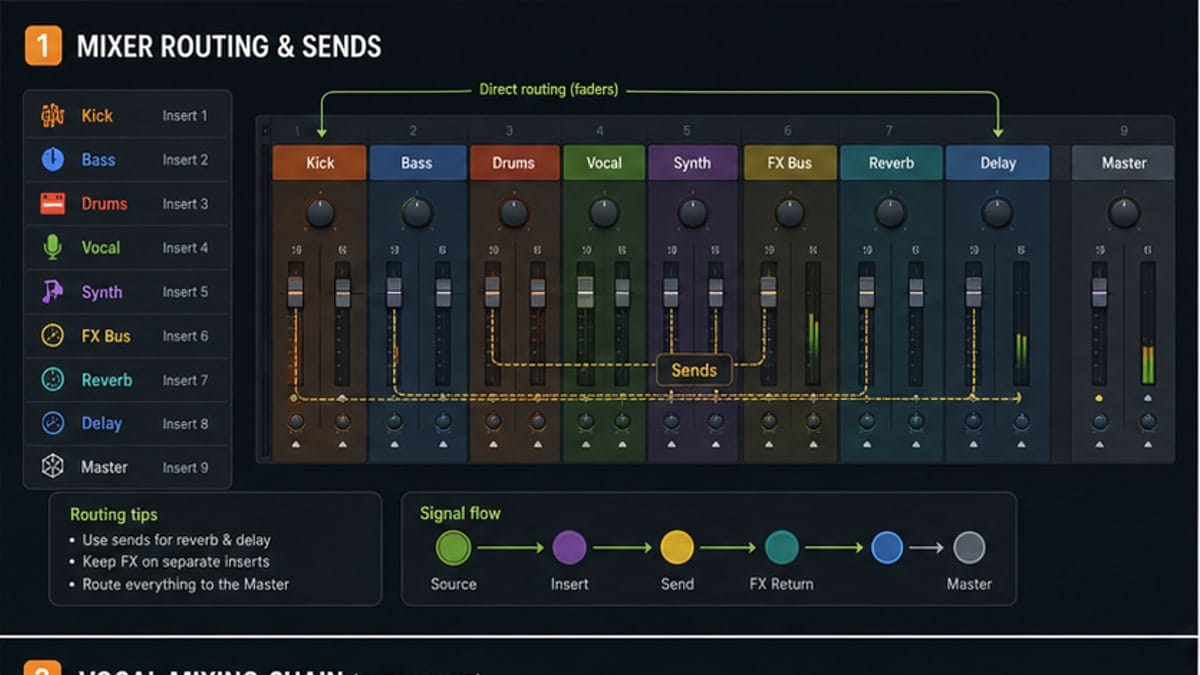
Routing is the hidden part of mixing. A sound can go straight to the Master, into a bus, into a reverb send, or into a sidechain target. If you do not know where the sound goes, you are mixing blind.
Faders before plugins
Set levels before EQ and compression. Bring the kick up, add bass, add drums, then add instruments and vocals. If the Master clips, lower tracks instead of adding a limiter immediately.
FX slots process the sound
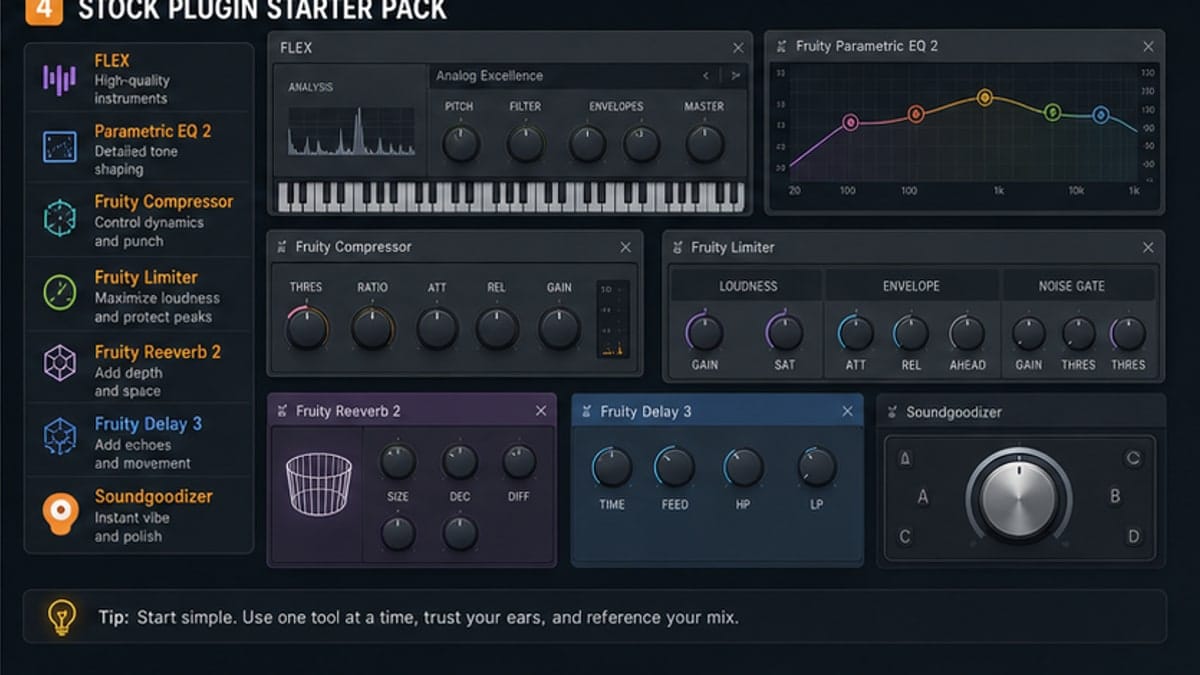
FX slots run from top to bottom. Put corrective EQ before heavy compression if you need to remove rumble. Put reverb on a send when several sounds should share the same space.
Sidechain without duplicate audio
For sidechain, route a trigger signal to the target as a sidechain input, not as an audible duplicate send. This is where many beginner sidechain setups go wrong.
Common Mixer mistakes
- Everything stays on the Master.
- Plugins are added before the levels make sense.
- Reverb is inserted on every channel instead of using a send.
- The Master clips and a limiter is used as a bandage.
Sources and reference pages
Image-Line Mixer manual, Image-Line Mixer routing manual.
Routing debug checklist
If a sound is missing, solo the channel, check the Mixer insert, check the Master output, and bypass suspicious effects. If the meter moves but you hear nothing, the problem is probably output routing or a muted path. If the meter does not move, the problem is probably earlier: Channel Rack, Piano Roll, or Playlist trigger.
This checklist keeps you from randomly deleting plugins. Follow the signal path from sound source to Master.
Basic FX order
There is no universal chain, but beginners can start with a practical order: cleanup EQ, dynamics, tone EQ, saturation if needed, then time effects like reverb or delay on sends. If an effect makes the sound worse, move it, lower it, or remove it.
Every insert does not need ten effects. Many good tracks use fewer plugins than beginners expect.
FAQ
What is the FL Studio Mixer used for?
The Mixer balances levels, routes audio, hosts effects, handles sends, and sends the final result to the Master output.
How do I route a sound to a Mixer track?
Select the channel and set its FX/Mixer insert number, or use FL Studio routing shortcuts. The sound then appears on that Mixer insert.
What are sends in the FL Studio Mixer?
Sends route audio from one Mixer track to another, often for shared reverb, delay, parallel compression, or sidechain triggers.
Should I mix with plugins or levels first?
Levels first. If the balance is wrong, plugins usually make the mix louder and more complicated, not better.
Beginner gain staging
Gain staging simply means keeping levels healthy before they become problems. Start with channels lower than you think. If everything is already loud, you have no room to mix. A clean mix usually starts quieter than a finished master.
When to use buses
A bus is a Mixer track that receives several related sounds. Drum bus, vocal bus, music bus, and effects bus are common examples. Beginners do not need a complex bus system, but sending all drums to one bus can make level control easier.
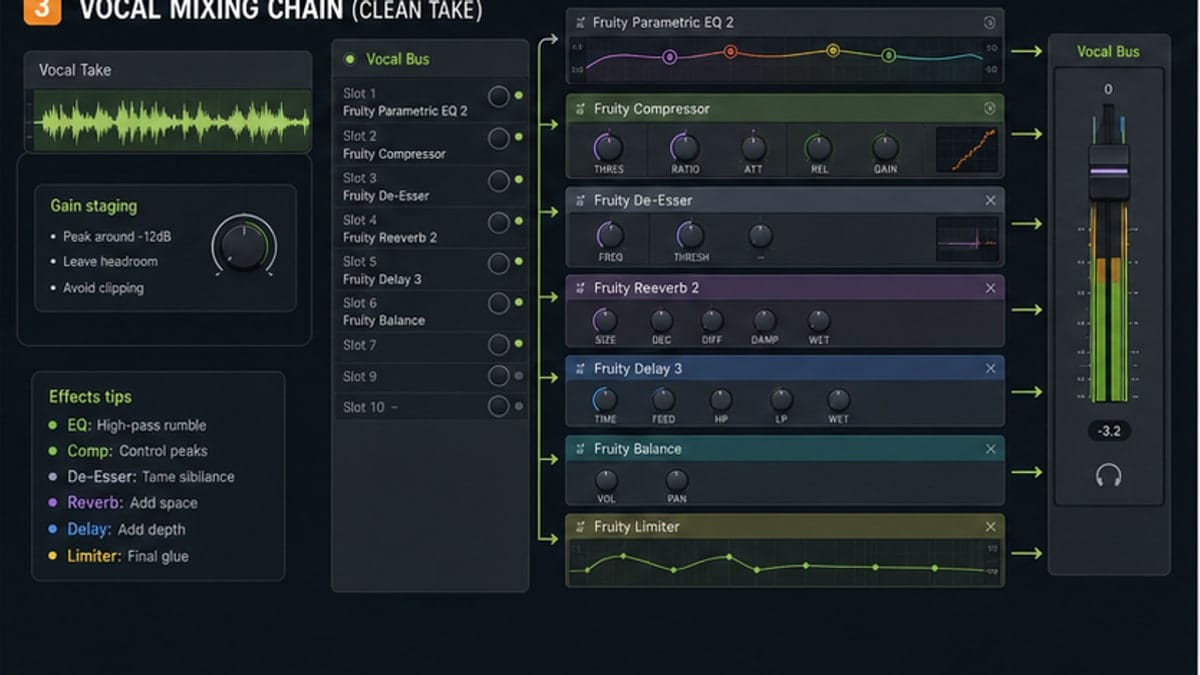
Sends for reverb and delay
A send lets several tracks share one reverb or delay. This saves CPU and makes the mix feel like the sounds live in the same space. Put the reverb on the send track, then send a small amount from each channel.
What to put on the Master
Keep the Master simple while learning. A limiter can catch peaks, but it should not rescue a broken balance. If the Master is red, lower channels. If the mix sounds harsh, fix the harsh track instead of smearing the whole mix.