
FL Studio Piano Roll Tutorial: Chords, Melodies, Velocity
Learn the FL Studio Piano Roll without guessing: draw notes, edit velocity, use ghost notes, scale helpers, slide notes, and avoid robotic patterns.
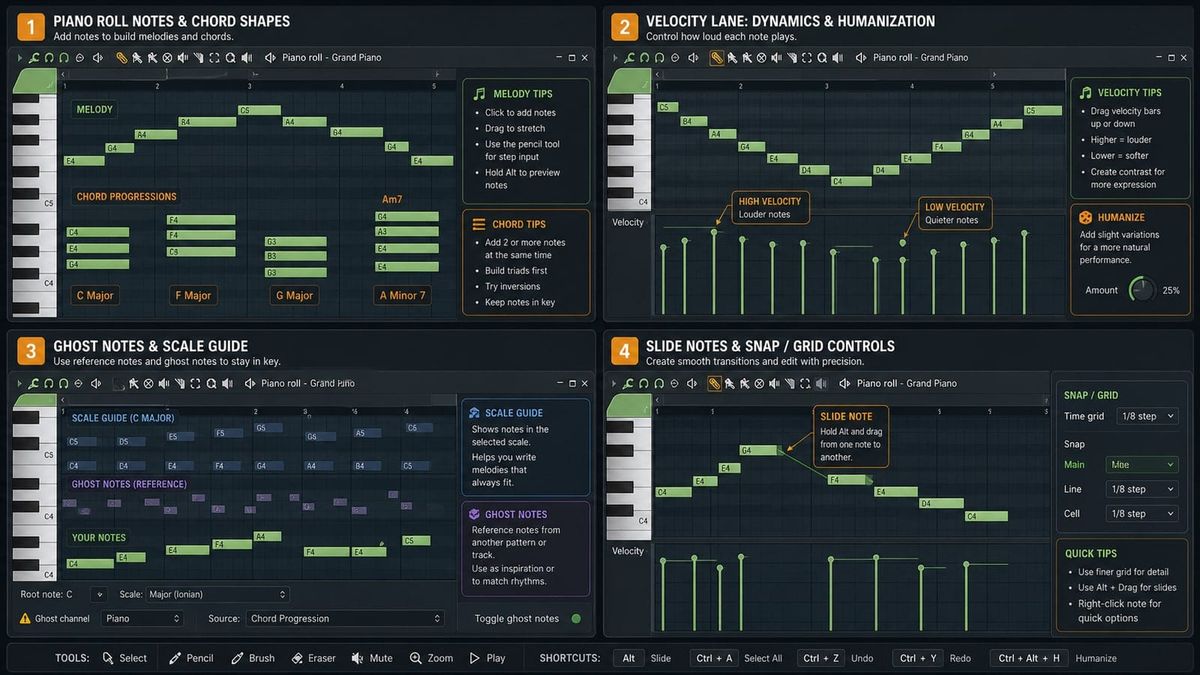
Short answer: the Piano Roll is FL Studio's detailed note editor. Use it to draw notes, change pitch and timing, edit velocity, see ghost notes from other channels, and add slides or scale highlighting when they help the part.
The Piano Roll is why many producers stay in FL Studio. It is fast, visual, and deep enough that beginners can make a melody on day one while advanced users still find shortcuts years later.
What to make first in the Piano Roll
Start with one of three parts: a bass line, a chord stab, or a short melody. Do not try to write all three at once. A beginner gets better feedback from one simple part than from a dense wall of notes.
For a first bass line, use one or two notes and focus on rhythm. For a first melody, use three to five notes and repeat the best phrase. For chords, draw longer notes and listen for clashes with the bass.
The basic Piano Roll map
The vertical keyboard on the left shows pitch. The grid shows time. Notes are rectangles: move them up for higher pitch, down for lower pitch, left or right for timing, and drag the edge to change length.
Draw notes before chasing shortcuts
Use the draw or paint tool to place notes. For beginners, the goal is not speed. The goal is hearing how note length and spacing change the groove.
Try this: place a bass note on the first beat, copy it to the third beat, then move the second note up or down. That one small change teaches timing, pitch, and repetition.
Snap and note length decide the groove
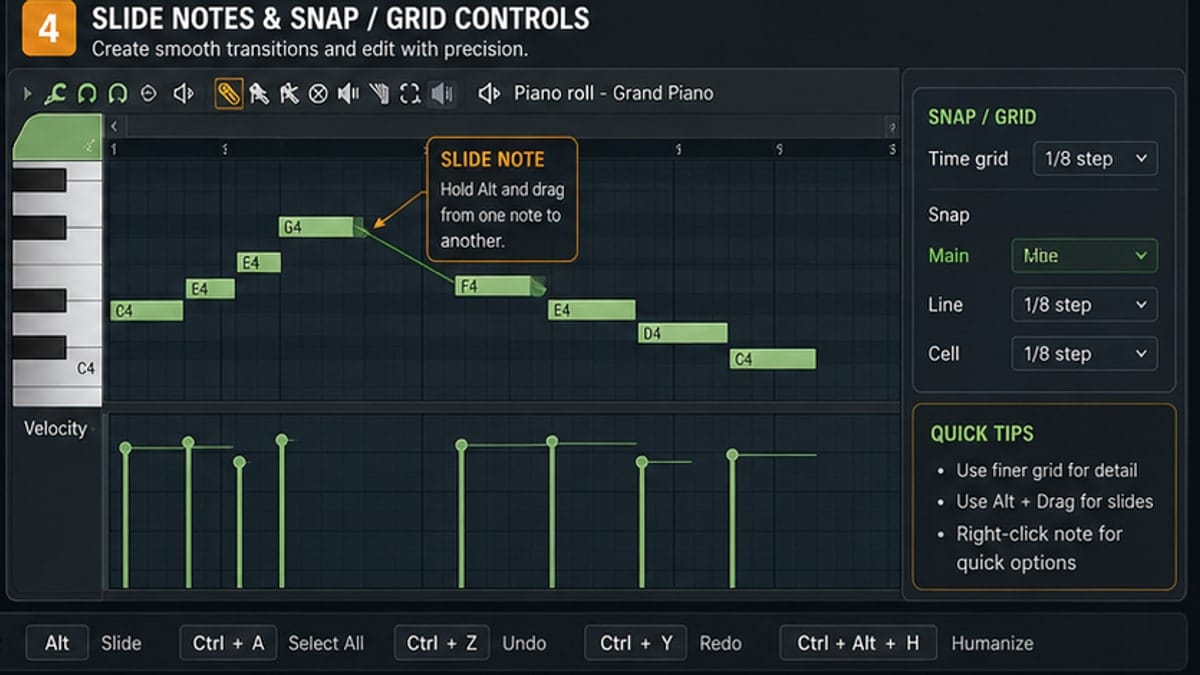
Snap controls how notes land on the grid. Strong snap settings are helpful when learning because they keep notes aligned. Looser settings are useful later when you want timing that feels less mechanical.
Note length matters as much as note pitch. A short bass note can feel punchy. A long bass note can fill the whole bar and fight the kick. Before adding effects, try shortening or lengthening the notes.
Velocity makes programmed notes feel played
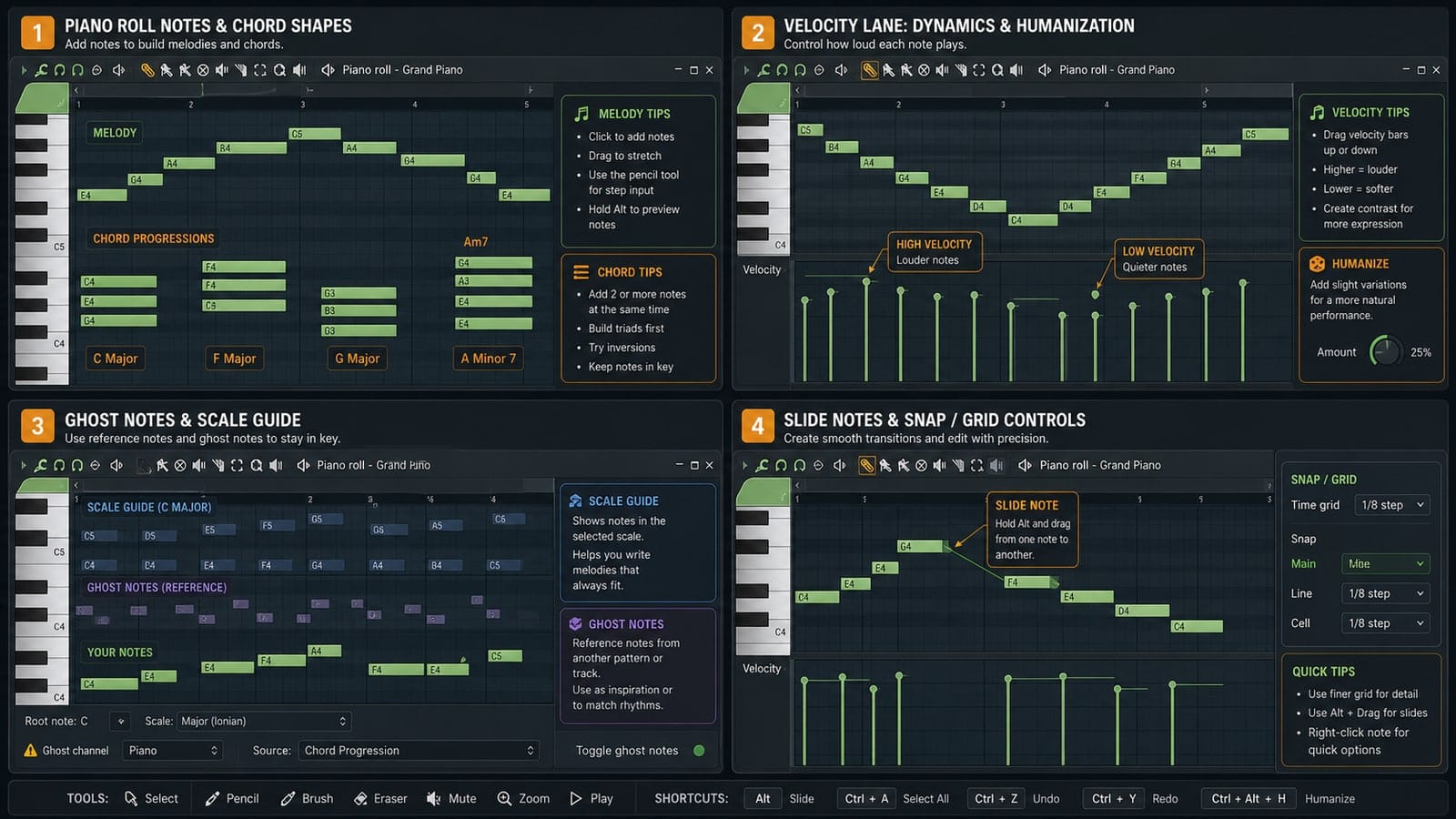
Velocity is the lower lane. Taller bars usually mean louder or harder notes. Shorter bars usually mean softer notes. If every note has the same velocity, hats, keys, and melodies can feel pasted in.
For drums, make the main hits stronger and the in-between hits softer. For melodies, lower a few notes so the phrase breathes. You do not need huge changes. Small unevenness is the point.
A simple rule works well: important notes get stronger velocity, passing notes get softer velocity. If every note is important, none of them feel important.
Use ghost notes to write around the rest of the pattern
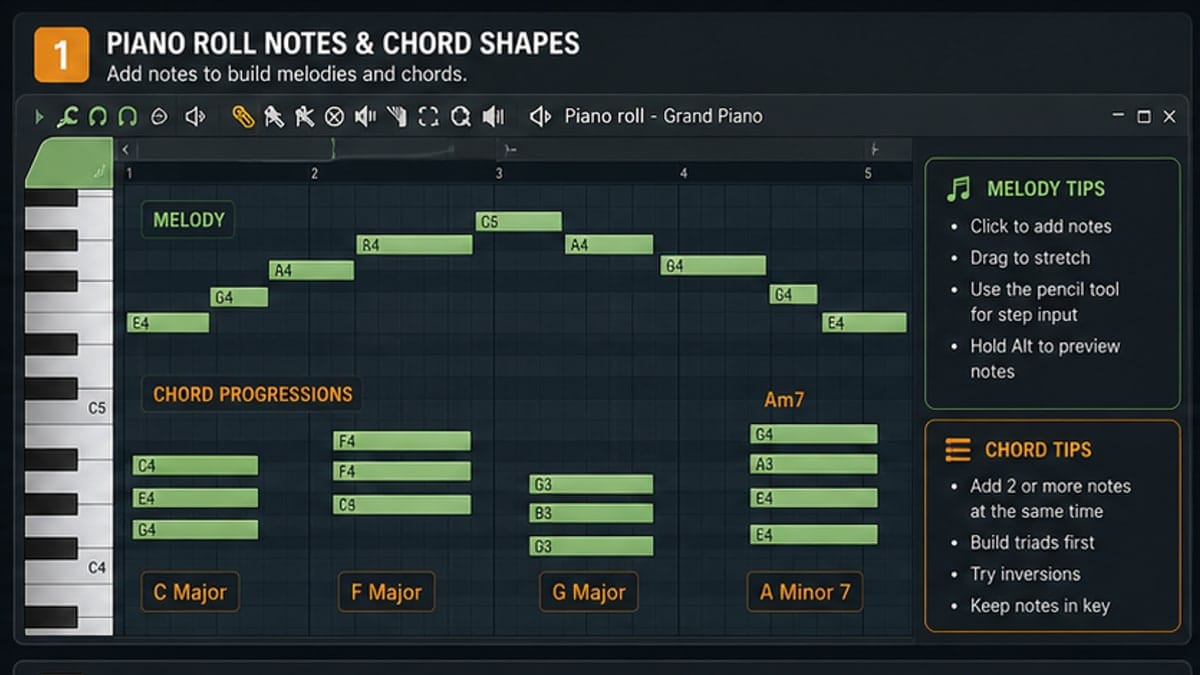
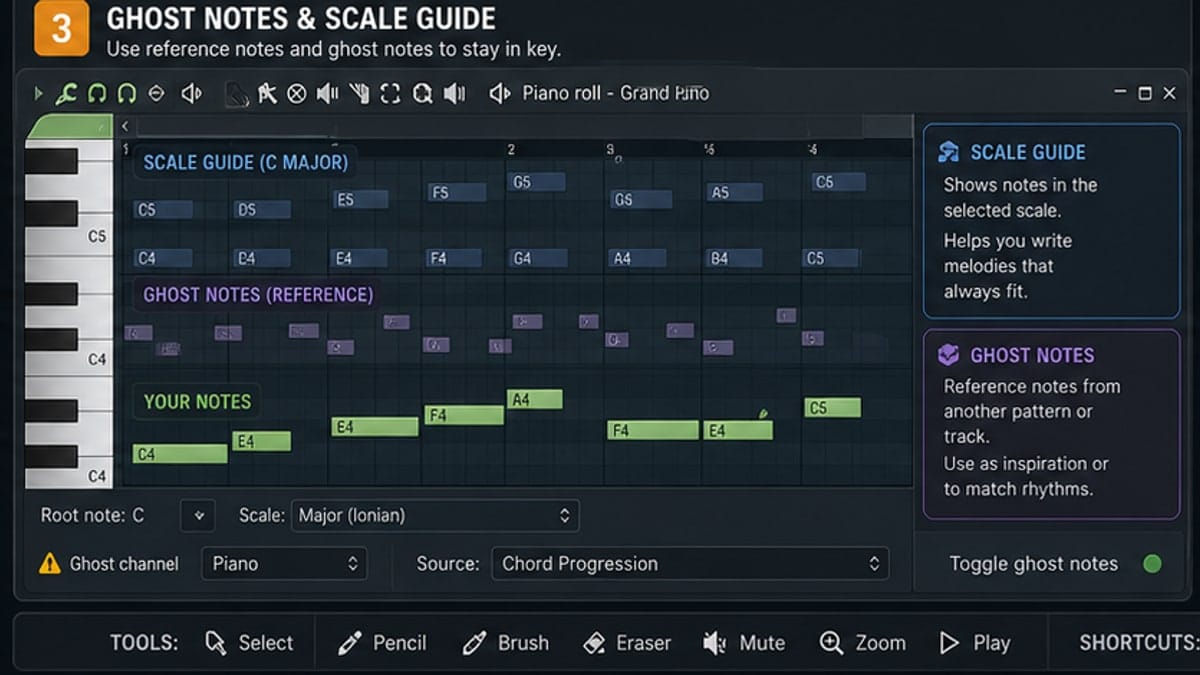
Ghost notes show notes from other channels in the same pattern. They are useful when writing bass under chords, counter melodies around a lead, or hats around a snare rhythm.
Do not treat ghost notes as decoration. They are a map. If the bass keeps stepping on the melody, ghost notes make the collision visible.
Ghost notes are especially useful for bass. Write the chord or melody first, then open the bass channel and use the grey notes as reference. You can decide when to follow the root and when to leave space.
Scale highlighting is a guardrail, not a melody writer
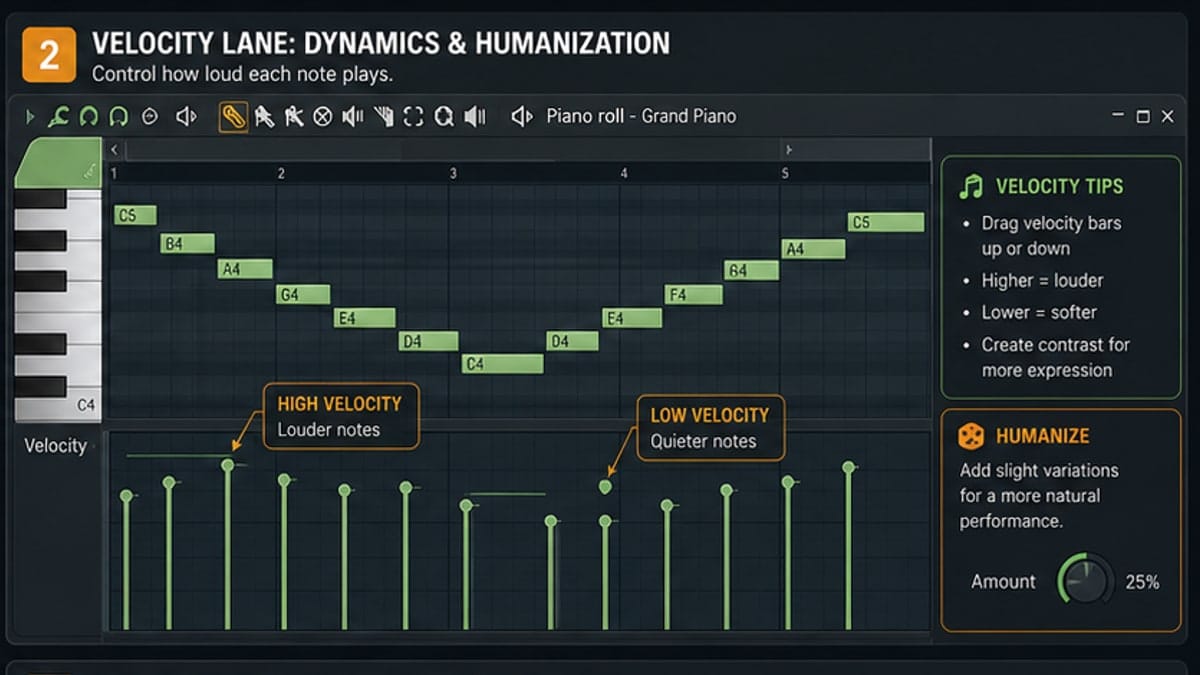
Scale helpers are useful when you are still learning which notes fit together. Highlight a scale, then use it to avoid obvious wrong notes.
The trap is writing only by color. A melody can be in key and still be boring. Use scale highlighting to avoid mistakes, then use your ear to choose the hook.
If you are not sure which scale to choose, start from the sample or chord that already sounds like the center of the beat. Scale helpers are most useful after you have a musical clue, not before.
Slide notes are powerful, but not universal
Slide notes create pitch movement in FL Studio native instruments. They are common for 808s, lead bends, and quick expressive moves.
Important: many third-party VST instruments ignore FL Studio slide notes. If nothing happens, the plugin is not broken. Use that instrument's pitch bend or portamento controls instead.
For 808s, short slide notes usually work better than long ones. Place the slide just before the note you want to bend into, then adjust length by ear. If the slide sounds cheesy, shorten it before deleting it.
Common Piano Roll mistakes
- Everything on the grid: quantized notes are clean, but tiny timing changes can make parts feel more alive.
- No velocity variation: identical velocity makes hats and melodies sound mechanical.
- Too many notes: beginners often fix weak melodies by adding more notes. Usually the rhythm needs work first.
- Ignoring octave: a note can be correct but still sit in the wrong register.
- Expecting slide notes to work everywhere: native instruments support them better than many VSTs.
A few shortcuts worth learning early
You do not need a giant shortcut list on day one. Learn a few that remove friction:
- Ctrl/Cmd + A: select all notes in the Piano Roll.
- Ctrl/Cmd + Q: quantize selected notes.
- Alt/Option + drag: move notes with finer timing control in many FL Studio workflows.
- Ctrl/Cmd + B: duplicate selected notes or patterns in many contexts.
Shortcuts help only when you know what you are trying to do. Learn the action first, then learn the key command.
Sources and reference pages
Reference pages used: Image-Line's Piano Roll manual, including notes on ghost notes, event editing, scale/key helpers, and slide notes.
FAQ
How do I open the Piano Roll in FL Studio?
Right-click an instrument or sample channel in the Channel Rack and choose Piano Roll. You can also use the Piano Roll button when a channel is selected.
What does velocity do in the FL Studio Piano Roll?
Velocity controls how hard a note is played. It usually affects volume and sometimes tone. Varying velocity is one of the fastest ways to make programmed notes feel less robotic.
How do I show ghost notes in FL Studio?
Use the Piano Roll helpers/view options to show ghost notes from other channels in the same pattern. Ghost notes help you write bass, chords, and melodies around each other.
Do slide notes work with every plugin?
No. FL Studio slide notes work best with native FL Studio instruments. Many third-party VST instruments ignore them, so use the plugin pitch-bend controls instead.