FL Studio
Want a 16-bar section to land at a particular time, or need to know whether your arrangement is close to three minutes? Enter your FL Studio project tempo, bar count, and time signature below. The result is the musical timeline length at a constant tempo—not a promise about the final audio file.
Bars to minutes calculator
Use a constant-tempo section. The target time is optional.
Timeline estimate; effect tails and render-end choices can change the exported file length.
How to read the result in FL Studio
Set the BPM shown in your project's tempo control, then count the bars of the section in the Playlist. Image-Line's Playlist timeline guide confirms that the horizontal ruler is displayed in bars. Use the project's numerator and denominator rather than assuming every track is in 4/4.
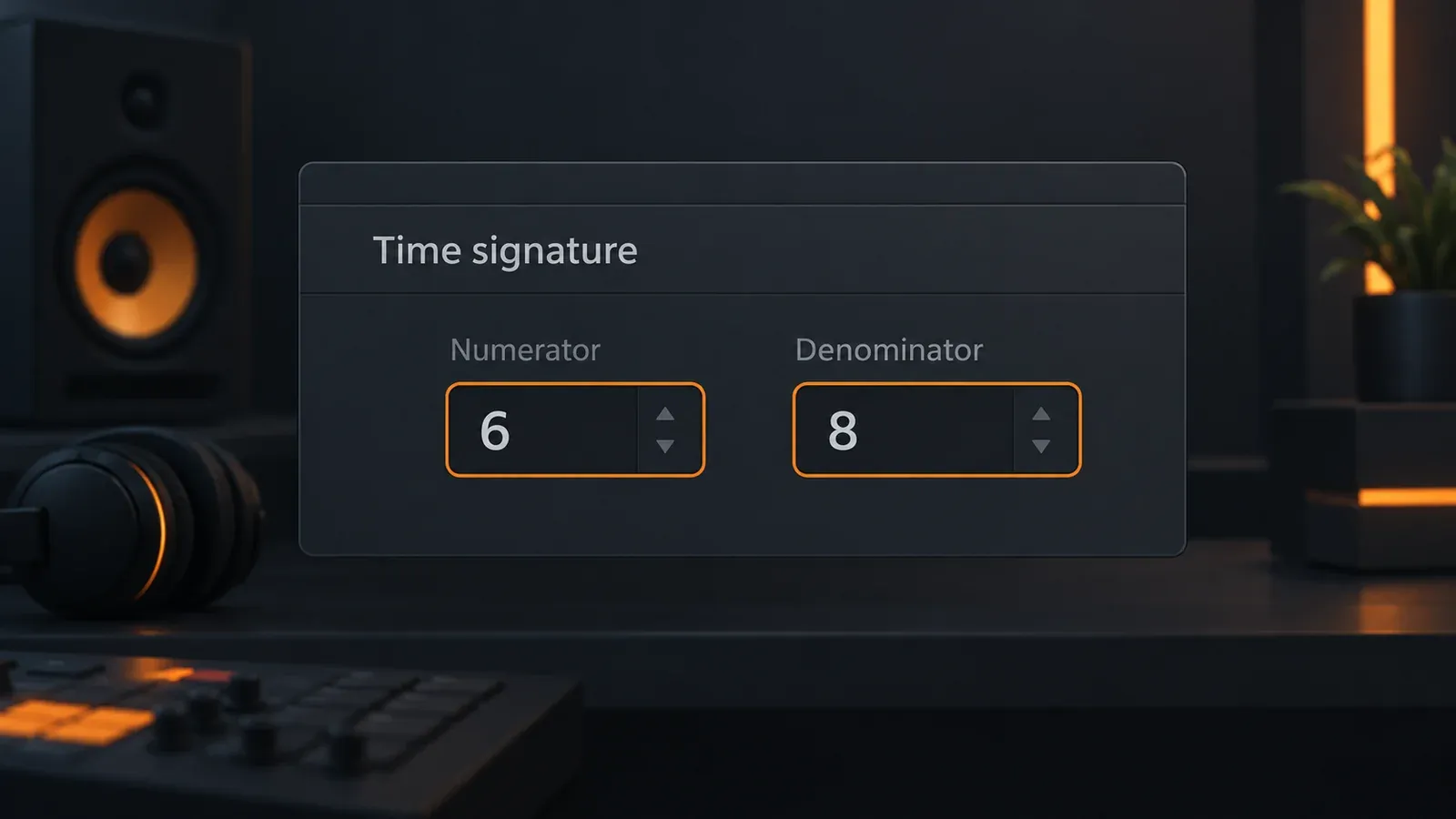
For a simple example, 80 bars at 120 BPM in 4/4 take 2:40: each quarter note is half a second, and four quarter notes make a two-second bar. If you want a three-minute arrangement at the same settings, the reverse estimate is 90 bars. Think of the target count as a planning marker, not a command to pad the track until a number looks right.
Why 6/8 changes the math
Here is the easy mistake: multiplying six by 60/BPM treats each eighth note as a quarter note. FL Studio's explanation of BPM and time signatures says its tempo still counts quarter notes when the denominator is 8. The denominator sets the note value of each time-signature unit. At 120 BPM in 6/8, an eighth note is 0.25 seconds, so one six-eighth-note bar is 1.5 seconds. Eighty such bars take 2:00, not 4:00.
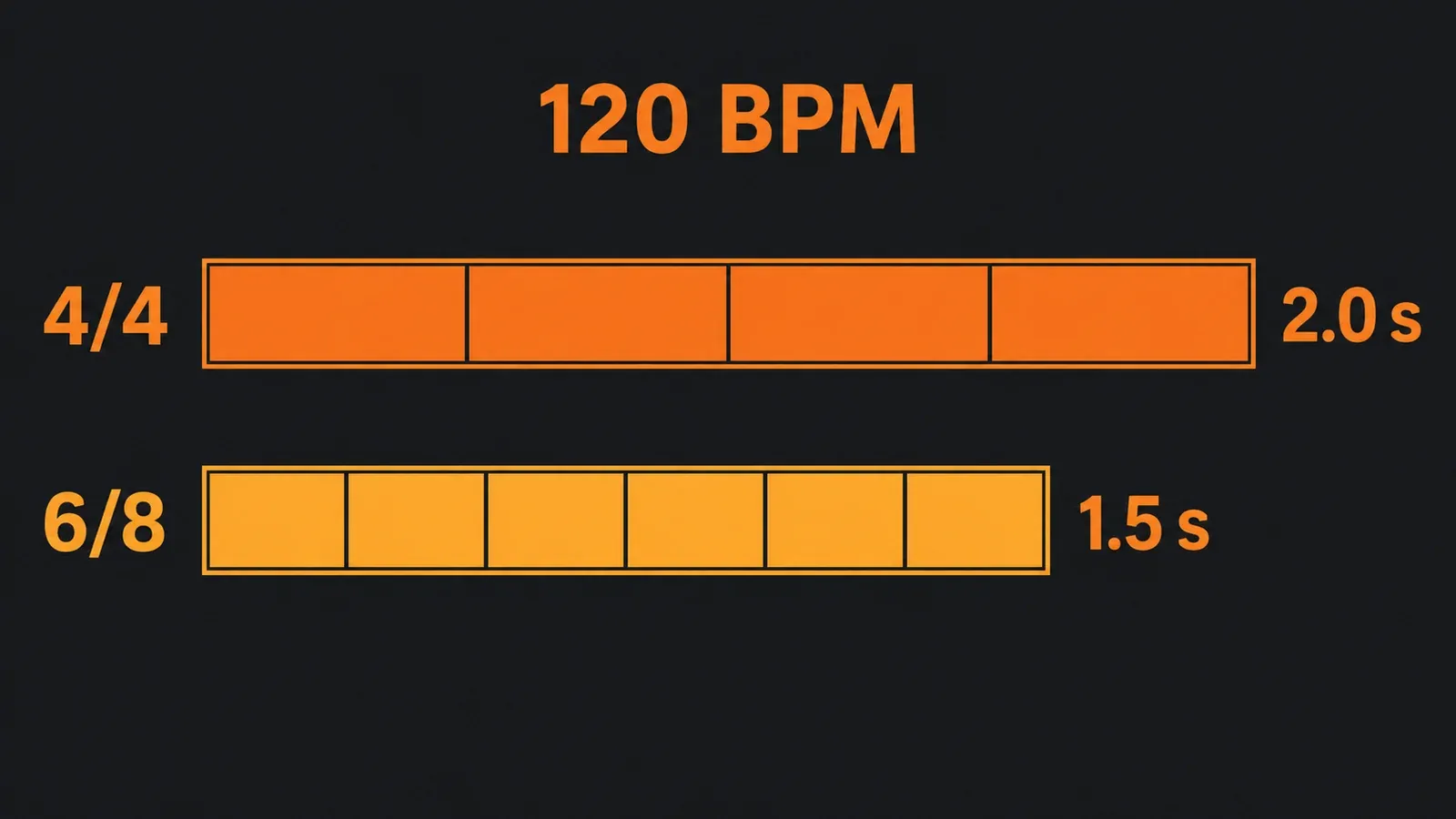
The calculator uses seconds per bar = numerator × (60 / BPM) × (4 / denominator), then multiplies by the entered bar count. For a target time it divides the requested seconds by the bar duration. A fractional answer means you would need part of a bar; rounding up gives the first whole bar count that reaches or exceeds your target. This is arithmetic from Image-Line's documented beat-duration equation, not a measurement of a render.
When the estimate and export do not match
The calculation assumes the tempo and time signature stay fixed for the bars you entered. If you change either during the song, calculate each constant segment separately and add its duration. Image-Line documents time-signature markers in the Playlist; a single global 4/4 selection cannot describe every segment of a mixed-meter project.
The audio file can also extend beyond the last arranged bar. In FL Studio's export settings guide, Leave remainder captures decaying sounds after the endpoint, while Cut remainder ends at that point; marker placement can influence the render endpoint too. If you need an exact delivered runtime, check the exported file after choosing its tail setting. The calculator is most useful before export, while shaping section lengths.
If you do not know the tempo yet, tap it in FL Studio or use the appropriate tempo detection workflow first. For tempo-synced delay values rather than full arrangement length, use our delay and reverb timing calculator.