 FL Studio
 All guides
FL Studio guides, organized by the job in front of you
Choose from thirteen routes, from your first setup to MIDI, recording, mixing and export. Each route helps you find the right next step; the complete article library is below.
Choose a practical route
FL Studio is easier to learn when each question belongs to a real session. Start with setup if the program is new, use Workflow when the idea needs structure, or go straight to Troubleshooting when audio, MIDI or a project has stopped behaving.
Where should you begin?
If FL Studio is not yet installed, follow Start here in order. If you already have a working session, pick the route that matches the current bottleneck rather than reading from the oldest article forward. A silent output belongs in Troubleshooting; a clean recording that needs timing edits belongs in Workflow; a balanced arrangement that needs tone and level work belongs in Mixing.
All published FL Studio tutorials
These guides are ordered by publication date. Use the route cards above when you want a guided sequence, or browse below for one exact task.
 11 min read
FL Studio Text to Speech: How to Open the Speech Synthesizer
Can't find text to speech in FL Studio? It isn't a plugin. Open the Speech folder in the Browser, drag a preset onto an empty channel, shape the voice, work with the word slices, and see what to do on a Mac.
Read guide
11 min read
FL Studio Text to Speech: How to Open the Speech Synthesizer
Can't find text to speech in FL Studio? It isn't a plugin. Open the Speech folder in the Browser, drag a preset onto an empty channel, shape the voice, work with the word slices, and see what to do on a Mac.
Read guide
 13 min read
How to Resize Plugins in FL Studio: Too Big, Too Small or Blurry
Plugin cut off at the bottom, tiny on a 4K screen or blurry? Pick the right FL Studio control for native and third-party plugins, keep the size with a favorite preset, and know what bridging costs.
Read guide
13 min read
How to Resize Plugins in FL Studio: Too Big, Too Small or Blurry
Plugin cut off at the bottom, tiny on a 4K screen or blurry? Pick the right FL Studio control for native and third-party plugins, keep the size with a favorite preset, and know what bridging costs.
Read guide
 12 min read
Free FL Studio Alternatives: Which Free DAW Should You Use?
FL Studio's trial never expires but won't reopen saved projects. Here is what free FL Studio can do, and which free DAW fits pattern beats, vocals, a Mac or a browser, with each app's documented limits.
Read guide
12 min read
Free FL Studio Alternatives: Which Free DAW Should You Use?
FL Studio's trial never expires but won't reopen saved projects. Here is what free FL Studio can do, and which free DAW fits pattern beats, vocals, a Mac or a browser, with each app's documented limits.
Read guide
 11 min read
What Is a VST Plugin? VST, VST3, AU and CLAP Explained
VST stands for Virtual Studio Technology: Steinberg's plugin standard for instruments and effects that run inside a DAW. Here is how it works, VST2 vs VST3, AU, AAX and CLAP, and how FL Studio handles them.
Read guide
11 min read
What Is a VST Plugin? VST, VST3, AU and CLAP Explained
VST stands for Virtual Studio Technology: Steinberg's plugin standard for instruments and effects that run inside a DAW. Here is how it works, VST2 vs VST3, AU, AAX and CLAP, and how FL Studio handles them.
Read guide
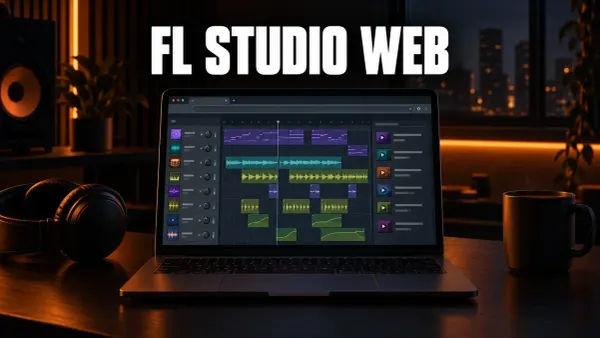 10 min read
FL Studio Web: What It Is, Cost, Browsers and Desktop Transfer
FL Studio Web runs in your browser with no download. Here is what it is, the current beta terms, which browsers work, what is inside and how a Web project moves to FL Studio on desktop.
Read guide
10 min read
FL Studio Web: What It Is, Cost, Browsers and Desktop Transfer
FL Studio Web runs in your browser with no download. Here is what it is, the current beta terms, which browsers work, what is inside and how a Web project moves to FL Studio on desktop.
Read guide
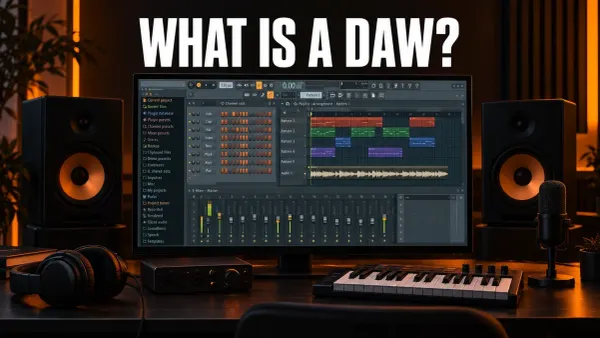 13 min read
What Is a DAW? Digital Audio Workstations Explained
DAW stands for digital audio workstation: the software you record, arrange and mix music in. Here are its parts shown in FL Studio, what you need to run one and what it costs.
Read guide
13 min read
What Is a DAW? Digital Audio Workstations Explained
DAW stands for digital audio workstation: the software you record, arrange and mix music in. Here are its parts shown in FL Studio, what you need to run one and what it costs.
Read guide
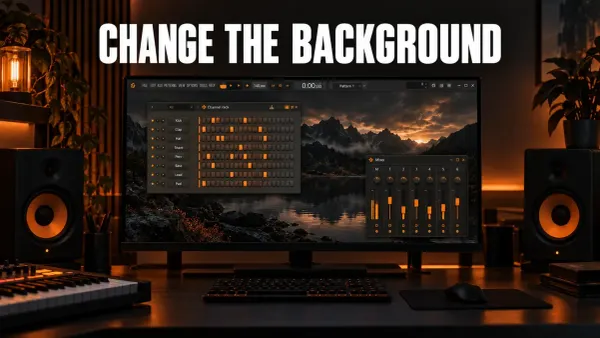 9 min read
How to Change the FL Studio Background and Theme
Set a wallpaper or plain color behind FL Studio's windows, give the Playlist its own picture, and change, save and share themes with the Theme editor.
Read guide
9 min read
How to Change the FL Studio Background and Theme
Set a wallpaper or plain color behind FL Studio's windows, give the Playlist its own picture, and change, save and share themes with the Theme editor.
Read guide
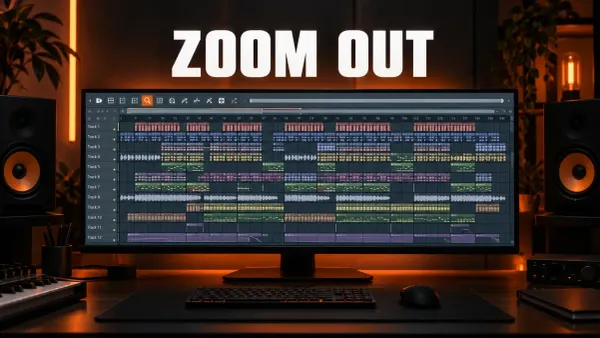 10 min read
How to Zoom Out in FL Studio and Fix a Stuck Zoom
Zoom out with Ctrl+wheel, Page Down or Shift+4, leave a stuck Zoom tool, resize Playlist tracks and fix an FL Studio window that looks too big.
Read guide
10 min read
How to Zoom Out in FL Studio and Fix a Stuck Zoom
Zoom out with Ctrl+wheel, Page Down or Shift+4, leave a stuck Zoom tool, resize Playlist tracks and fix an FL Studio window that looks too big.
Read guide
 10 min read
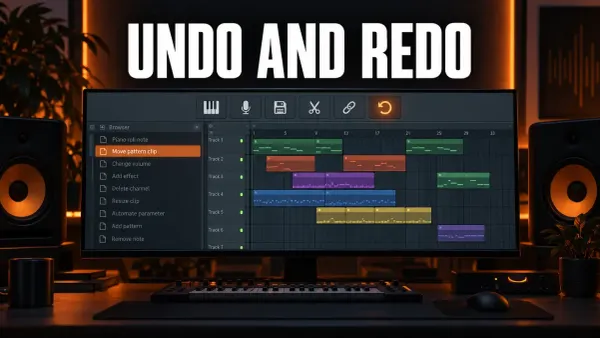
How to Undo and Redo in FL Studio
Undo with Ctrl+Alt+Z, redo with Ctrl+Z, jump back through the History list and fix FL Studio undo that only goes back once or skips knob moves.
Read guide
10 min read
How to Undo and Redo in FL Studio
Undo with Ctrl+Alt+Z, redo with Ctrl+Z, jump back through the History list and fix FL Studio undo that only goes back once or skips knob moves.
Read guide
 9 min read
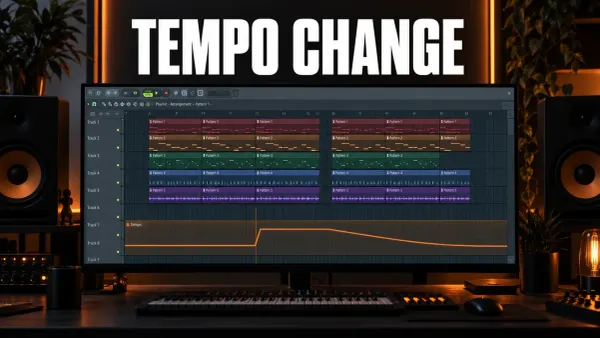
How to Change Tempo Mid-Song in FL Studio
Change BPM partway through an FL Studio song with a Tempo automation clip, set exact values, pick a switch or a ramp and keep audio clips in time.
Read guide
9 min read
How to Change Tempo Mid-Song in FL Studio
Change BPM partway through an FL Studio song with a Tempo automation clip, set exact values, pick a switch or a ramp and keep audio clips in time.
Read guide
 8 min read
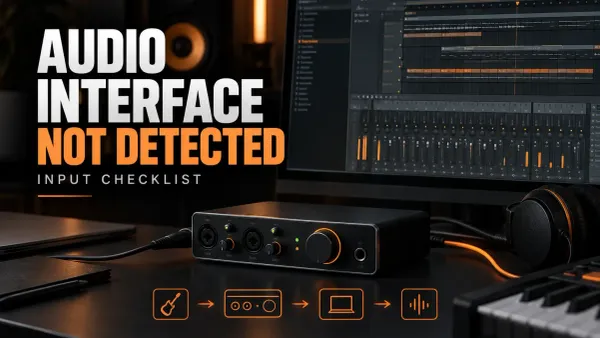
FL Studio Audio Interface Not Detected: Input Checklist
When FL Studio does not show your interface, follow the signal from power and driver selection to the Mixer input and meter before changing buffer settings or recording.
Read guide
8 min read
FL Studio Audio Interface Not Detected: Input Checklist
When FL Studio does not show your interface, follow the signal from power and driver selection to the Mixer input and meter before changing buffer settings or recording.
Read guide
 9 min read
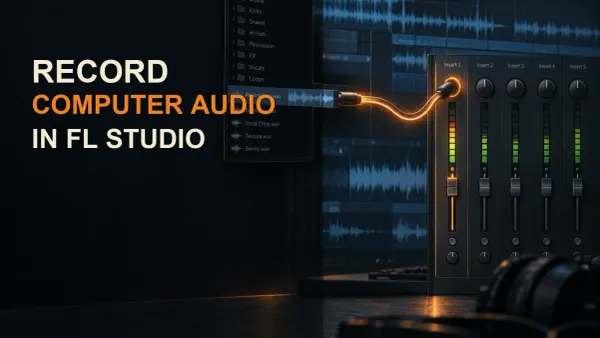
How to Record Computer Audio in FL Studio
Route browser or system audio into FL Studio with a virtual cable or loopback, record it through a dedicated Mixer Insert, and fix silence, feedback, clicks, and drift.
Read guide
9 min read
How to Record Computer Audio in FL Studio
Route browser or system audio into FL Studio with a virtual cable or loopback, record it through a dedicated Mixer Insert, and fix silence, feedback, clicks, and drift.
Read guide