 FL Studio
Record a clean take before you reach for effects
Build the signal path, hear the right source at a workable delay, capture it to the Playlist, and keep the original take recoverable. This route separates recording problems from mixing decisions.
The take starts at the input, not at the red button
A microphone can look active while FL Studio is listening to the wrong hardware input, monitoring through an awkward route, or writing the file somewhere you will not find later. The dependable order is physical connection, audio device, Mixer input, record destination, then the take. Once that path is clear, gain and performance become much easier to judge.
FL Studio can record external audio directly into the Playlist or into Edison. The official Audio Recording manual treats them as different tools: Playlist recording suits takes that belong on the song timeline, while Edison is useful for shorter capture and editing jobs. This hub keeps that choice practical instead of turning every session into the same setup.
Follow the signal in the order it actually travels
Start at the first unfinished job. A clean meter at the interface does not prove that the Mixer insert is receiving the same input, and a visible waveform does not prove that monitoring latency is comfortable.
 Choose the audio device
FL Studio Audio Settings: Fix Delay and Recording Latency
Set the driver, sample rate and buffer for the hardware you are actually using, without treating one buffer value as total system latency.
Set up audio
Choose the audio device
FL Studio Audio Settings: Fix Delay and Recording Latency
Set the driver, sample rate and buffer for the hardware you are actually using, without treating one buffer value as total system latency.
Set up audio
 Prove the controller path
Connect a MIDI Keyboard to FL Studio (Fix No Input)
If the performance is MIDI rather than audio, enable the correct input and separate controller detection from instrument and audio-output faults.
Repair MIDI input
Prove the controller path
Connect a MIDI Keyboard to FL Studio (Fix No Input)
If the performance is MIDI rather than audio, enable the correct input and separate controller detection from instrument and audio-output faults.
Repair MIDI input
 Place the take in a song
FL Studio Tutorial for Beginners: Make Your First Song
Use the Playlist, Channel Rack and Mixer together so the recording becomes part of an arrangement instead of an unnamed file outside the project.
Build the project
Place the take in a song
FL Studio Tutorial for Beginners: Make Your First Song
Use the Playlist, Channel Rack and Mixer together so the recording becomes part of an arrangement instead of an unnamed file outside the project.
Build the project
Playlist for song takes; Edison for focused capture and editing
Record vocals, guitars and other performances into the Playlist when the timing and take lanes belong to the arrangement. Use Edison when you need to capture a short sound, trim it closely, inspect it, or send a prepared selection elsewhere. Edison records into memory, so it is not the sensible default for a long uninterrupted session. Neither destination repairs clipping at the interface or a wrong Mixer input.
Open the guide for the take in front of you
This library grows in working order. Newly published recording guides appear here automatically; scheduled pages are kept out until readers can open them.
FL Studio Audio Settings: Fix Delay and Recording Latency
Open Options > Audio settings, choose the right ASIO or Core Audio device, and use the lowest buffer that stays clean. If the delay remains, test plugin latency, direct monitoring, and recording compensation instead of forcing the buffer lower.
Open the recording guide
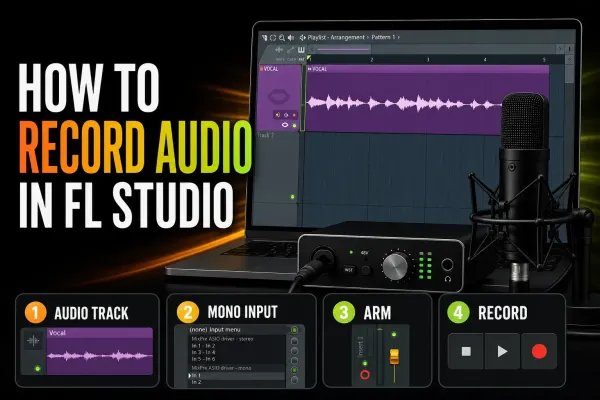 How to Record Audio in FL Studio: Clean Takes
Set the audio device and Mixer input, record a clean take into the Playlist, choose Edison only when it fits, and fix monitoring or alignment problems without guessing.
Open the recording guide
How to Record Audio in FL Studio: Clean Takes
Set the audio device and Mixer input, record a clean take into the Playlist, choose Edison only when it fits, and fix monitoring or alignment problems without guessing.
Open the recording guide
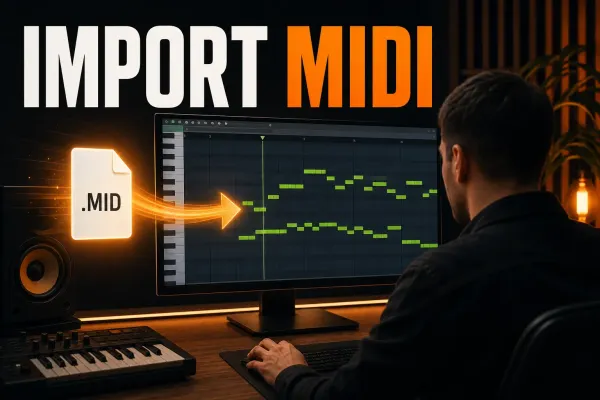 How to Import MIDI Files into FL Studio Safely
Bring single phrases or multitrack MIDI into FL Studio, choose the correct settings, assign instruments and keep notes and controller data aligned.
Open the recording guide
How to Import MIDI Files into FL Studio Safely
Bring single phrases or multitrack MIDI into FL Studio, choose the correct settings, assign instruments and keep notes and controller data aligned.
Open the recording guide
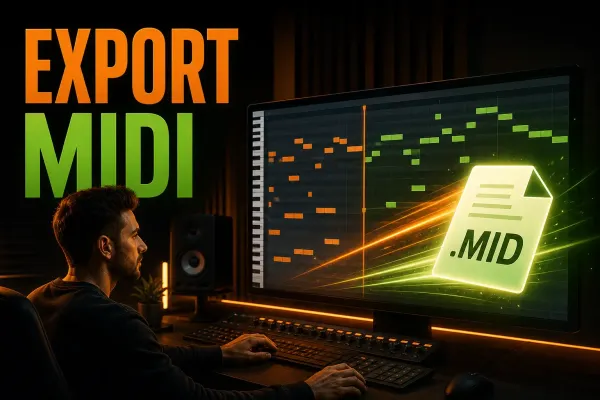 How to Export MIDI from FL Studio Without Losing Work
Export one Piano Roll part or a complete multichannel MIDI file from FL Studio, protect the original project and verify the handoff before sending it.
Open the recording guide
How to Export MIDI from FL Studio Without Losing Work
Export one Piano Roll part or a complete multichannel MIDI file from FL Studio, protect the original project and verify the handoff before sending it.
Open the recording guide
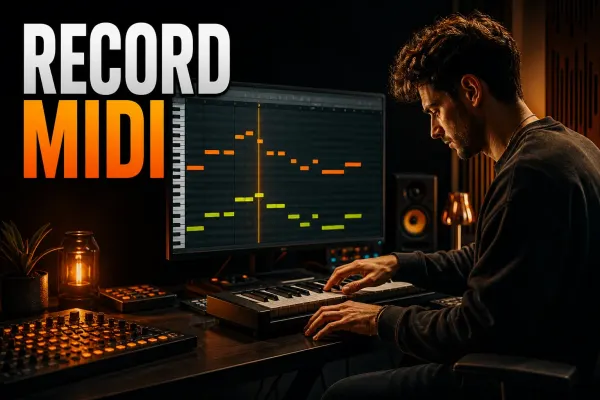 How to Record MIDI in FL Studio Without Losing the Take
Record a keyboard or pad performance into the right FL Studio Pattern, preserve intentional timing and recover an unrecorded idea with Score Logger.
Open the recording guide
How to Record MIDI in FL Studio Without Losing the Take
Record a keyboard or pad performance into the right FL Studio Pattern, preserve intentional timing and recover an unrecorded idea with Score Logger.
Open the recording guide
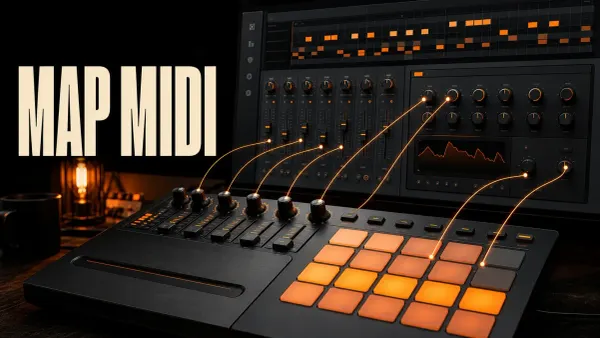 Map MIDI Knobs and Pads to FL Studio Controls
Assign hardware controls to FL Studio and plugin parameters, choose the right link scope and fix jumps or bad assignments without wiping the whole map.
Open the recording guide
Map MIDI Knobs and Pads to FL Studio Controls
Assign hardware controls to FL Studio and plugin parameters, choose the right link scope and fix jumps or bad assignments without wiping the whole map.
Open the recording guide
 How to Record Vocals in FL Studio: Clean Takes
Prepare the microphone, set gain and monitoring, record purposeful vocal takes, and build a reversible comp in FL Studio without losing the original audio.
Open the recording guide
How to Record Vocals in FL Studio: Clean Takes
Prepare the microphone, set gain and monitoring, record purposeful vocal takes, and build a reversible comp in FL Studio without losing the original audio.
Open the recording guide
 How to Record Guitar in FL Studio: DI, Amps & Acoustic
Connect the right guitar input, record an unprocessed DI or microphone, choose one monitoring path and keep the actual audio files with your FL Studio project.
Open the recording guide
How to Record Guitar in FL Studio: DI, Amps & Acoustic
Connect the right guitar input, record an unprocessed DI or microphone, choose one monitoring path and keep the actual audio files with your FL Studio project.
Open the recording guide
 FL Studio Microphone Not Working: Fix the Input
Find where your microphone stops working: the source, OS permission, selected device, Mixer input, listening path or Playlist recording controls.
Open the recording guide
FL Studio Microphone Not Working: Fix the Input
Find where your microphone stops working: the source, OS permission, selected device, Mixer input, listening path or Playlist recording controls.
Open the recording guide
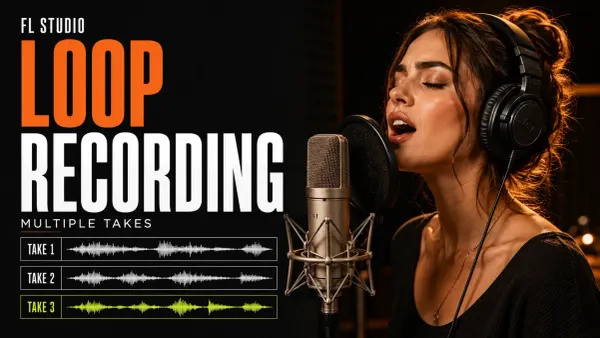 FL Studio Loop Recording: Separate Takes or Layers
Capture separate performances, build audible layers or select a marked Edison region. Set up the loop, inspect the routing and keep the takes you need.
Open the recording guide
FL Studio Loop Recording: Separate Takes or Layers
Capture separate performances, build audible layers or select a marked Edison region. Set up the loop, inspect the routing and keep the takes you need.
Open the recording guide
 Edison in FL Studio: Record, Edit and Export Audio
Choose the right Edison recording point, protect your raw audio, make precise edits and send only the sample you intend to use.
Open the recording guide
Edison in FL Studio: Record, Edit and Export Audio
Choose the right Edison recording point, protect your raw audio, make precise edits and send only the sample you intend to use.
Open the recording guide
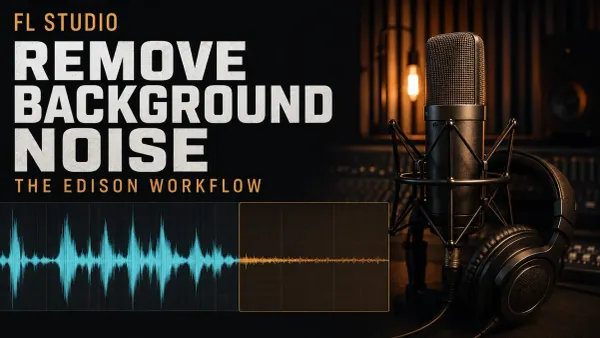 Remove Background Noise in FL Studio with Edison
Reduce steady hiss or hum without losing the performance: profile selection, Windows and Mac controls, removed-audio checks and a separate saved result.
Open the recording guide
Remove Background Noise in FL Studio with Edison
Reduce steady hiss or hum without losing the performance: profile selection, Windows and Mac controls, removed-audio checks and a separate saved result.
Open the recording guide
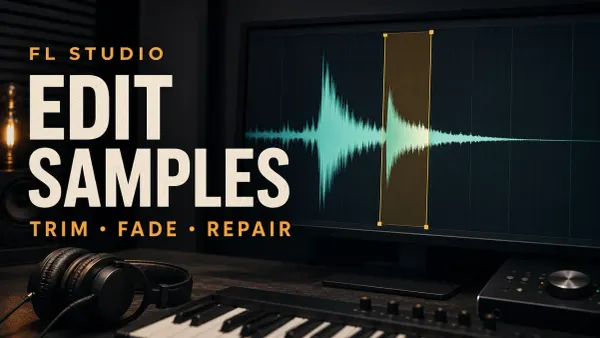 Edit Samples in FL Studio Edison: Trim, Fade & Fix Clicks
Keep the raw file, trim the exact keeper, repair the right kind of click and save a checked sample from Edison. Includes fade scope, declipping and source-copy safeguards.
Open the recording guide
Edit Samples in FL Studio Edison: Trim, Fade & Fix Clicks
Keep the raw file, trim the exact keeper, repair the right kind of click and save a checked sample from Edison. Includes fade scope, declipping and source-copy safeguards.
Open the recording guide
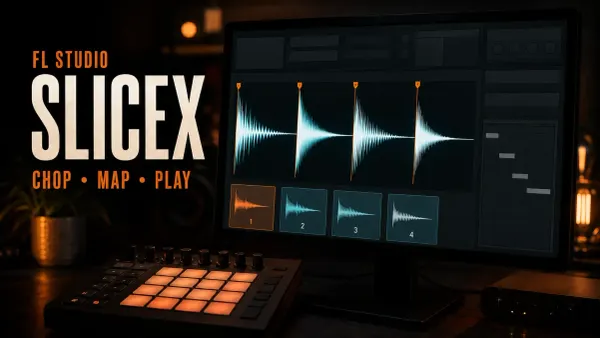 Slicex in FL Studio: Chop Samples, Map Pads & Fix Clicks
Make a playable instrument from a loop: choose regions, fix boundaries, map notes or pads, and check articulation, routing and source dependencies.
Open the recording guide
Slicex in FL Studio: Chop Samples, Map Pads & Fix Clicks
Make a playable instrument from a loop: choose regions, fix boundaries, map notes or pads, and check articulation, routing and source dependencies.
Open the recording guide
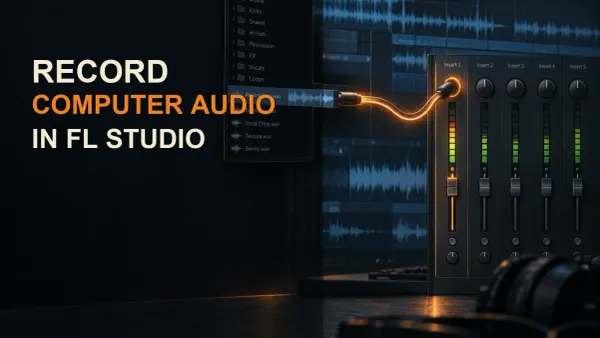 How to Record Computer Audio in FL Studio
Route browser or system audio into FL Studio with a virtual cable or loopback, record it through a dedicated Mixer Insert, and fix silence, feedback, clicks, and drift.
Open the recording guide
How to Record Computer Audio in FL Studio
Route browser or system audio into FL Studio with a virtual cable or loopback, record it through a dedicated Mixer Insert, and fix silence, feedback, clicks, and drift.
Open the recording guide
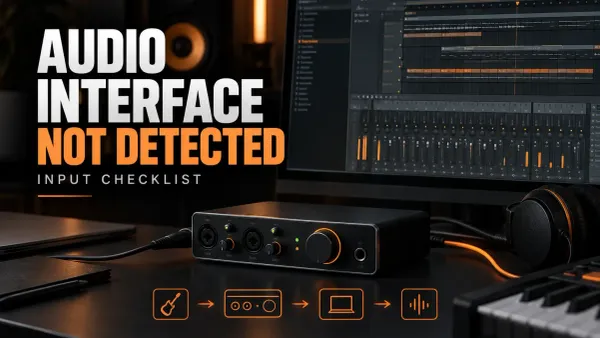 FL Studio Audio Interface Not Detected: Input Checklist
When FL Studio does not show your interface, follow the signal from power and driver selection to the Mixer input and meter before changing buffer settings or recording.
Open the recording guide
FL Studio Audio Interface Not Detected: Input Checklist
When FL Studio does not show your interface, follow the signal from power and driver selection to the Mixer input and meter before changing buffer settings or recording.
Open the recording guide
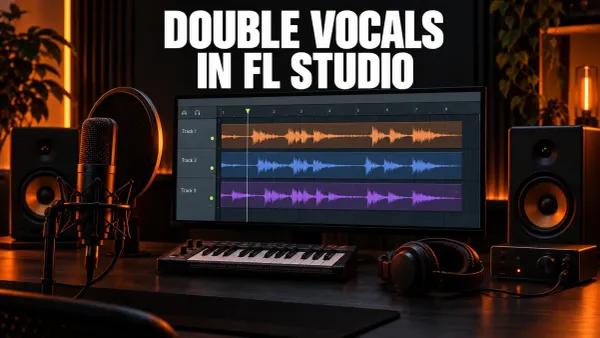 How to Double and Stack Vocals in FL Studio
Build vocal doubles from separate takes, route them to their own inserts and a bus, tighten the phrasing, and keep the lead clear. A stock chorus route covers working with just one recording.
Open the recording guide
How to Double and Stack Vocals in FL Studio
Build vocal doubles from separate takes, route them to their own inserts and a bus, tighten the phrasing, and keep the lead clear. A stock chorus route covers working with just one recording.
Open the recording guide
Before the first full take
- The intended mono or stereo hardware input moves the meter on one named Mixer insert.
- The loudest performance leaves headroom at the interface and inside FL Studio.
- Headphone monitoring is free from a doubled, delayed copy of the input.
- The project data folder and recording name make the new audio easy to identify.
- A short test take reopens, stays aligned and plays through the intended Mixer route.
When the take is safe, continue to Workflow for timing and Playlist edits or Mixing for tone, dynamics and space. If the meters stop or the output crackles, use Troubleshooting before recording another pass.
FL Studio recording questions
Should I record audio into the Playlist or Edison?
Use the Playlist for performances that belong on the song timeline and Edison for shorter capture or editing jobs. Long takes are normally better recorded to disk in the Playlist than held in Edison’s memory.
Why can I hear the microphone but FL Studio records silence?
Hearing direct monitoring from the interface does not prove that FL Studio receives the input. Confirm the selected audio device, operating-system microphone permission, the Mixer insert input and the record destination.
Should I record vocals with effects already on?
Keep a clean recoverable recording unless an effect is essential to the performance. Monitoring through comfort reverb can help a singer, but committing heavy EQ or compression removes options later.