 FL Studio
Start FL Studio in the right order
Choose the edition, install it cleanly, make audio reliable, then finish one small song. This route keeps shortcuts and plugins from becoming distractions before the basic workflow makes sense.
Learn by finishing one small project
The Channel Rack, Piano Roll, Playlist and Mixer handle different parts of the same project. Connect them by making one short track: pick sounds in the Channel Rack, write notes in the Piano Roll, place patterns in the Playlist and route the result through the Mixer. You do not need to learn every control before you start.
The six guides below follow that dependency order. You can also use Image-Line’s official Learn FL Studio lessons when you want a video demonstration of the workspace. Our route handles the decisions around those lessons: which edition removes the limits you care about, what to check before installing, and where to go when audio or MIDI stops the session.
Still deciding whether this is the right DAW? The FL Studio and Ableton workflow comparison can help you test the same idea in each program before choosing. For other buying questions, use Compare & Buy.
Follow the setup from license to first export
Do not read these as a course you must complete. Open the first unfinished job, make the change in FL Studio, and return for the next step.
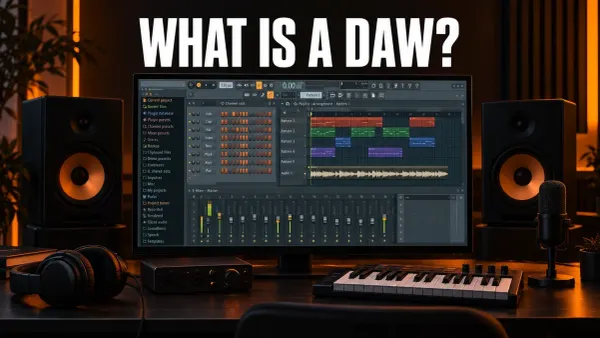 Know what you are choosing
What Is a DAW? Digital Audio Workstations Explained
See what a DAW does, how its main parts look in FL Studio and what you need to run one before picking an edition.
Learn what a DAW is
Know what you are choosing
What Is a DAW? Digital Audio Workstations Explained
See what a DAW does, how its main parts look in FL Studio and what you need to run one before picking an edition.
Learn what a DAW is
 Choose before downloading
How Much Is FL Studio? 2026 Prices and Best Edition
Compare the four editions by the work they unlock, including audio clips, recording and the plugin bundles.
Choose an edition
Choose before downloading
How Much Is FL Studio? 2026 Prices and Best Edition
Compare the four editions by the work they unlock, including audio clips, recording and the plugin bundles.
Choose an edition
 Install or update cleanly
How to Download and Install FL Studio on Windows or Mac
Protect projects and user files, use the official installer, then verify the build that actually opened.
Install FL Studio
Install or update cleanly
How to Download and Install FL Studio on Windows or Mac
Protect projects and user files, use the official installer, then verify the build that actually opened.
Install FL Studio
 Make audio dependable
FL Studio Audio Settings: Fix Delay and Recording Latency
Select the right device, sample rate and buffer for recording without mistaking one buffer number for total latency.
Set up audio
Make audio dependable
FL Studio Audio Settings: Fix Delay and Recording Latency
Select the right device, sample rate and buffer for recording without mistaking one buffer number for total latency.
Set up audio
 Finish a small song
FL Studio Tutorial for Beginners: Make Your First Song
Build drums and melody, arrange the loop, route the channels and export a first complete result.
Make the first track
Finish a small song
FL Studio Tutorial for Beginners: Make Your First Song
Build drums and melody, arrange the loop, route the channels and export a first complete result.
Make the first track
 Remove repeated friction
FL Studio Shortcuts: Keyboard Commands Worth Learning
Learn shortcuts by task only after you know which Channel Rack, Piano Roll, Playlist and Mixer actions you repeat.
Learn useful shortcuts
Remove repeated friction
FL Studio Shortcuts: Keyboard Commands Worth Learning
Learn shortcuts by task only after you know which Channel Rack, Piano Roll, Playlist and Mixer actions you repeat.
Learn useful shortcuts
If the MIDI keyboard appears but plays nothing
You can still build the first project by drawing notes with the mouse; a MIDI keyboard is optional. If you want to play the part from your controller, first check that FL Studio detects and enables its input, then check the selected instrument and audio output. The MIDI input checklist separates those problems before you try reinstalling anything.
Open the guide for the task in front of you
This list includes every live guide assigned to this route. Scheduled and draft pages stay out until readers can open them.
FL Studio Audio Settings: Fix Delay and Recording Latency
Open Options > Audio settings, choose the right ASIO or Core Audio device, and use the lowest buffer that stays clean. If the delay remains, test plugin latency, direct monitoring, and recording compensation instead of forcing the buffer lower.
Open the guide
How Much Is FL Studio? 2026 Prices and Best Edition
FL Studio’s regular US list prices run from $99 to $449 for a one-time purchase. This guide compares every edition, explains the unlimited trial, and shows which license makes sense for your workflow.
Open the guide
FL Studio Tutorial for Beginners: Make Your First Song
A practical FL Studio beginner tutorial that takes one idea from the Channel Rack to the Playlist, Mixer and a finished WAV or MP3 export.
Open the guide
How to Download and Install FL Studio on Windows or Mac
A safe, practical route from the official FL Studio download to a working Windows or Mac installation, license unlock, first launch and future updates.
Open the guide
FL Studio Shortcuts: Keyboard Commands Worth Learning
A practical FL Studio shortcut guide for Windows and Mac, organized around the moves that save time in real projects.
Open the guide
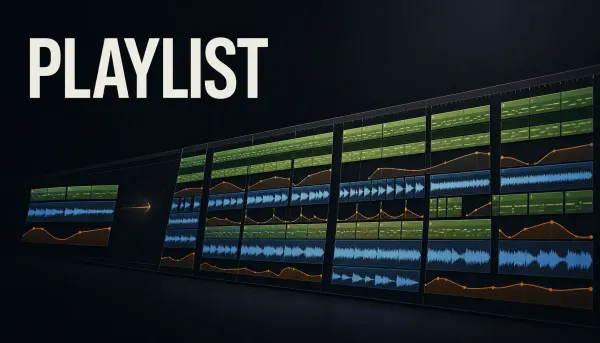 FL Studio Playlist: Arrange a Song Without Losing Control
Turn patterns, audio and automation into a clear FL Studio arrangement, with practical track organization, markers, versions and fixes.
Open the guide
FL Studio Playlist: Arrange a Song Without Losing Control
Turn patterns, audio and automation into a clear FL Studio arrangement, with practical track organization, markers, versions and fixes.
Open the guide
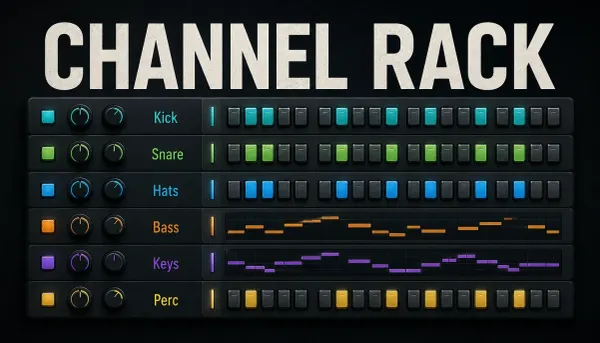 FL Studio Channel Rack Explained
Understand what the Channel Rack stores, how channels and patterns relate, when to use steps or Piano Roll, and how to route and organize safely.
Open the guide
FL Studio Channel Rack Explained
Understand what the Channel Rack stores, how channels and patterns relate, when to use steps or Piano Roll, and how to route and organize safely.
Open the guide
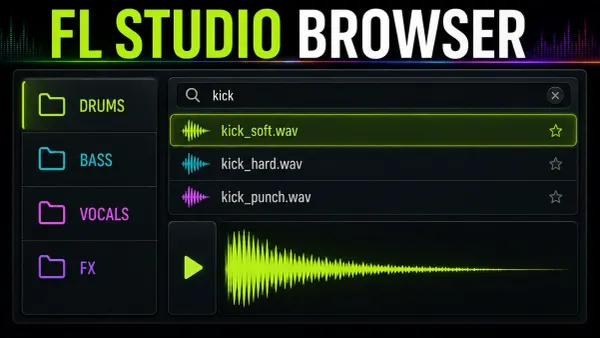 FL Studio Browser: Find Sounds Fast
Find and preview sources in the FL Studio Browser, choose the right loading destination, and separate library paths, favorites and project backups.
Open the guide
FL Studio Browser: Find Sounds Fast
Find and preview sources in the FL Studio Browser, choose the right loading destination, and separate library paths, favorites and project backups.
Open the guide
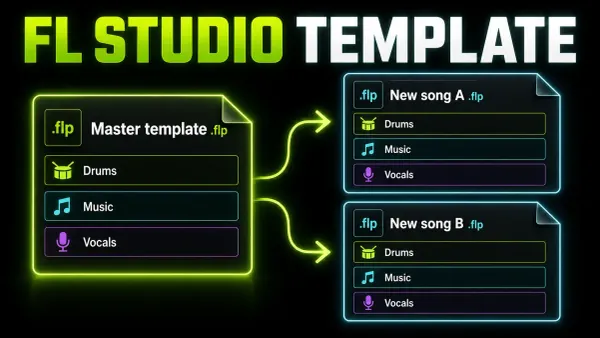 Build a Reusable FL Studio Project Template
Build a lean FL Studio starter with clear lanes, safe Mixer routing and reliable file handling. Save it as a template without carrying old song data forward.
Open the guide
Build a Reusable FL Studio Project Template
Build a lean FL Studio starter with clear lanes, safe Mixer routing and reliable file handling. Save it as a template without carrying old song data forward.
Open the guide
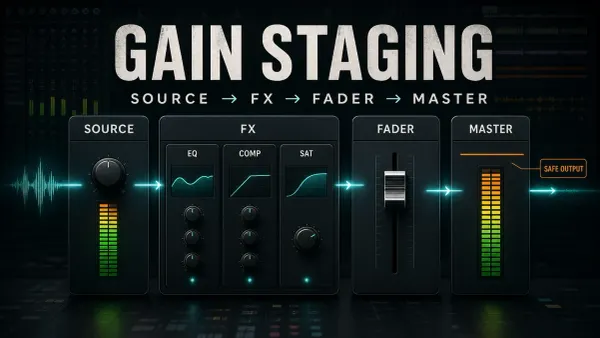 FL Studio Gain Staging: Source, Effects and Master
Find the stage that needs a different level: source, processor input, track balance or final output. No compulsory peak targets for every track.
Open the guide
FL Studio Gain Staging: Source, Effects and Master
Find the stage that needs a different level: source, processor input, track balance or final output. No compulsory peak targets for every track.
Open the guide
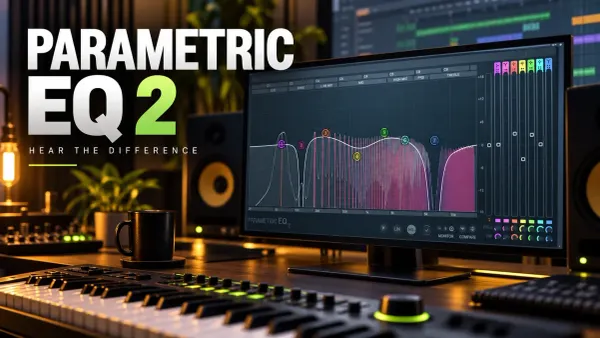 Fruity Parametric EQ 2: Bands, Solo, HQ and LIN
Choose the right EQ shape, hear what Band Solo actually auditions, separate analyzer settings from processing, and compare without letting loudness decide.
Open the guide
Fruity Parametric EQ 2: Bands, Solo, HQ and LIN
Choose the right EQ shape, hear what Band Solo actually auditions, separate analyzer settings from processing, and compare without letting loudness decide.
Open the guide
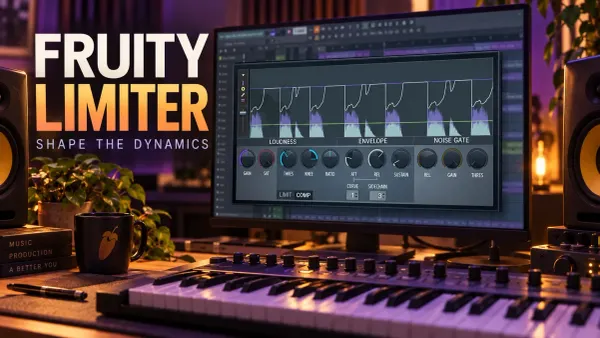 Fruity Limiter Compression: Controls, Timing and Fixes
Make Fruity Limiter control dynamics without losing the attack: separate its processing stages, read the RMS detector and hear what each timing control changes.
Open the guide
Fruity Limiter Compression: Controls, Timing and Fixes
Make Fruity Limiter control dynamics without losing the attack: separate its processing stages, read the RMS detector and hear what each timing control changes.
Open the guide
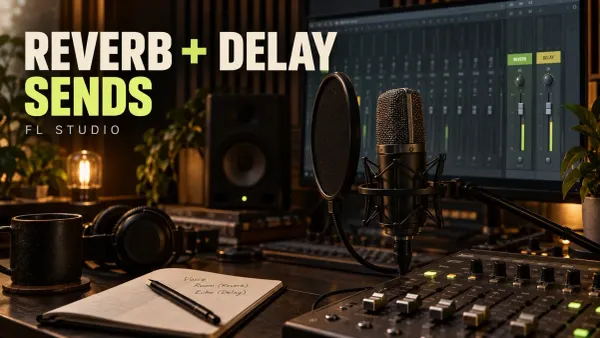 Reverb and Delay Sends in FL Studio: Clean Routing
Keep the vocal clear while adding a shared room and echo. Build wet-only returns, choose the right send control and fix dry leaks before balancing the effect.
Open the guide
Reverb and Delay Sends in FL Studio: Clean Routing
Keep the vocal clear while adding a shared room and echo. Build wet-only returns, choose the right send control and fix dry leaks before balancing the effect.
Open the guide
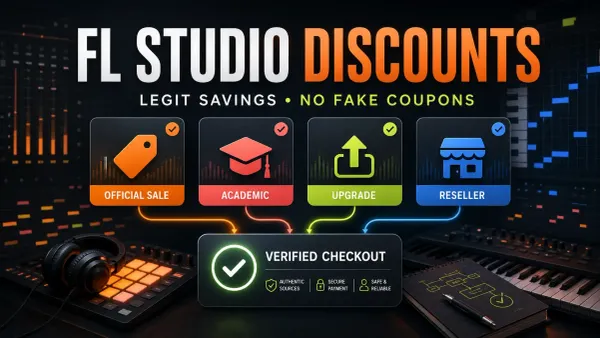 FL Studio Discounts: Sales, Student Deals and Upgrades
Check legitimate sales, academic restrictions, existing-owner upgrades and verified partner offers. Compare the payable total, not just a discount percentage.
Open the guide
FL Studio Discounts: Sales, Student Deals and Upgrades
Check legitimate sales, academic restrictions, existing-owner upgrades and verified partner offers. Compare the payable total, not just a discount percentage.
Open the guide
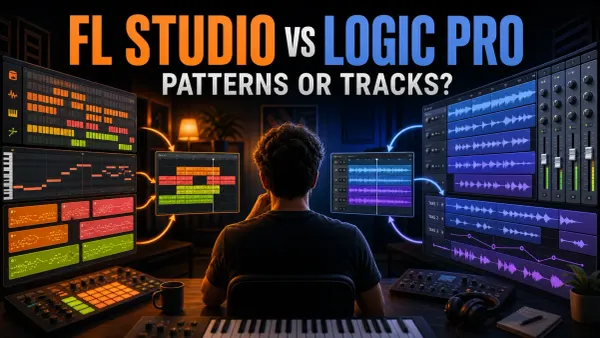 FL Studio vs Logic Pro: Beats, Recording and Real Cost
Choose between FL Studio’s pattern-led workflow and Logic Pro’s track-based recording tools, with current platform, license and project-transfer limits made explicit.
Open the guide
FL Studio vs Logic Pro: Beats, Recording and Real Cost
Choose between FL Studio’s pattern-led workflow and Logic Pro’s track-based recording tools, with current platform, license and project-transfer limits made explicit.
Open the guide
 FL Studio vs REAPER: Beats, Recording and Real Cost
Compare pattern-led writing with track-based recording, then check the tools, license terms and project-transfer work each DAW would require.
Open the guide
FL Studio vs REAPER: Beats, Recording and Real Cost
Compare pattern-led writing with track-based recording, then check the tools, license terms and project-transfer work each DAW would require.
Open the guide
 FL Studio 2026: New Features, Limits and Update Guide
Check the current FL Studio 2026 patch, choose the features you need, and preserve a recoverable original before testing an update.
Open the guide
FL Studio 2026: New Features, Limits and Update Guide
Check the current FL Studio 2026 patch, choose the features you need, and preserve a recoverable original before testing an update.
Open the guide
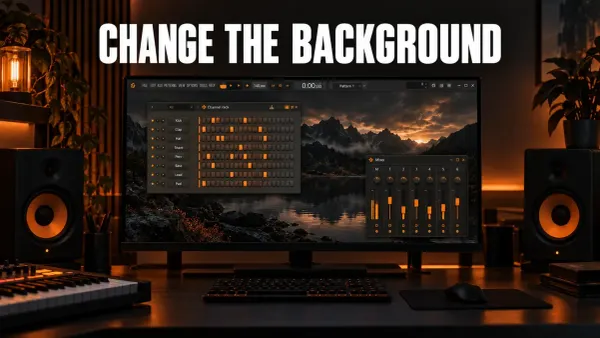 How to Change the FL Studio Background and Theme
Set a wallpaper or plain color behind FL Studio's windows, give the Playlist its own picture, and change, save and share themes with the Theme editor.
Open the guide
What Is a DAW? Digital Audio Workstations Explained
DAW stands for digital audio workstation: the software you record, arrange and mix music in. Here are its parts shown in FL Studio, what you need to run one and what it costs.
Open the guide
How to Change the FL Studio Background and Theme
Set a wallpaper or plain color behind FL Studio's windows, give the Playlist its own picture, and change, save and share themes with the Theme editor.
Open the guide
What Is a DAW? Digital Audio Workstations Explained
DAW stands for digital audio workstation: the software you record, arrange and mix music in. Here are its parts shown in FL Studio, what you need to run one and what it costs.
Open the guide
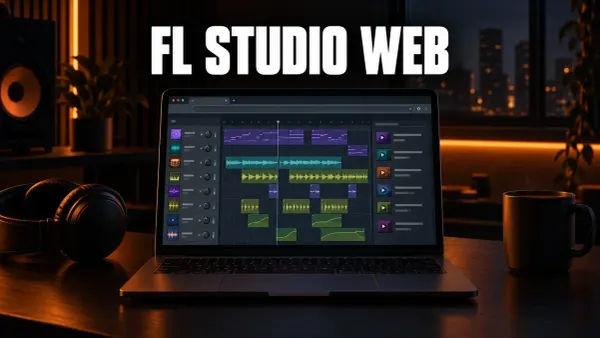 FL Studio Web: What It Is, Cost, Browsers and Desktop Transfer
FL Studio Web runs in your browser with no download. Here is what it is, the current beta terms, which browsers work, what is inside and how a Web project moves to FL Studio on desktop.
Open the guide
FL Studio Web: What It Is, Cost, Browsers and Desktop Transfer
FL Studio Web runs in your browser with no download. Here is what it is, the current beta terms, which browsers work, what is inside and how a Web project moves to FL Studio on desktop.
Open the guide
 What Is a VST Plugin? VST, VST3, AU and CLAP Explained
VST stands for Virtual Studio Technology: Steinberg's plugin standard for instruments and effects that run inside a DAW. Here is how it works, VST2 vs VST3, AU, AAX and CLAP, and how FL Studio handles them.
Open the guide
What Is a VST Plugin? VST, VST3, AU and CLAP Explained
VST stands for Virtual Studio Technology: Steinberg's plugin standard for instruments and effects that run inside a DAW. Here is how it works, VST2 vs VST3, AU, AAX and CLAP, and how FL Studio handles them.
Open the guide
 Free FL Studio Alternatives: Which Free DAW Should You Use?
FL Studio's trial never expires but won't reopen saved projects. Here is what free FL Studio can do, and which free DAW fits pattern beats, vocals, a Mac or a browser, with each app's documented limits.
Open the guide
Free FL Studio Alternatives: Which Free DAW Should You Use?
FL Studio's trial never expires but won't reopen saved projects. Here is what free FL Studio can do, and which free DAW fits pattern beats, vocals, a Mac or a browser, with each app's documented limits.
Open the guide
You are ready to leave the beginner path when…
- You know which edition or trial you are using and which restrictions apply.
- A small test pattern plays cleanly through the audio device you intend to use.
- You can turn a pattern into a short Playlist arrangement instead of leaving it as an eight-bar loop.
- Important channels reach named Mixer inserts and the Master without mystery routes.
- You can save the project and export a playable audio file. In an unlocked installation, also check that the project reopens with its audio and plugins intact.
The standard FL Studio trial cannot reopen saved projects until purchase. Export your sketch before closing it; that restriction is not a sign that you saved it incorrectly. Full recall after purchase also depends on having the required plugin licenses.
If one of those checks fails, return to the matching guide rather than buying more plugins. When they all pass, the next useful route is usually Mixing for balance and routing, or Sound Design when the notes work but the sounds still feel generic.
FL Studio beginner questions
Which FL Studio guide should a complete beginner open first?
If the word DAW is still new, start with what a DAW does. If you have not bought FL Studio, open the edition comparison. If it is installed already, set up audio and then make the small project in the beginner tutorial. Shortcuts become useful after that workflow is familiar.
Do I need third-party plugins for my first track?
No. A first project is more useful when stock instruments and effects keep the setup simple. Add a third-party plugin only when you can name the specific job your current tools cannot do.
Should I learn the Channel Rack or Playlist first?
Use them together. Build a short drum or instrument pattern in the Channel Rack, then place it in the Playlist. This connects the notes you wrote with the arrangement you hear in Song mode.
Do I need a MIDI keyboard to learn FL Studio?
No. You can add drum steps and draw notes with the mouse. A MIDI keyboard is useful for playing parts, but a controller problem does not have to stop you learning the basic workflow.