 FL Studio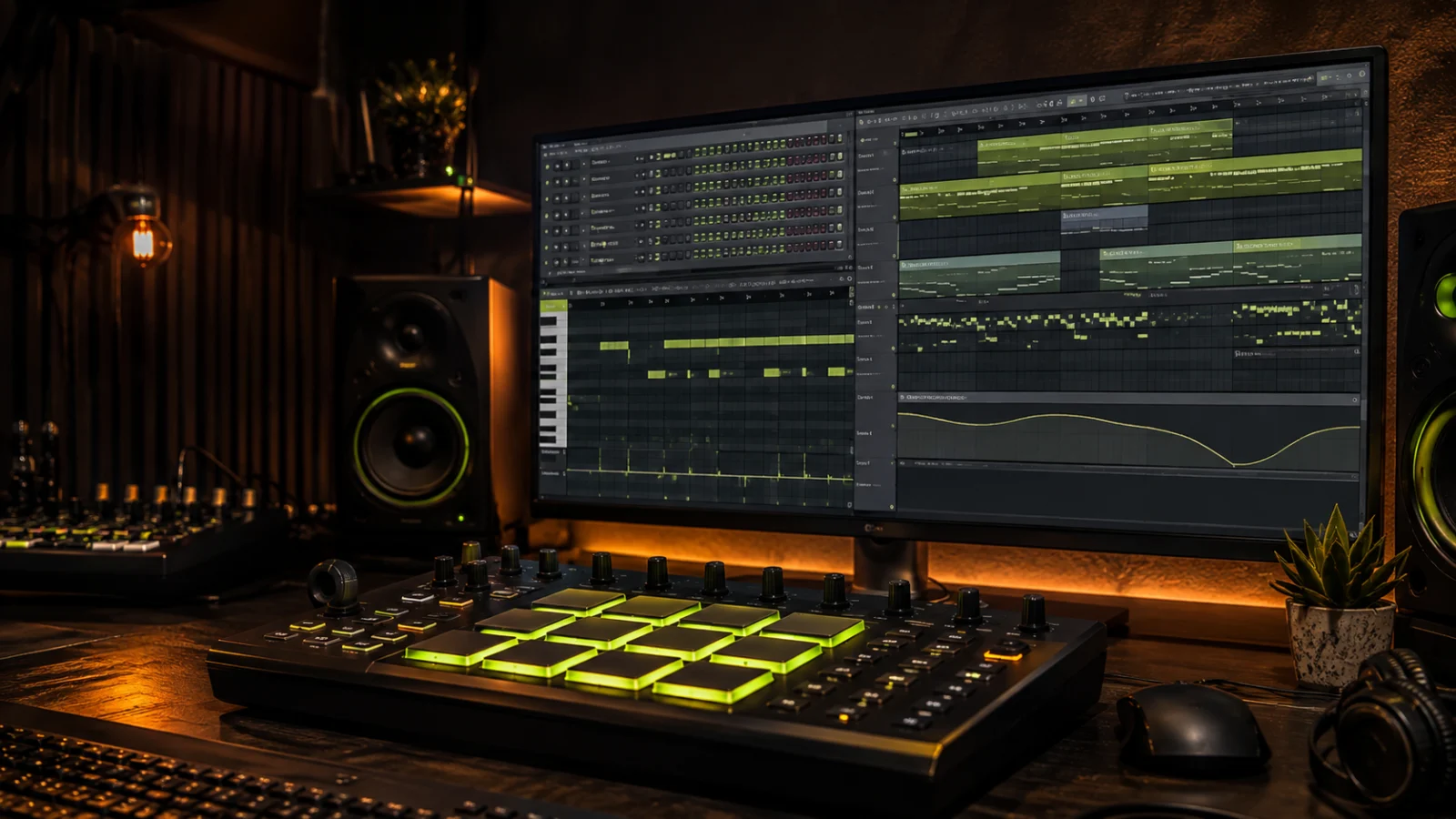
Build the groove before adding another sound
Turn a small drum pattern into a complete beat, give velocity and swing a purpose, tune the 808, and arrange enough change to carry the listener beyond four bars.
Prove the kick, snare and pulse in a small loop
A crowded Channel Rack can hide a weak rhythm. Start with the few sounds that define the pulse, listen at a steady level, and make the pattern move before adding fills or texture. The Step Sequencer is efficient for repeated drum hits; the Piano Roll earns its place when timing, velocity, rolls or pitched bass need finer control.
The current Channel Rack manual separates the rack, its Step Sequencer and the instruments it controls. Keeping those roles clear prevents a beatmaking guide from turning into a tour of every button.
Build the beat in dependency order
Learn the full route once, then isolate the tool causing the current bottleneck. Drum programming comes before swing, and 808 tuning comes before slides or mix processing.
 Build a complete first beat
How to Make a Beat in FL Studio: Start to Finish
Move from sound choice and pattern writing to a simple arrangement and clean export.
Make the beat
Build a complete first beat
How to Make a Beat in FL Studio: Start to Finish
Move from sound choice and pattern writing to a simple arrangement and clean export.
Make the beat
 Program the core pattern
FL Studio Step Sequencer: Steps, Length & Velocity
Use steps for repeated hits and move to the Piano Roll when the rhythm needs finer control.
Use the Step Sequencer
Program the core pattern
FL Studio Step Sequencer: Steps, Length & Velocity
Use steps for repeated hits and move to the Piano Roll when the rhythm needs finer control.
Use the Step Sequencer
 Make the drums answer one another
FL Studio Drum Patterns: 3 Grooves, Accents & Fills
Build variation around musical roles rather than filling every empty step.
Improve drum patterns
Make the drums answer one another
FL Studio Drum Patterns: 3 Grooves, Accents & Fills
Build variation around musical roles rather than filling every empty step.
Improve drum patterns
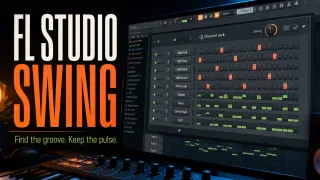 Add controlled swing and groove
FL Studio Swing: Add Groove Without Losing the Beat
Change feel after the straight pattern works, then check every layer that follows the swing setting.
Add groove
Add controlled swing and groove
FL Studio Swing: Add Groove Without Losing the Beat
Change feel after the straight pattern works, then check every layer that follows the swing setting.
Add groove
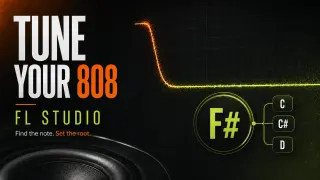 Tune the 808
How to Tune an 808 in FL Studio: Root Note and Cents
Confirm the sample root and write bass notes that support the musical key.
Tune the 808
Tune the 808
How to Tune an 808 in FL Studio: Root Note and Cents
Confirm the sample root and write bass notes that support the musical key.
Tune the 808
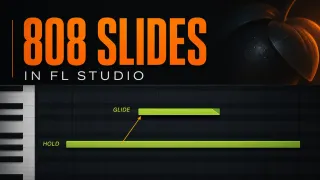 Write slides that land intentionally
808 Slides in FL Studio: Glide Notes and Fixes
Use slide notes as transitions or emphasis after the main bass line works.
Build 808 slides
Write slides that land intentionally
808 Slides in FL Studio: Glide Notes and Fixes
Use slide notes as transitions or emphasis after the main bass line works.
Build 808 slides
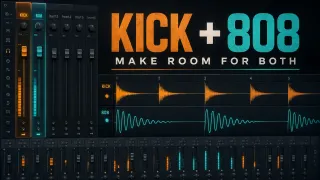 Make the bass translate
How to Mix 808s in FL Studio Without Mud
Balance level, low-end space and audible harmonics without crushing every peak.
Mix the 808
Make the bass translate
How to Mix 808s in FL Studio Without Mud
Balance level, low-end space and audible harmonics without crushing every peak.
Mix the 808
Before arranging the loop
- The kick, snare and hat roles are clear at a quiet monitoring level.
- Velocity and timing differences create an audible groove.
- The 808 root note and project key agree.
- Slides resolve to deliberate pitches rather than random grid positions.
- The loop has at least one planned contrast for the next song section.
Use Piano Roll & MIDI for note editing, Workflow to escape the repeated loop, and Mixing after the arrangement works.
Open the guide for the task in front of you
This list includes every live guide assigned to this route. Scheduled and draft pages stay out until readers can open them.
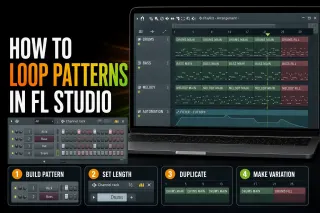 How to Loop Patterns in FL Studio Without a Static Beat
Repeat Pattern Clips with Paint or Ctrl/Cmd+B, set the real pattern length, create variations safely and fix the loops that restart early or stack notes.
Open the guide
How to Make a Beat in FL Studio: Start to Finish
Build a beat from a counted drum grid and a two-bar melody. Turn the loop into a 32-bar practice arrangement, make a rough balance and check the finished audio.
Open the guide
FL Studio Step Sequencer: Steps, Length & Velocity
Program a counted drum loop, control 16- and 32-step lengths, shape velocity and fix missing buttons or unexpected repeats without losing your notes.
Open the guide
FL Studio Drum Patterns: 3 Grooves, Accents & Fills
Program three counted drum grooves, compare hi-hat accents and turn a one-bar pattern into an A/B phrase without changing the original.
Open the guide
FL Studio Swing: Add Groove Without Losing the Beat
Hear what Global Swing actually moves, set each instrument’s response and choose a groove template or local note edit without changing the wrong Pattern.
Open the guide
How to Tune an 808 in FL Studio: Root Note and Cents
Find the original 808 pitch with or without Edison, avoid the root-octave trap and tell a wrong note from a small cents error before writing the bass line.
Open the guide
808 Slides in FL Studio: Glide Notes and Fixes
Build one audible 808 slide, control its landing and add a return. Keep native Slide notes separate from Mono, portamento and third-party plugin glide.
Open the guide
How to Mix 808s in FL Studio Without Mud
Balance the kick and bass, fix unwanted tails and use EQ, harmonics or ducking only where they help. Includes routing, input-gain and mono checks.
Open the guide
How to Loop Patterns in FL Studio Without a Static Beat
Repeat Pattern Clips with Paint or Ctrl/Cmd+B, set the real pattern length, create variations safely and fix the loops that restart early or stack notes.
Open the guide
How to Make a Beat in FL Studio: Start to Finish
Build a beat from a counted drum grid and a two-bar melody. Turn the loop into a 32-bar practice arrangement, make a rough balance and check the finished audio.
Open the guide
FL Studio Step Sequencer: Steps, Length & Velocity
Program a counted drum loop, control 16- and 32-step lengths, shape velocity and fix missing buttons or unexpected repeats without losing your notes.
Open the guide
FL Studio Drum Patterns: 3 Grooves, Accents & Fills
Program three counted drum grooves, compare hi-hat accents and turn a one-bar pattern into an A/B phrase without changing the original.
Open the guide
FL Studio Swing: Add Groove Without Losing the Beat
Hear what Global Swing actually moves, set each instrument’s response and choose a groove template or local note edit without changing the wrong Pattern.
Open the guide
How to Tune an 808 in FL Studio: Root Note and Cents
Find the original 808 pitch with or without Edison, avoid the root-octave trap and tell a wrong note from a small cents error before writing the bass line.
Open the guide
808 Slides in FL Studio: Glide Notes and Fixes
Build one audible 808 slide, control its landing and add a return. Keep native Slide notes separate from Mono, portamento and third-party plugin glide.
Open the guide
How to Mix 808s in FL Studio Without Mud
Balance the kick and bass, fix unwanted tails and use EQ, harmonics or ducking only where they help. Includes routing, input-gain and mono checks.
Open the guide
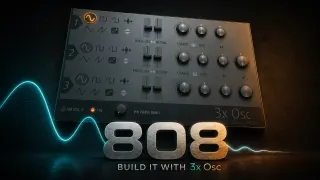 Make an 808 in FL Studio with 3xOSC
Build a playable 808 from one sine, choose how its notes end, add presence only when needed and save a patch that reloads with its envelopes.
Open the guide
Make an 808 in FL Studio with 3xOSC
Build a playable 808 from one sine, choose how its notes end, add presence only when needed and save a patch that reloads with its envelopes.
Open the guide
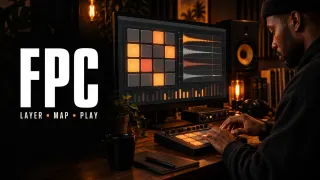 FPC in FL Studio: Build and Play a Velocity-Layered Drum Kit
Build an FPC drum kit with velocity layers, round robin, MIDI pad mapping, hi-hat choke groups, separate Mixer outputs and reliable preset saving.
Open the guide
FPC in FL Studio: Build and Play a Velocity-Layered Drum Kit
Build an FPC drum kit with velocity layers, round robin, MIDI pad mapping, hi-hat choke groups, separate Mixer outputs and reliable preset saving.
Open the guide
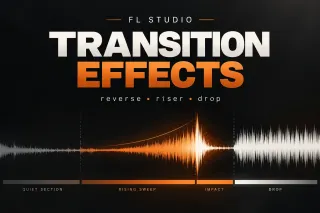 How to Make FL Studio Transition Effects That Actually Work
Build FL Studio transition effects with reverse hits, risers, filter and pitch movement, fills, delay tails and clean drops that land on time.
Open the guide
How to Make FL Studio Transition Effects That Actually Work
Build FL Studio transition effects with reverse hits, risers, filter and pitch movement, fills, delay tails and clean drops that land on time.
Open the guide
 How to Change Key in FL Studio: Transpose a Whole Project
Transpose melodic Patterns by one semitone interval, apply the same shift to Audio Clips, and keep unpitched drums unchanged. Check shared sources before repeating edits.
Open the guide
How to Change Key in FL Studio: Transpose a Whole Project
Transpose melodic Patterns by one semitone interval, apply the same shift to Audio Clips, and keep unpitched drums unchanged. Check shared sources before repeating edits.
Open the guide
FL Studio beatmaking questions
Should I program drums in the Step Sequencer or Piano Roll?
Use the Step Sequencer for fast repeated hits. Move to the Piano Roll when the part needs precise note lengths, rolls, pitched movement or detailed velocity and timing edits.
When should I add swing?
After the straight pattern already communicates the groove. Add a small amount, listen to which channels follow it, and avoid using swing to disguise weak placement.
Do I need to tune every 808 sample?
If the 808 functions as bass, confirm its root note and play it in key. A short kick-like 808 may be judged more by transient and decay, but its sustained tone can still clash with the song.