FL Studio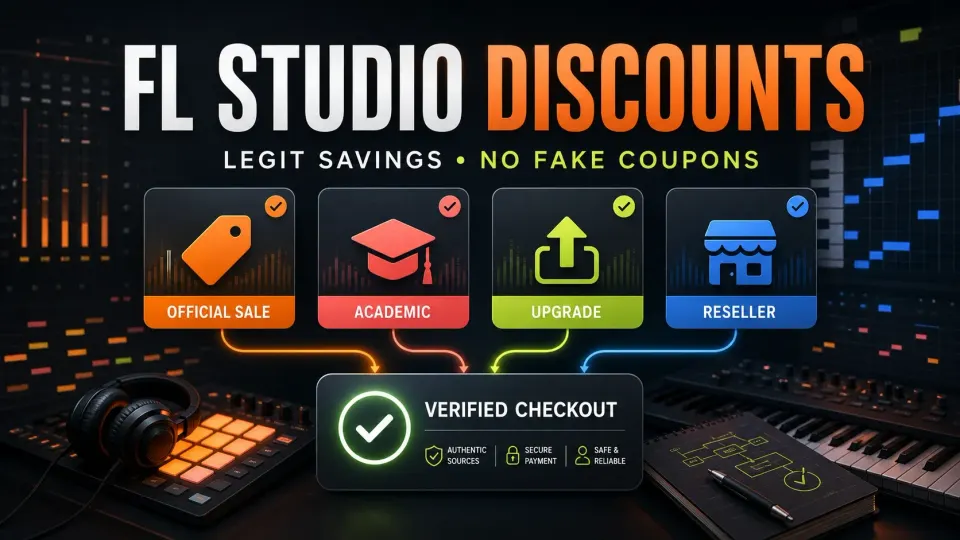
Legitimate FL Studio discounts come from three places: official promotions, eligible academic licenses and authorized sellers. Existing owners should check their signed-in upgrade quote first. A coupon only helps if the right seller accepts it for the right product. Before you pay, check commercial-use rights, tax and any subscription that keeps running. I don’t publish permanent codes or sale-date guesses; the checks below are what protect your money.
My rule: start with the edition your next project needs. A discounted bundle you will never use can still cost more than the smaller license that fits. The seven-step checklist below works whether you’re buying direct, taking an academic offer or using a verified partner deal.
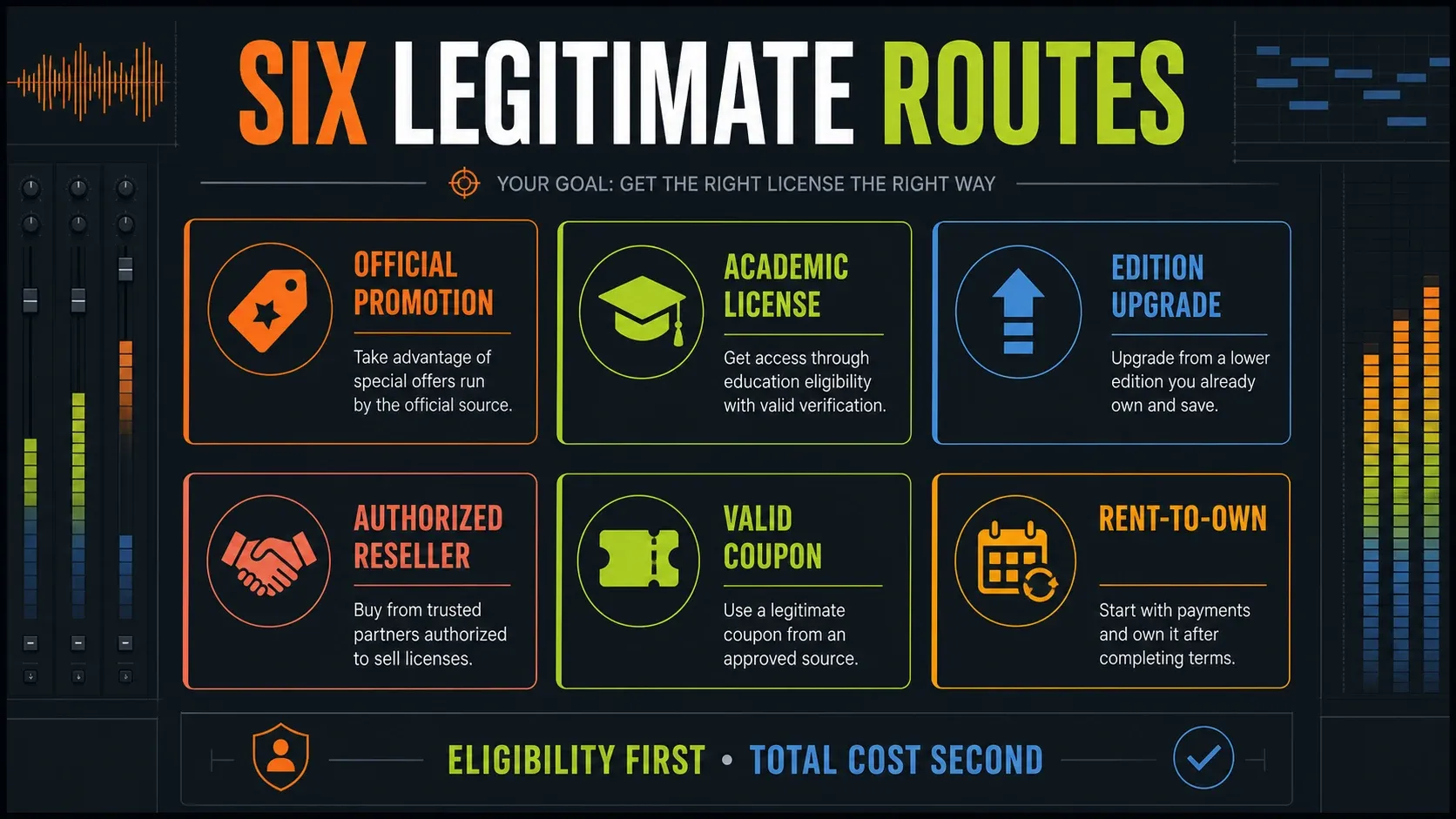
The legitimate FL Studio discount routes
| Route | Who it fits | Main check |
|---|---|---|
| Official promotion | New or existing customers named by the offer | Current terms and final logged-in checkout |
| Academic license | Eligible students and teachers; separate institutional arrangements | Personal versus institution-owned license and noncommercial restrictions |
| Edition upgrade | Registered FL Studio owners | Personal account price and sale-period parity |
| Authorized reseller | Buyers comparing local tax, currency or boxed/serial offers | Trace seller authorization through Image-Line or its listed distributor |
| Image-Line or verified partner coupon | Buyers meeting the named campaign conditions | Use the checkout specified by that offer; do not assume stacking |
| Rent-to-Own | Buyers who need monthly payments | Higher total than outright purchase; check continuing FL Cloud charges |
The official promotion policy is deliberately cautious. Promotions are occasional and aren’t announced far in advance. Active campaigns go out through account/newsletter channels and Image-Line news. A social post predicting next Black Friday’s percentage is someone’s guess, and Image-Line hasn’t promised anything of the kind.
Check official promotions without chasing rumors
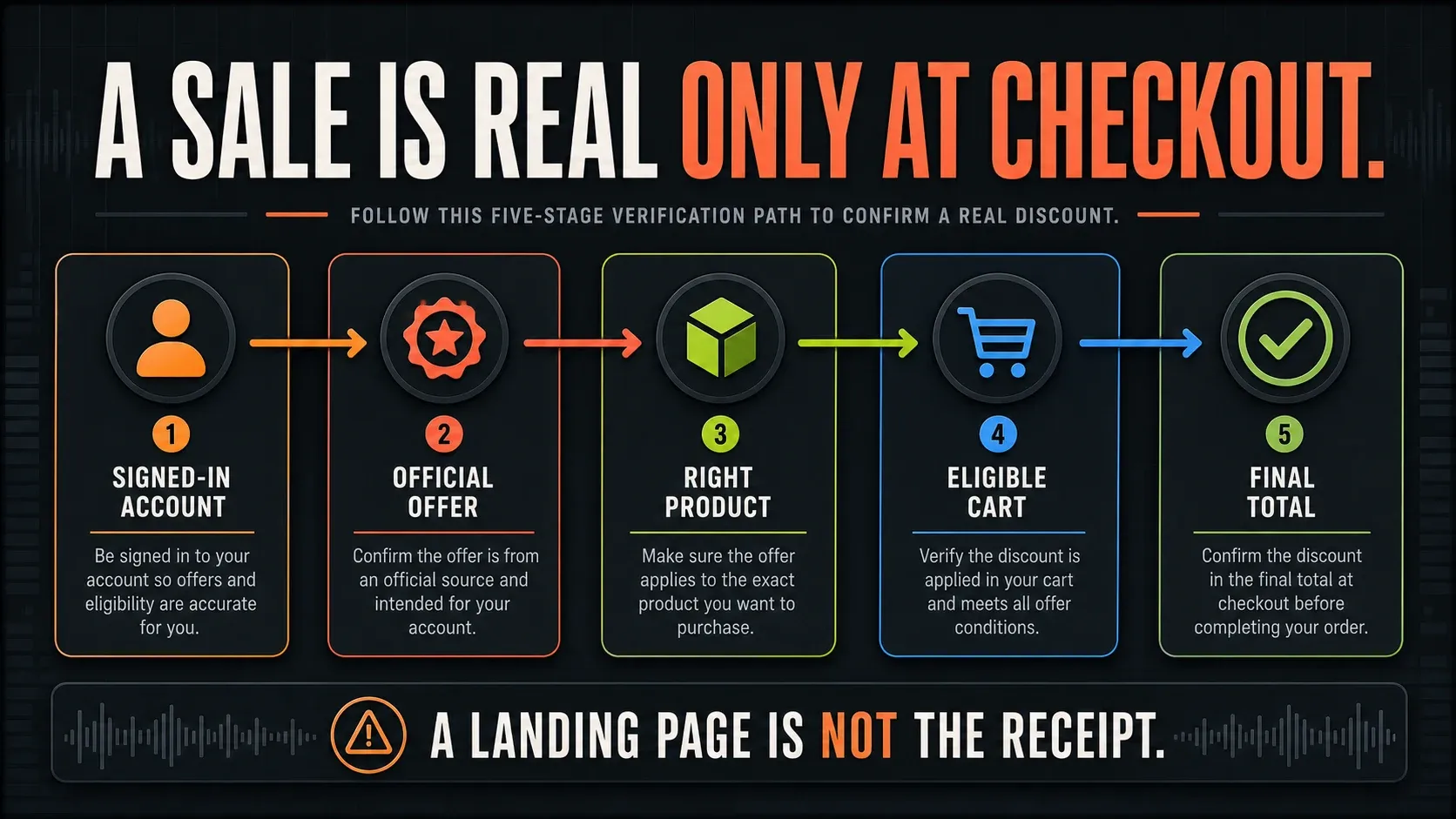
For a direct Image-Line promotion, check your account, the official news page and the final cart for your exact edition. A search snippet can outlive the offer. Also tell new-license promotions apart from upgrade offers: a percentage advertised to one group doesn’t automatically apply to the other.
A dated campaign promises nothing about the future. The September 2026 All Plugins campaign, for example, advertised a September 15 deadline and has since ended. Its page now opens Image-Line’s offer-ended notice. I don’t treat any sale as active until the live eligible cart shows it. For features and edition prices, use our FL Studio edition comparison.
Student pricing saves money but changes the license
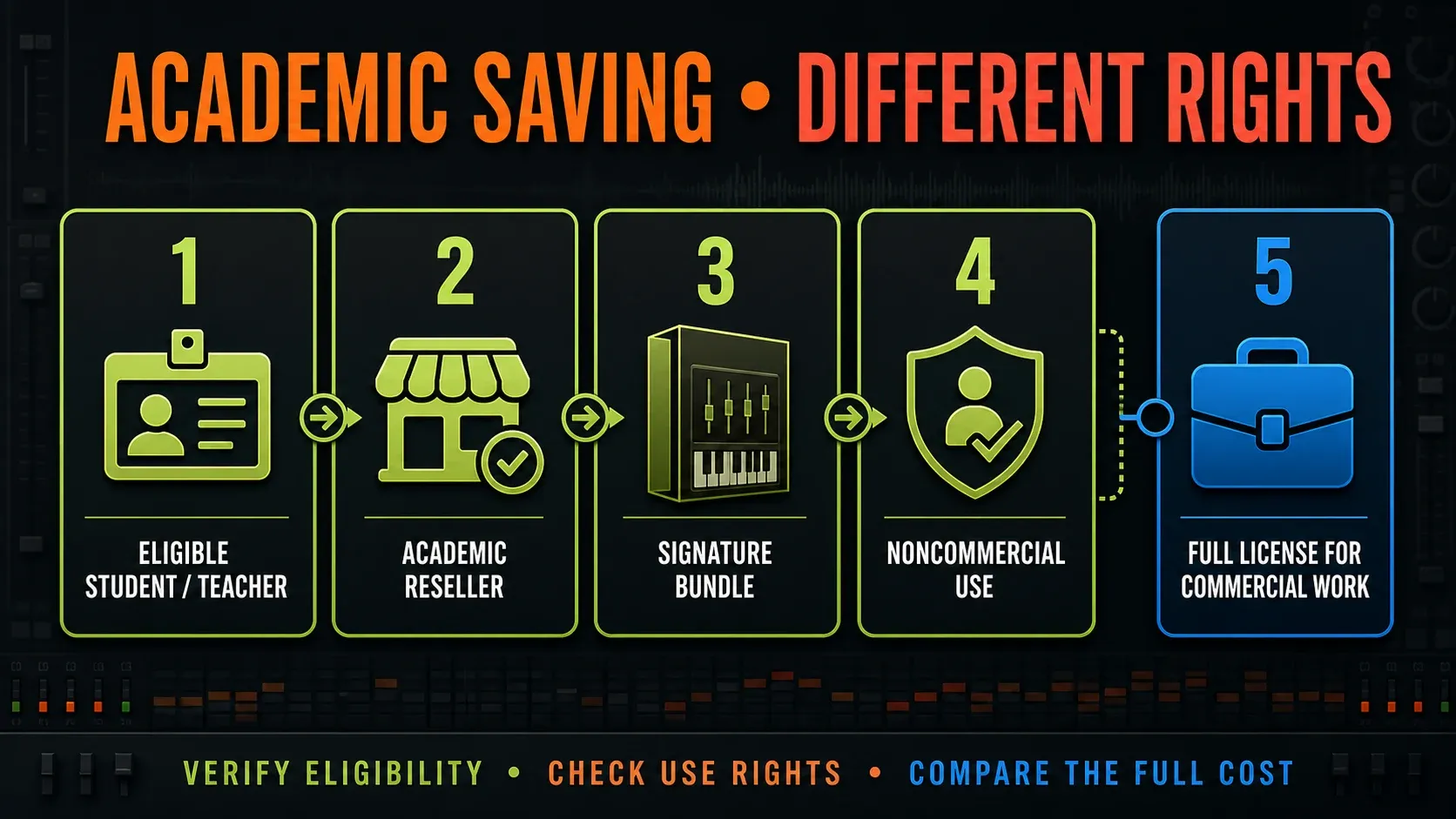
The academic licensing page offers qualifying students and teachers a personal Signature Bundle license through third-party resellers, and those resellers verify eligibility. Institutional multi-seat licenses are a separate arrangement for computers the institution owns. They aren’t a discounted personal license a student takes home.
You get the full feature set, but different usage rights. Image-Line’s academic-versus-full license explanation says the academic Signature Bundle has the same features as the regular Signature Bundle and can’t be used commercially. It lists a $49 USD conversion to a full license, offered in the personalized shop after registration. Before you budget for commercial releases or client work, confirm your real checkout total.
Academic licenses include Lifetime Free Updates, but those updates never lift the noncommercial restriction. The academic upgrade policy also says personal-license upgrades and extra plugins sell at normal prices. So student status doesn’t guarantee discounted add-ons forever.
Existing owners should price the upgrade while signed in
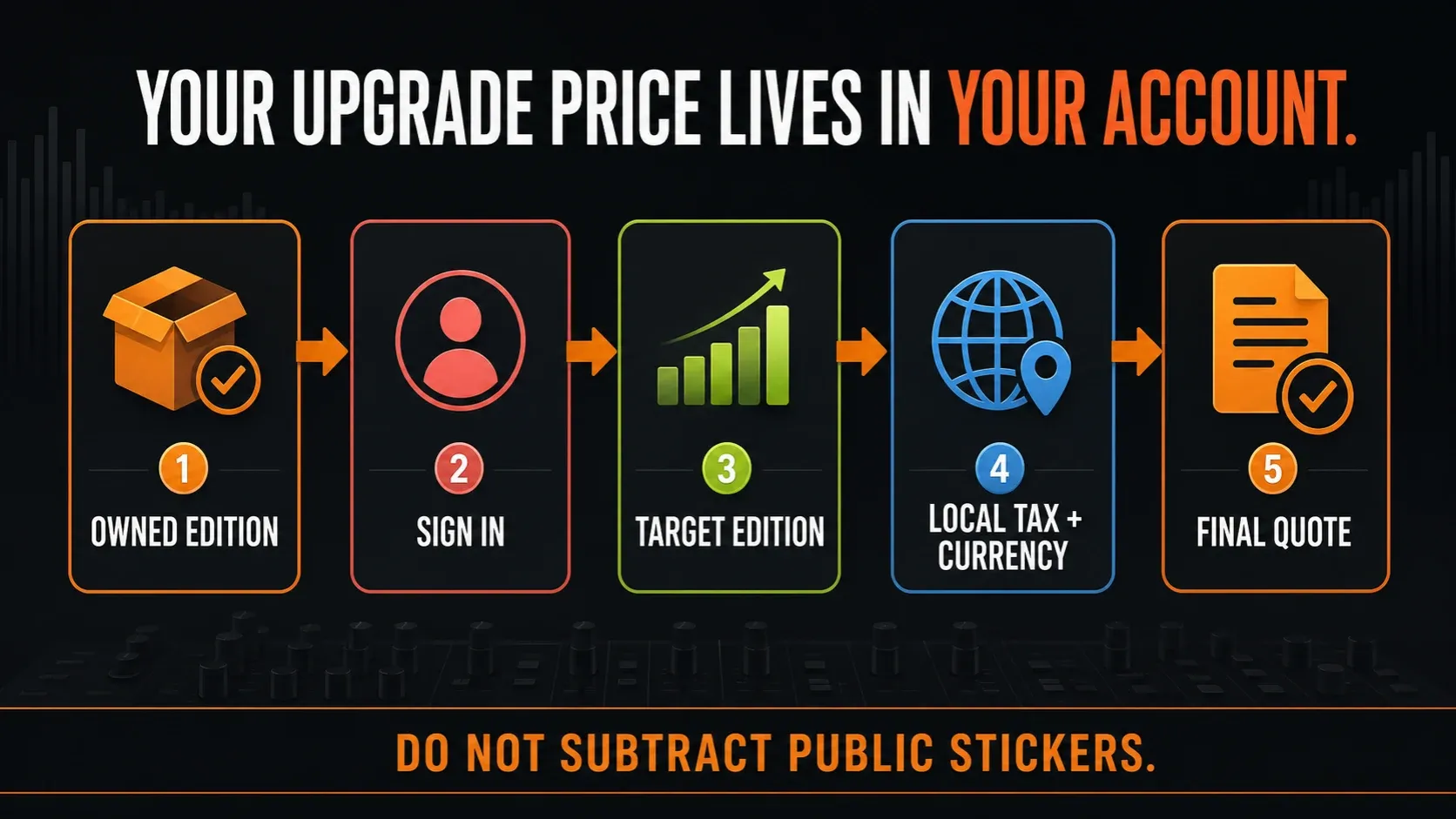
Under Image-Line’s edition upgrade policy, a normal upgrade costs the current shop-price difference between the edition you own and the higher edition, in local currency including sales tax. What you originally paid doesn’t come into it. Sale pricing can throw that usual parity off, so trust the signed-in quote instead of subtracting two promotional banners.
Sign in before you open the shop, then pick the higher edition offered to your account. Separately purchased plugins are not deducted from an edition upgrade, because these bundles have fixed contents and prices. Check our stock-plugin guide against the tools you need. The free-plugin guide can fill specific gaps, but adding plugins will never unlock missing host features.
Use the checkout named by the coupon offer
For an Image-Line shop code, follow the coupon instructions: enter it at the last shop step, validate it and confirm the total changed. Some coupons can’t be combined. When a code fails, check its eligible edition, new-license or upgrade status, deadline and stacking terms before you blame the shop.
Partner promotions can use a different checkout. The Focusrite Producer Edition offer describes a 13% owner benefit for registered Scarlett 3rd- or 4th-generation hardware: you take the code from your Focusrite account, use it in Focusrite’s basket, then redeem the delivered software code with Image-Line. Stock can run out, and its terms allow the offer to end. Verify availability, and I wouldn’t buy hardware just to chase this percentage.
A verified partner checkout has nothing in common with a stranger asking for a private payment. Never send your password, install an unknown executable or buy a shared account to get a code. Old birthday-coupon posts prove nothing about what you’re entitled to today. Only use offers you can verify now.
Verify the reseller and the code separately
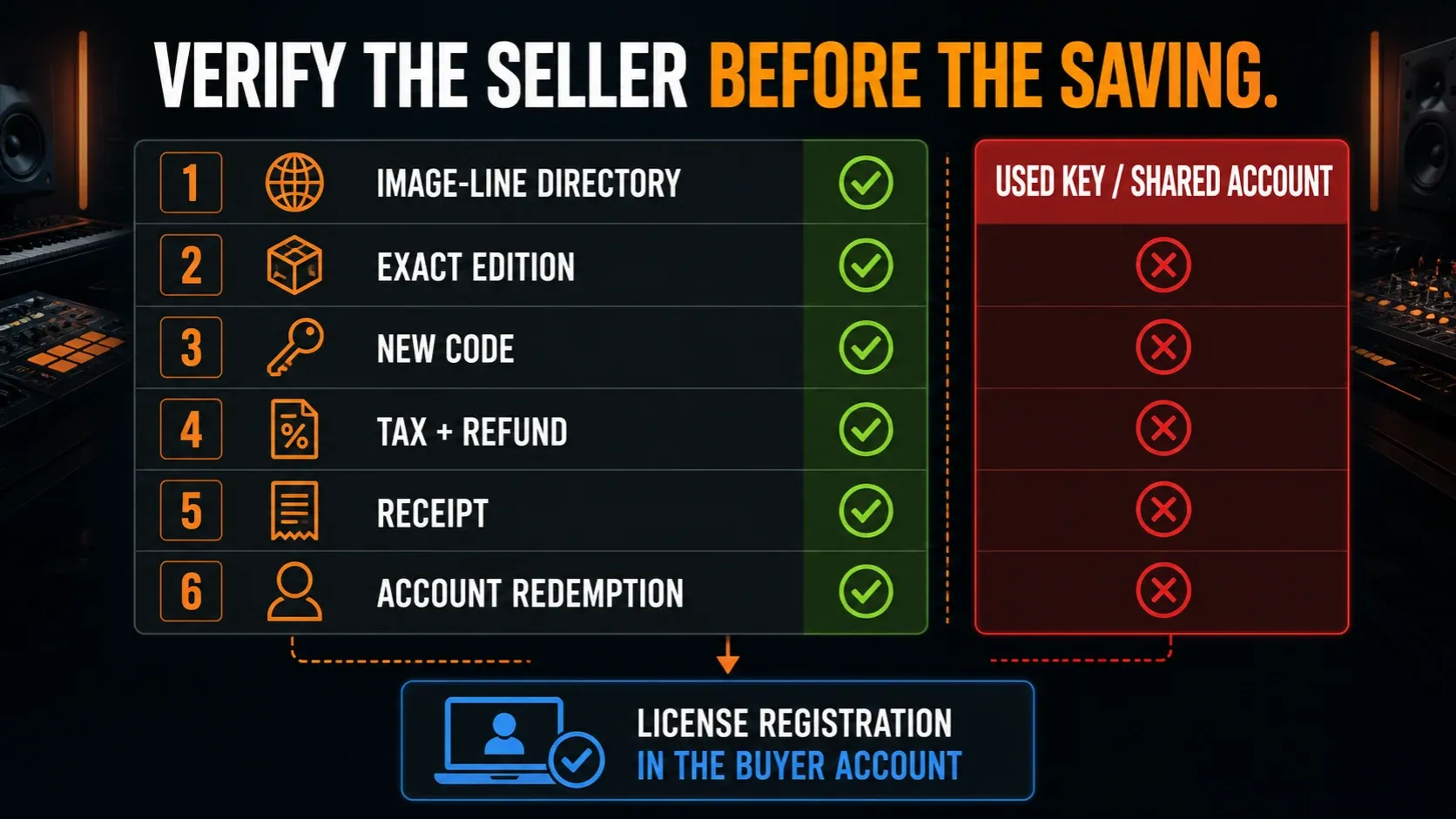
Start with Image-Line’s regional distributor and reseller directory. Some entries point to a distributor’s own reseller list, so confirming authorization may take one more click. Then check the actual seller, edition, academic restrictions, delivery method and refund terms. A marketplace’s brand doesn’t vouch for every third-party listing on it.
Image-Line’s already-registered serial guidance says it doesn’t allow license resale or transfer. A used key or someone else’s account can never stand in for a new license. If a shop hands you an already-used serial, the guidance is to ask that seller for a refund or replacement. Keep the receipt, and register a legitimate new code to your own Image-Line account.
Rent-to-Own spreads payments but costs more overall
The current pricing page describes Rent-to-Own Plus as 12 payments leading to a perpetual FL Studio license with Lifetime Free Updates, while FL Cloud keeps going until you cancel. Availability can vary by region. The part that matters is in the Rent-to-Own FAQ, which says plainly that it costs more than buying outright. I’d pick it only for cash flow. A smaller monthly number isn’t a discount.
Before you enroll, compare the full plan total and read the Rent-to-Own terms. If you cancel before the end, you don’t come away with a perpetual license: after the current billing cycle, FL Studio drops back to trial mode. The support FAQ also says you have to finish the plan before upgrading editions. If you restart later, check the same-account and activity conditions instead of assuming your credit lasts forever.
FL Cloud is a separate renewal to watch, and that includes any free period bundled with a purchase. Image-Line’s FL Cloud cancellation instructions say such a period rolls into paid service unless you cancel beforehand. Check the subscription in your account. Buying a perpetual DAW license doesn’t stop every attached service from billing.
Calculate the real total, not the badge
Compare the same edition with the same usage rights. A small worksheet keeps the decision honest: route, currency, payable today including tax, payment or conversion fee, required license conversion, later optional subscriptions and date checked. Write down any later costs you expect. If VAT is already included, don’t add it twice. Add a commercial-license conversion only when the academic route needs one, and keep seller reliability separate. There’s no honest way to turn an unverified deal into a number and add it to the bill.
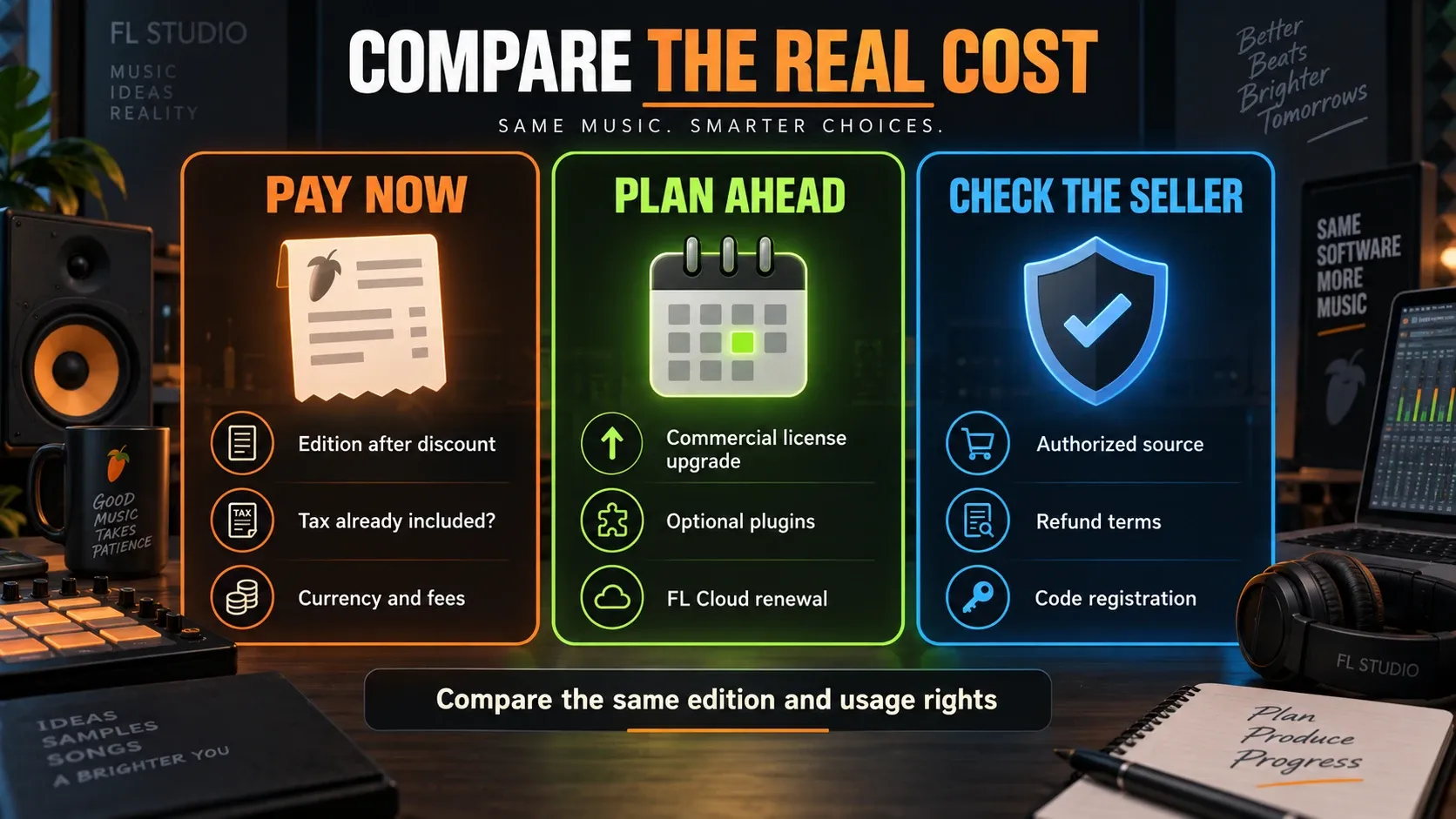
Lifetime Free Updates cover the edition you own. Higher editions and optional services cost extra. The FL Studio 2026 guide explains the current release, and our system requirements guide lets you check whether your computer fits before you buy. No discount fixes a hardware incompatibility.
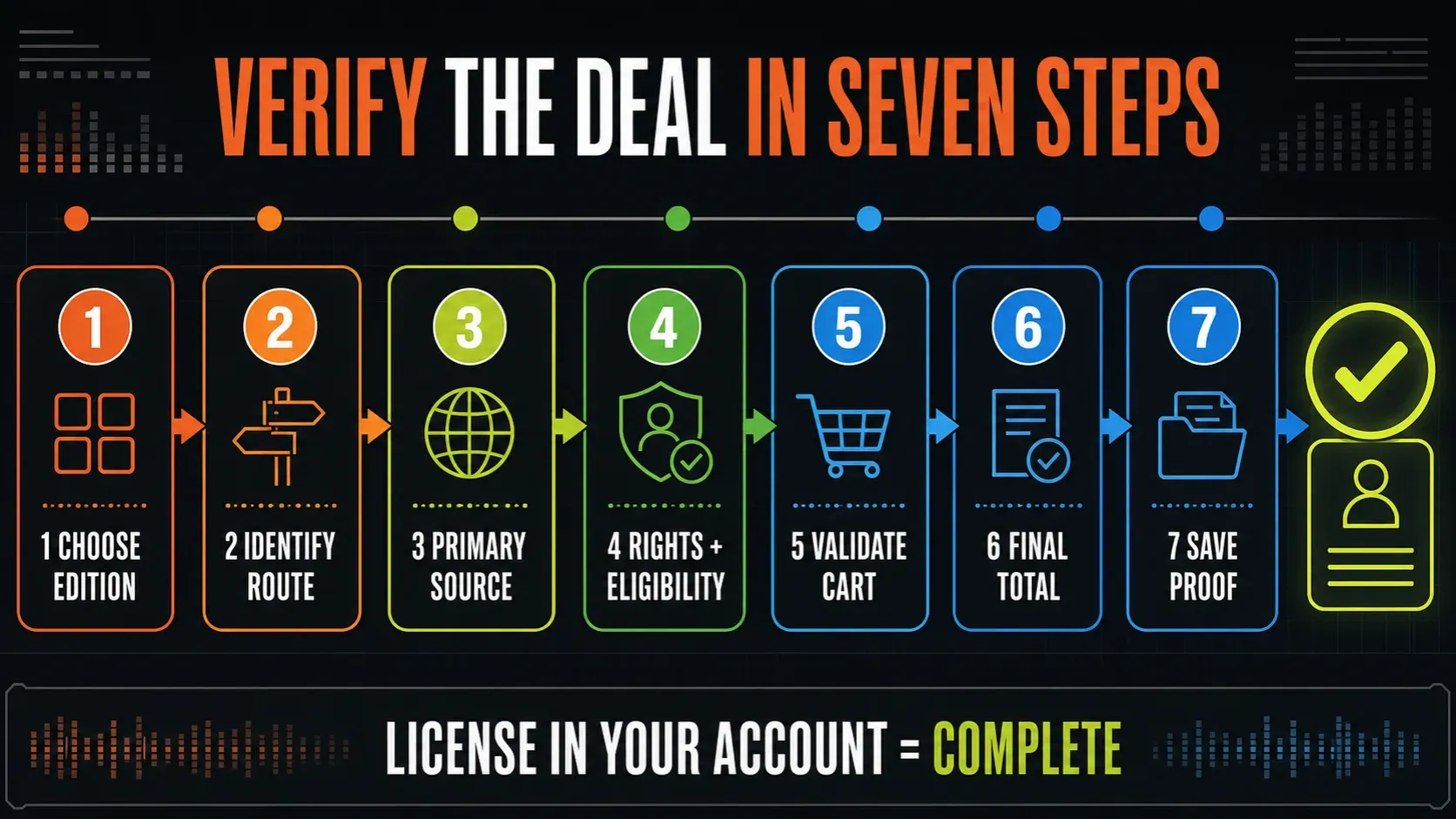
Verify an FL Studio deal in seven steps
- Choose the required edition first. List the recording and plugin features the next real project needs.
- Identify your route. New license, academic purchase, registered upgrade, authorized reseller or payment plan are different transactions.
- Open the primary source. Use Image-Line’s official pages, a listed distributor or the verified partner’s offer, not a copied coupon page.
- Confirm eligibility and rights. Check who can buy, whether commercial use is allowed and which product the offer covers.
- Validate the code or account price. Use the checkout specified by that offer and confirm the correct item and reduction.
- Calculate the final total. Check included tax, currency and payment fees; separate later upgrades and subscriptions from today’s bill.
- Preserve proof. Keep the offer terms, final total, receipt and redemption details. Confirm the license is in your own account and retain the purchase records.
If you’re unsure whether FL Studio fits you, try a representative session before buying. The installation guide and beginner tutorial will get you started. Under the trial rules you can save, but reopening a saved project requires purchase and unlocking. Export a listening copy before you close, and note which edition and plugins the project needs.
If another DAW is a serious contender, compare workflows first in FL Studio vs Ableton or FL Studio vs Logic Pro. Then come back to the Compare & Buy hub to make the license decision. A temporary sale can settle a close call, but it will never make the wrong tool the right one.
FL Studio discounts FAQ
Does FL Studio go on sale every Black Friday?
Don’t count on an annual sale. Image-Line says promotions are occasional and their dates are decided close to launch. Check the official account, news and cart instead of planning around a community prediction.
Is there a permanent FL Studio coupon code?
Don’t rely on a permanent public code. Validate an Image-Line campaign code in its shop, and for a verified partner offer, follow that partner’s checkout instructions. Eligibility, expiry and stacking terms still apply.
Does FL Studio have a student discount?
Yes, for eligible students and teachers through approved academic resellers. The single-user academic offer is based on Signature Bundle, requires verification and does not permit commercial use.
Can I make money with the FL Studio academic license?
No. Image-Line’s academic terms do not permit commercial use. Its support page lists a $49 USD conversion to a full license. Confirm the personalized checkout and complete the conversion before commercial work.
Are FL Studio upgrades discounted for existing owners?
Owners normally pay the current shop-price difference to a higher edition; promotional pricing can change that parity. Sign in for the actual quote. Separately purchased plugins are not deducted from an edition upgrade.
Are cheap FL Studio keys from marketplaces safe?
Verify the actual seller through Image-Line, its listed distributor or an official partner offer. Steer clear of already-registered keys and shared accounts, because Image-Line does not allow license resale or transfer. A marketplace name alone verifies nothing.
Is FL Studio Rent-to-Own a discount?
No. Image-Line says Rent-to-Own costs more than buying outright; it spreads the payments. The advertised Plus plan grants the perpetual DAW license after 12 payments, while FL Cloud keeps running until you cancel. Check availability and the full total.
Should I wait for a sale or buy FL Studio now?
Wait if you can keep working without it and the possible saving matters to your budget. If you need it now, test the workflow you need and buy the edition that fits. The trial cannot reopen saved projects until you purchase and unlock, and an unannounced sale is a poor deadline to plan around.