FL Studio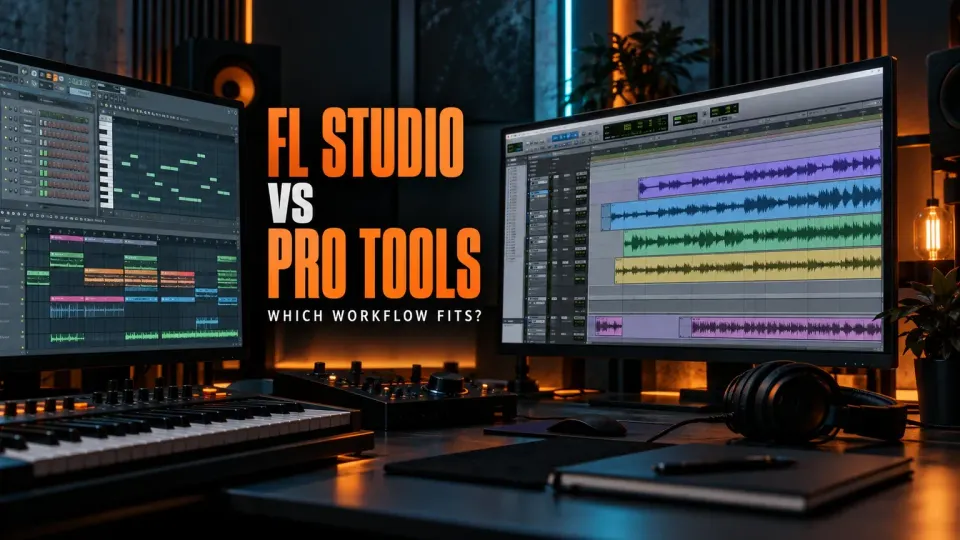
Choose FL Studio if most of your sessions begin with drums, MIDI, samples and fast pattern-based arrangement. Choose Pro Tools if your week is dominated by multitrack recording, take comping, detailed audio edits, video or session exchange with recording studios. Both can produce, record, edit, mix and deliver professional work. The useful distinction is not “beginner versus professional.” It is which program places your repeated task closest to the surface.
There is also a sensible third answer: create the instrumental in FL Studio, export organized audio stems and MIDI, then record or edit in Pro Tools. That workflow is less glamorous than declaring one DAW the winner, but it solves a real compatibility problem. An FL Studio project and a Pro Tools session are not interchangeable files, even when both computers own the same plugins.
FL Studio vs Pro Tools: the quick verdict
| Your main work | Better first choice | Reason |
|---|---|---|
| Programming drums, bass lines and melodies | FL Studio | Channel Rack, Piano Roll and patterns form a fast writing loop. |
| Recording a vocalist or a full band through many inputs | Pro Tools | The session is organized around tracks, takes and audio editing. |
| Electronic production with frequent arrangement changes | FL Studio | Pattern, Audio and Automation Clips stay visible in one Playlist. |
| Comping many performances and repairing timing | Pro Tools | Its editing model is built around recorded material and repeated revisions. |
| Writing alone and finishing inside one DAW | FL Studio | The included creative environment is ready before you build templates. |
| Moving sessions among commercial studios | Pro Tools | Native session exchange is often the shortest path when every room uses the same version and plugins. |
| Making beats in one room and recording elsewhere | Both | FL Studio can own composition; consolidated stems can carry the production into Pro Tools. |
| Working to picture | Pro Tools | Video and post-production workflows are a central part of its documentation and product positioning. |
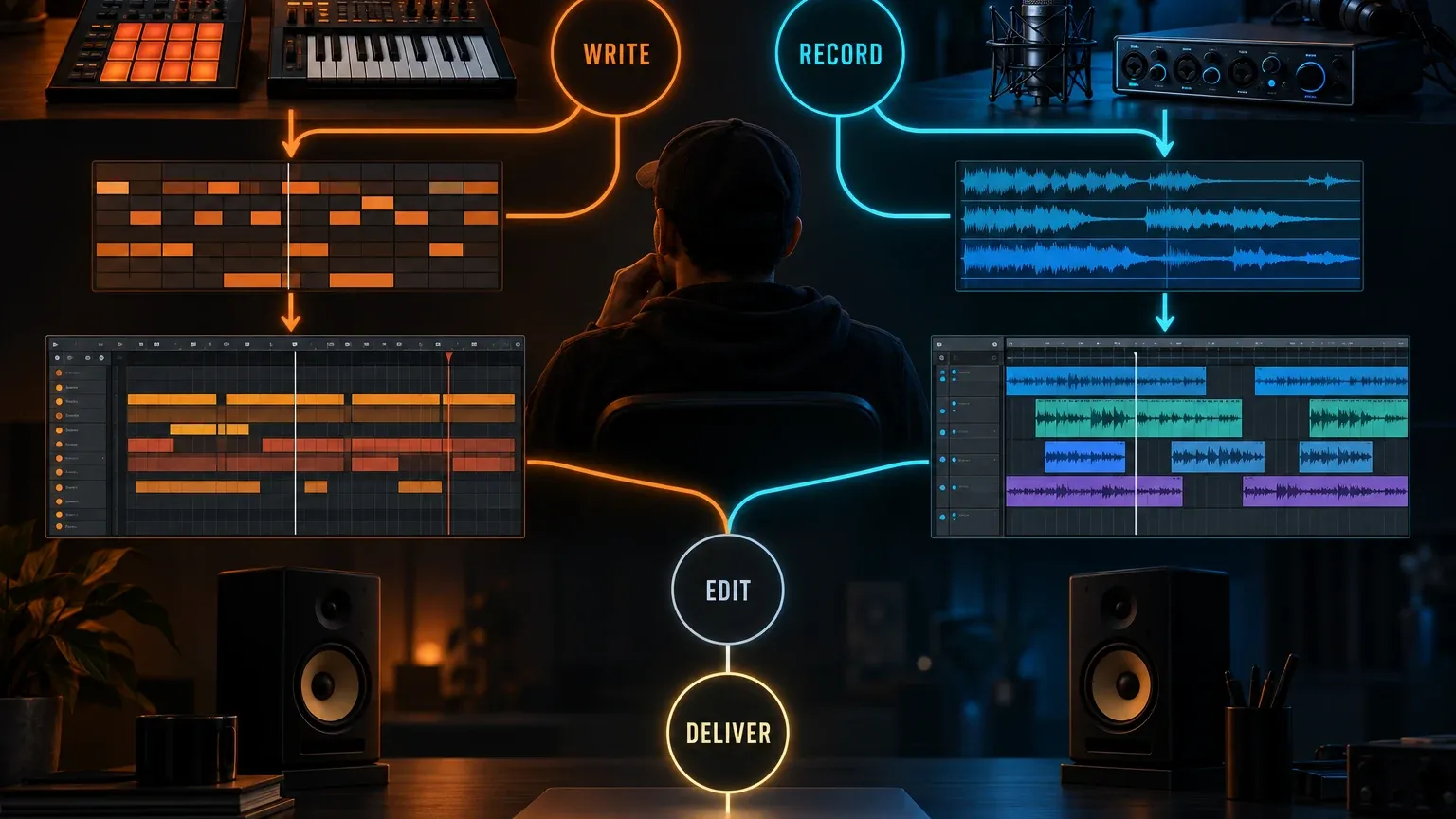
If two rows describe you equally well, do not buy from the table. Build one short project in each DAW with the same source files and the same deadline. Write a beat, record two takes, make a timing edit, automate one transition and export the required deliverables. The friction you repeat matters more than a feature count you may never use.
The real difference is patterns first versus recorded tracks first
FL Studio encourages you to treat a musical idea as an object. A drum groove can begin in the Channel Rack, notes can be shaped in the Piano Roll, and the idea can become a Pattern Clip in the Playlist. Image-Line’s Playlist documentation describes an arrangement that can hold Pattern, Audio and Automation Clips. A Playlist lane does not have to represent one instrument or one Mixer track unless you deliberately create that relationship.
Pro Tools presents a more conventional recording-session map: tracks hold recorded or imported material, playlists or lanes organize takes and alternatives, and edits happen against the timeline. That model is familiar to engineers who receive sessions with drums, guitars, vocals, buses, markers and revisions already named. It also makes the cost of disorder obvious. A badly named audio track is a problem immediately; a loosely organized pattern can hide until the arrangement grows.
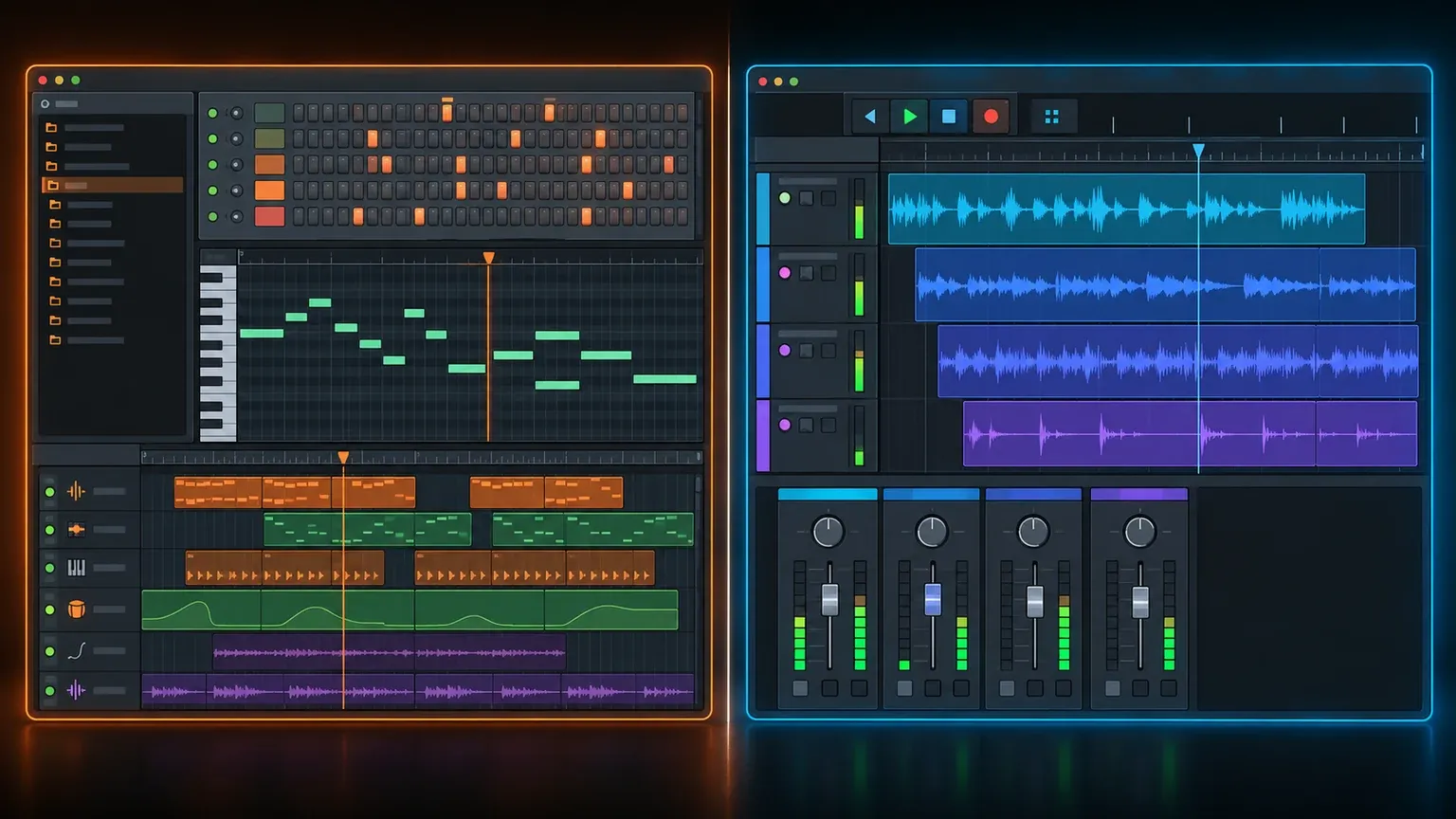
Neither structure limits the music you can make. FL Studio can run a linear recording session, especially when Playlist tracks are linked to Mixer tracks. Pro Tools can host instruments and MIDI. The question is how much translation you perform before the project resembles the work already in your head.
Beatmaking and MIDI are where FL Studio feels most complete
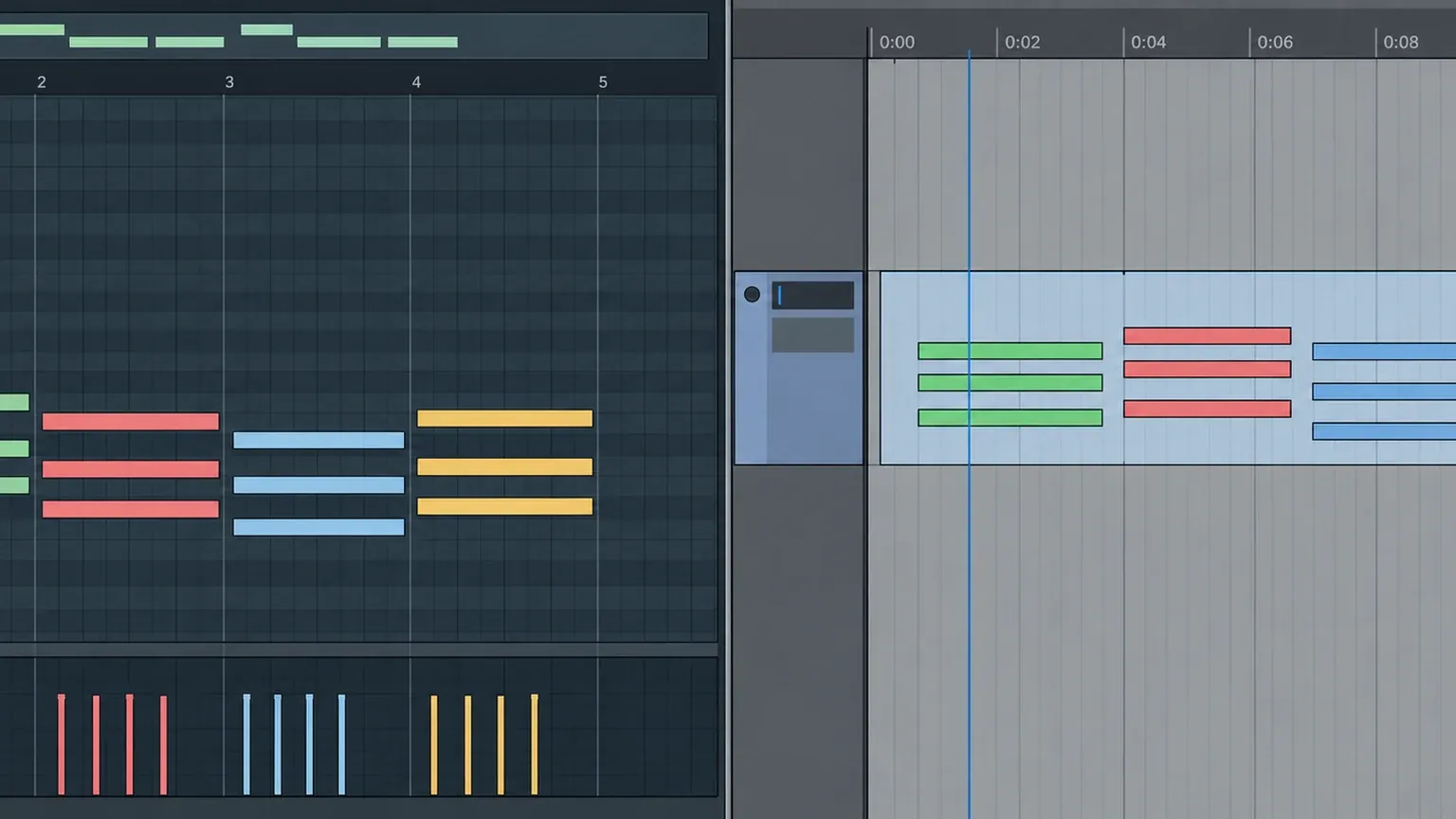
FL Studio puts note programming near the center of the program. The Channel Rack makes short rhythmic ideas easy to establish, while the FL Studio Piano Roll handles chords, velocities, note lengths, slides and controller data without leaving the writing context. Patterns make it natural to create a four-bar idea, duplicate it, then separate a later variation when the arrangement needs movement.
Pro Tools has MIDI tracks, instrument tracks, a MIDI editor, quantization and automation. It can produce a complete electronic track. The difference is emphasis: its main screen, editing language and studio reputation grew around audio sessions. A producer who thinks in drum patterns may spend more time preparing instruments, windows, shortcuts and routing before the first loop feels comfortable.
That does not make FL Studio automatically faster for every writer. A keyboard player who records long MIDI performances may prefer a linear track immediately. A composer receiving picture changes may care more about timeline discipline than a fast Step Sequencer. “Best MIDI” is too broad; compare the exact note work you repeat.
Recording and comping usually favor Pro Tools
FL Studio is capable of serious audio recording. Image-Line documents recording into the Playlist, linking a Playlist track to a Mixer track, choosing the input, arming the track and recording several inputs at once through separate armed Mixer tracks. The current edition comparison places Audio Recording in Producer Edition and above, so the $99 entry edition is not the correct purchase for a vocalist or band session. The detailed setup belongs in our FL Studio vocal recording guide.
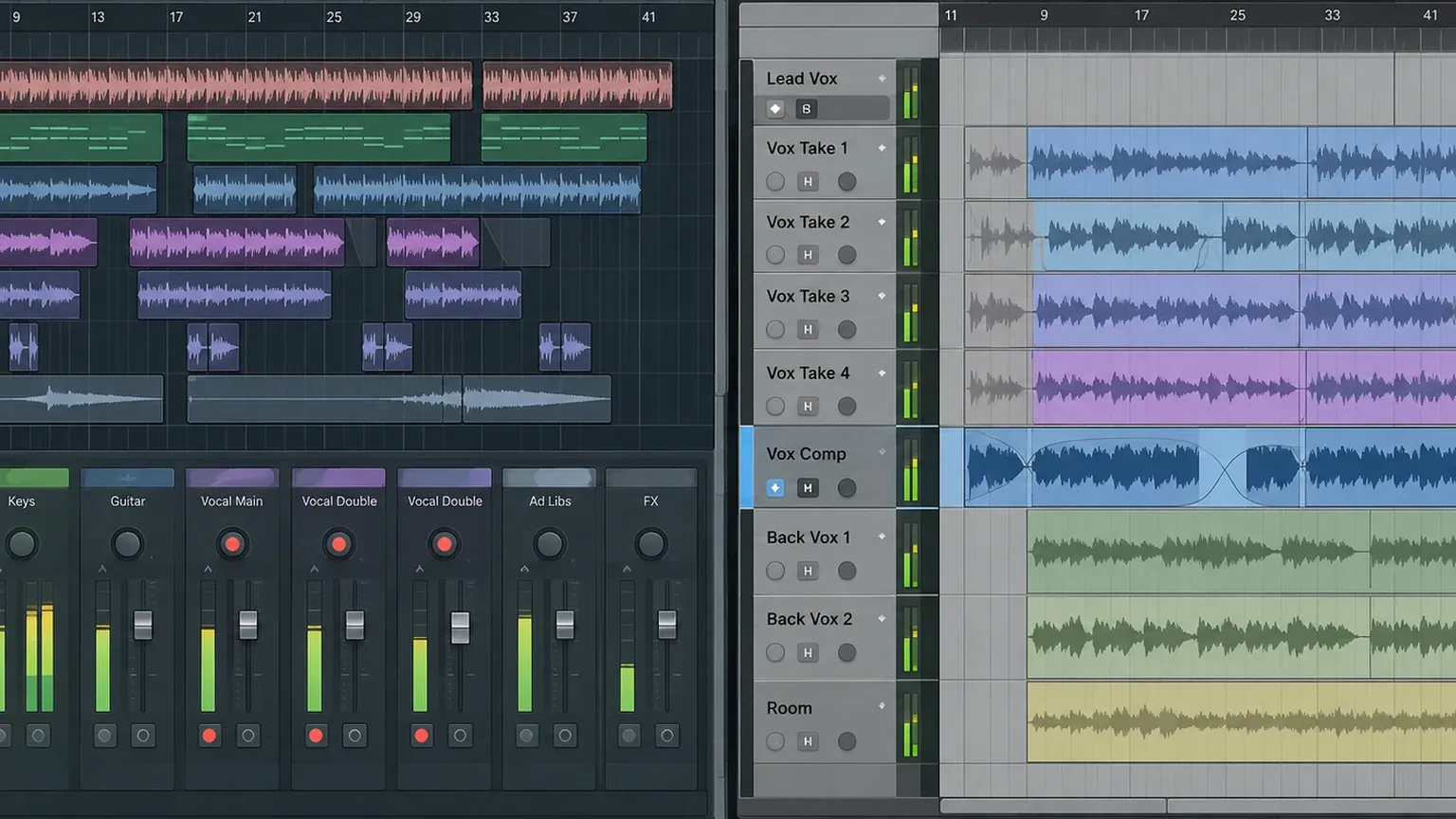
Pro Tools tends to make repeated takes, comping and waveform edits easier to understand at a glance. The advantage grows with session complexity: a lead vocal with many passes, doubled guitars, multitracked drums, punch-ins, alternate edits and notes from another engineer. The program’s track-and-edit model keeps those decisions close to the recorded material instead of asking the user to connect separate pattern, Playlist and Mixer concepts.
This is a workflow advantage, not a claim that Pro Tools captures better sound. The microphone, room, performance, preamp, converter, clocking, driver, sample rate and gain structure affect the recording. With the same source and valid settings, choosing a DAW does not add professional tone by itself.
Detailed audio editing is a stronger reason to choose Pro Tools than status
People often call Pro Tools an “industry standard” and stop there. That phrase is only useful when it points to a concrete requirement. If a studio expects a native Pro Tools session, if an editor must open another engineer’s work without rebuilding it, or if a post-production team works from shared session conventions, compatibility saves time.
The editing case is equally practical. Large recorded sessions produce hundreds of small decisions: trims, fades, crossfades, grouped moves, timing repairs, alternate performances and revisions to earlier edits. Pro Tools exposes those operations within a linear audio environment. FL Studio can cut, move, stretch and process audio, but its greatest strengths do not erase the extra organization that dense recorded material may require.
For a producer editing one vocal over a beat, the gap may be small. For an engineer cleaning sixteen drum microphones while preserving phase relationships, it may decide the project. Judge the session you actually receive, not the largest session mentioned in a forum argument.
Arrangement is less about power and more about ownership
FL Studio’s Playlist is excellent when arrangements grow from repeated ideas. Pattern Clips can represent drums, bass, chords or melodies; Audio Clips can carry recordings and samples; Automation Clips display parameter movement. Our Playlist guide explains the mechanics. The comparison point is ownership: changing a pattern can update every instance, while making a unique copy separates one occurrence from the rest.
Pro Tools places regions, clips, automation and recorded takes within a track-centered timeline. That can feel calmer when the job is to move a verse, repair a phrase and keep every audio relationship intact. FL Studio can do the same edit, but a new user must understand which Playlist lane, Channel source, Audio Clip and Mixer route owns the sound.
A useful trial includes a second revision. Duplicate a chorus, change only its last bar, move the section and carry its automation with it. The first arrangement proves that the DAW can do the job. The second reveals whether the project still makes sense after real feedback arrives.
Mixing is capable in both; session management creates the difference
FL Studio’s Mixer provides insert tracks, effect slots, sends, sidechains, routing and automation. A producer who builds the instrumental and mix together can move quickly because the creative and technical decisions live in one project. The Mixer guide covers track assignment and routing in detail.
Pro Tools uses a console-oriented mix environment that many recording engineers already recognize. Its value is less about a magical summing result and more about predictable session exchange, editing context and large-session organization. When another studio sends a native session with agreed plugins and versions, keeping the tracks, edits and automation together can be more efficient than rebuilding from stems.
Neither program gives a weak mix engineer a strong balance. Both can use professional EQ, compression, saturation, reverbs, automation and third-party plugins. Match source files, gain, pan law, plugin settings and render format before comparing sound. If those conditions differ, the test measures setup differences.
Pro Tools has the clearer role for video and post-production
Avid maintains current Pro Tools reference material, system requirements and release documentation in its official documentation portal. Video, synchronization and post-production are part of the product’s established workflow. That matters for dialogue editing, sound design to picture, ADR, broadcast delivery and facilities built around shared Avid systems.
FL Studio includes visual and video-related tools, but its main design remains music creation. A producer scoring a short clip may be comfortable there. A team exchanging picture versions, dialogue edits and structured deliverables should evaluate the full post-production path before choosing it as the central session format.
Do not buy Pro Tools merely because a future project might include video. Buy it when picture, studio compatibility or dense audio editing is a repeated requirement that justifies the learning and licensing cost.
Cost is a long-term workflow question, not one price
FL Studio currently starts at $99, but that number can mislead anyone who needs to record. Image-Line’s edition pricing page and comparison show that Audio Recording and Stem Separation begin with Producer Edition. Piano Roll, Mixer, MIDI support and full-song arrangement are available across editions. The separate FL Studio editions comparison handles the detailed purchase decision.
Image-Line’s Lifetime Free Updates policy applies to the edition you purchased. Moving to a higher edition still costs the difference, but the owned edition is not tied to a paid major-version cutoff.
Avid’s plans, regional prices and included features can change. I would not publish a precise Pro Tools price that may already be wrong in a reader’s country. Check the current Avid plan comparison and regional checkout terms, then calculate the cost over the period you expect to keep the system: initial license, renewals or support, required hardware, storage and any plugins needed for session exchange.
Cost also includes translation. Saving money on the DAW can be a false economy if every paid session arrives in a format you must rebuild. Paying for studio compatibility can be wasteful if you only program beats and deliver WAV files. Attach the expense to a recurring job.
Plugins and project files complicate collaboration
An `.flp` file does not become a Pro Tools session, and a Pro Tools session does not open as an FL Studio project. Even native exchange between two Pro Tools systems can fail to sound identical when plugin versions, sample libraries, missing audio, routing or hardware differ. “We both use the same DAW” is not a complete delivery plan.
Plugin formats add another layer. A plugin that exists in one host may not exist in the format, version or license state required by the other. Freeze critical sounds into audio when they must survive the handoff. Keep MIDI when the receiving producer needs to change notes. Include tempo, sample rate, bit depth, song start, markers and a short plugin note.
For remote work, a clean stem package is often more durable than a native project. It gives the receiving engineer audio that opens anywhere, while the original producer keeps the editable source session.
The safe FL Studio to Pro Tools workflow
Start by agreeing on the handoff before export. Decide whether the recipient needs grouped stems, individual sources, dry vocal tracks, printed effects, MIDI or a rough mix. A “stems” folder that mixes all of those without explanation creates more work than it saves.
- Choose one common start point. Consolidate every audio file from the same bar or timecode, including sounds that enter late. Silence at the beginning is useful because it preserves alignment.
- Confirm tempo and sample rate. Put the tempo, meter changes and sample rate in a text note and in the filename or session notes where practical.
- Export the right groups. Image-Line’s export documentation covers split Mixer tracks, Playlist-track export and MIDI export. Decide which separation matches the mix task.
- Use a lossless working format. For files intended for further mixing or editing, the FL Studio manual recommends 32-bit float. Follow the receiving engineer’s specification when one is supplied.
- Print fragile sounds. Render instruments or effects that depend on uncommon plugins, external hardware or automation the other DAW cannot reproduce.
- Keep a rough mix. The rough mix tells the receiving engineer what the production was meant to sound like after all stems are imported.
- Test the package. Import the exported files into a blank timeline, start them together and compare against the rough mix before sending.
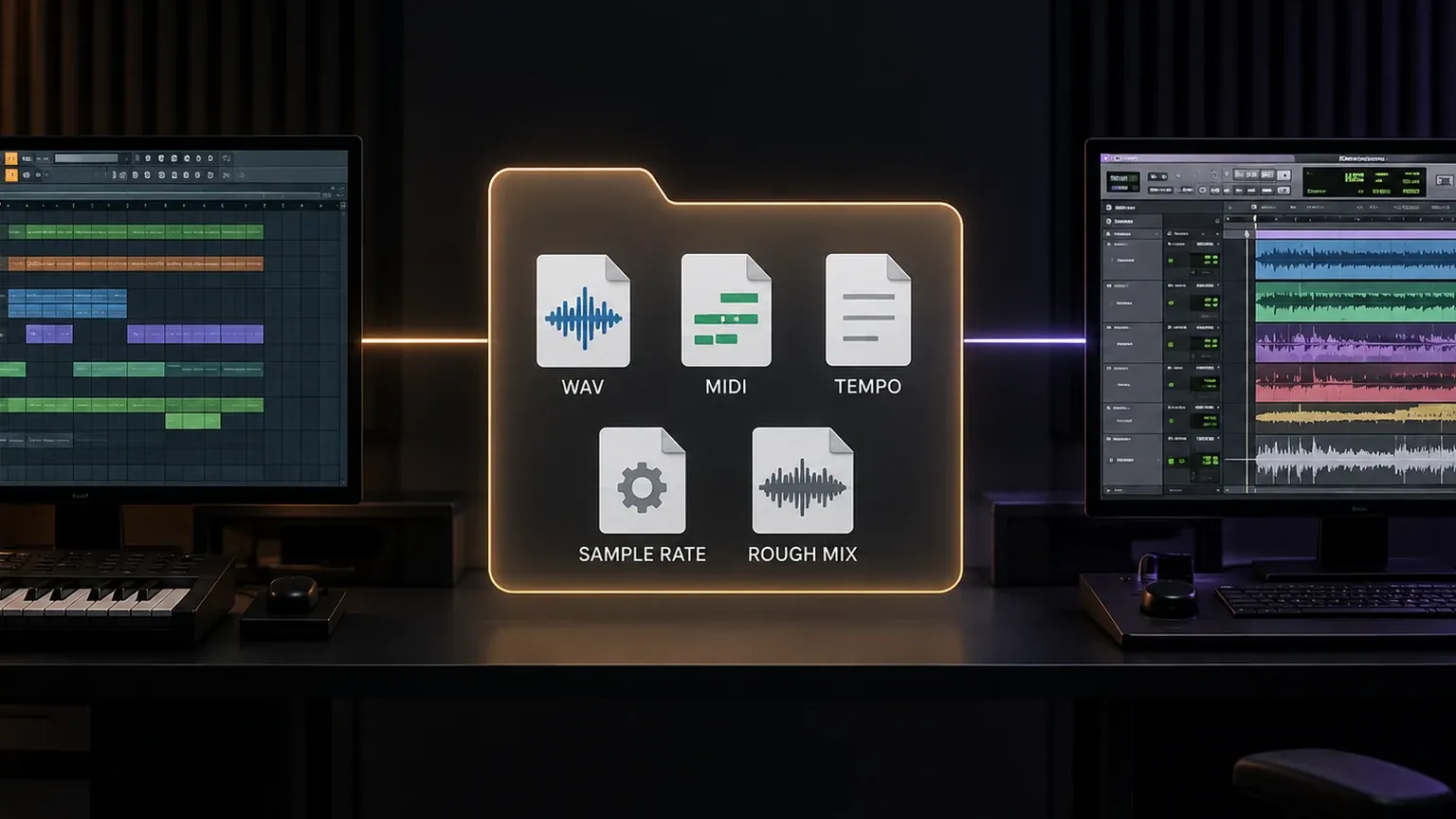
Keep the original FL Studio project and exported package together. If the client requests a revision after the Pro Tools session has changed, everyone can identify whether the fix belongs in the source production or the receiving session.
Choose by role, not by genre label
Beatmaker or electronic producer
Start with FL Studio. Its pattern loop, Piano Roll, Channel Rack and ready-made creative environment remove setup between an idea and an arrangement. Move to Pro Tools only when recording, studio exchange or audio-editing demands become frequent enough to justify a second system.
Songwriter who records vocals at home
FL Studio Producer Edition or above can be the complete system if you enjoy its writing workflow and keep recording templates organized. Try Pro Tools if comping many takes and editing performances consistently interrupts the writing session.
Recording or mix engineer
Pro Tools is the stronger first trial when sessions arrive as multitrack audio, native Pro Tools files or studio transfers. The benefit is the surrounding edit and collaboration system, not a claim that FL Studio cannot mix.
Composer or editor working to picture
Evaluate Pro Tools first, especially when picture changes, dialogue, synchronization or facility compatibility are regular requirements. Confirm the exact edition and hardware needs against current Avid documentation before purchase.
Solo producer who does everything
Choose the environment that accelerates the hardest repeated stage. If composition is where projects stall, FL Studio is usually the better center. If recording cleanup and revisions consume the week, Pro Tools may earn that role. Using both is reasonable when the handoff is standardized.
What I would choose
For beatmaking, MIDI-heavy production and fast arrangement, I would choose FL Studio. Its strongest tools are connected before customization begins, and Lifetime Free Updates make the owned edition easier to budget over time.
For a recording room, editing-heavy work or a pipeline that exchanges native studio sessions, I would choose Pro Tools. I would verify the current edition, regional license terms, hardware compatibility and plugin requirements first, because those details can change the real cost.
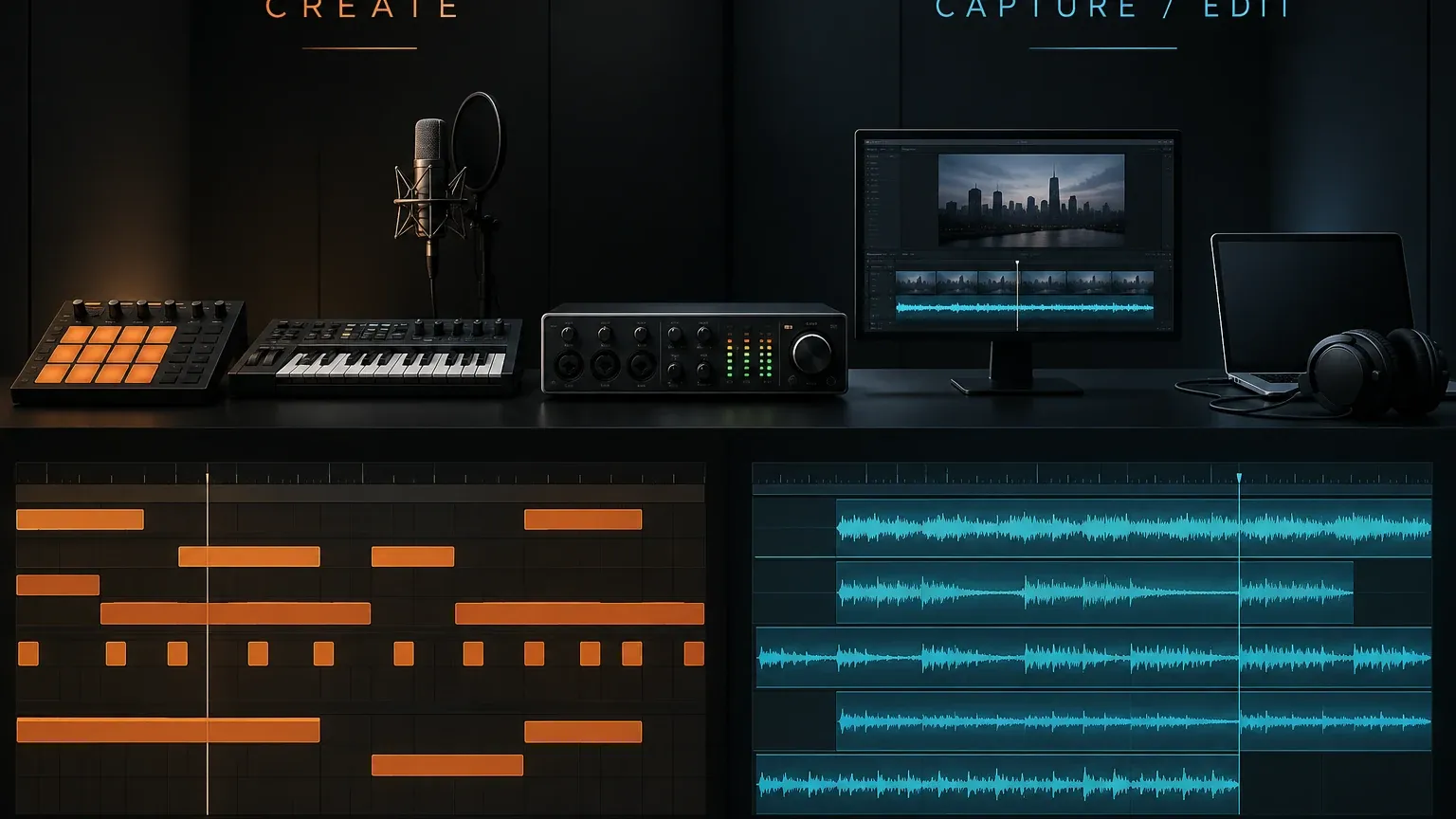
For a producer who writes instrumentals and then records artists with another engineer, I would keep FL Studio as the composition source and build a disciplined stem handoff into Pro Tools. That answer respects what each program does well without pretending the project formats are portable.
Run this comparison before you pay
Create a sixty-to-ninety-minute trial project in both DAWs. Use the same audio interface, sample rate, buffer and source files. Program drums and a melody, record two vocal takes, build a short comp, make one timing repair, automate a transition, create a reverb send and export a mix plus stems.
Then score the work you can observe: setup time, number of naming and routing decisions, clarity of takes, confidence during the second arrangement revision, export mistakes and whether the reopened project still explains itself. Do not score visual novelty or the number of features you did not touch.
If FL Studio keeps composition moving and the recording work remains manageable, stay there. If Pro Tools makes every edit and handoff clearer while MIDI preparation feels acceptable, choose it. If each wins a different half of the project, standardize the transfer and use both.