 FL Studio
 All guides
FL Studio guides, organised by the job in front of you
Choose from thirteen routes, from your first setup to MIDI, recording, mixing and export. Each route helps you find the right next step; the complete article library is below.
Choose a practical route
FL Studio is easier to learn when each question belongs to a real session. Start with setup if the program is new, use Workflow when the idea needs structure, or go straight to Troubleshooting when audio, MIDI or a project has stopped behaving.
Where should you begin?
If FL Studio is not yet installed, follow Start here in order. If you already have a working session, pick the route that matches the current bottleneck rather than reading from the oldest article forward. A silent output belongs in Troubleshooting; a clean recording that needs timing edits belongs in Workflow; a balanced arrangement that needs tone and level work belongs in Mixing.
All published FL Studio tutorials
These guides are ordered by publication date. Use the route cards above when you want a guided sequence, or browse below for one exact task.
 11 min read
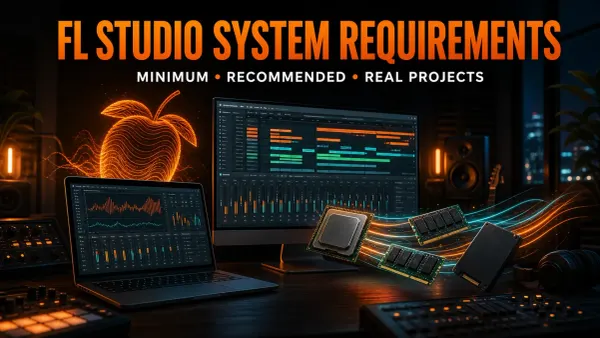
FL Studio System Requirements 2026: Minimum vs Real Use
Meeting the minimum is only a starting point. Choose CPU, RAM and storage for the projects you need to run, then test the computer with your own workflow.
Read guide
11 min read
FL Studio System Requirements 2026: Minimum vs Real Use
Meeting the minimum is only a starting point. Choose CPU, RAM and storage for the projects you need to run, then test the computer with your own workflow.
Read guide
 11 min read
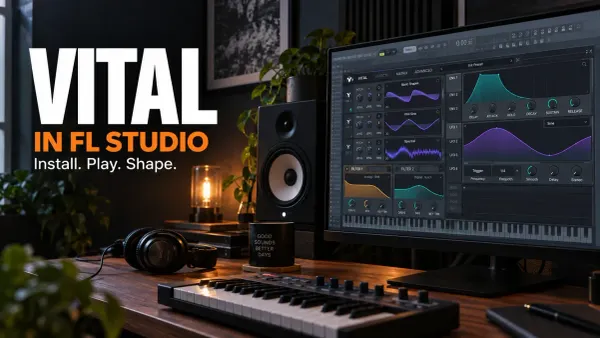
Vital in FL Studio: Install, Shape and Save a Patch
Get Vital into the Channel Rack, build a controllable first patch and keep its presets separate from FL Studio favorites. Includes format, scan and project-recall checks.
Read guide
11 min read
Vital in FL Studio: Install, Shape and Save a Patch
Get Vital into the Channel Rack, build a controllable first patch and keep its presets separate from FL Studio favorites. Includes format, scan and project-recall checks.
Read guide
 12 min read
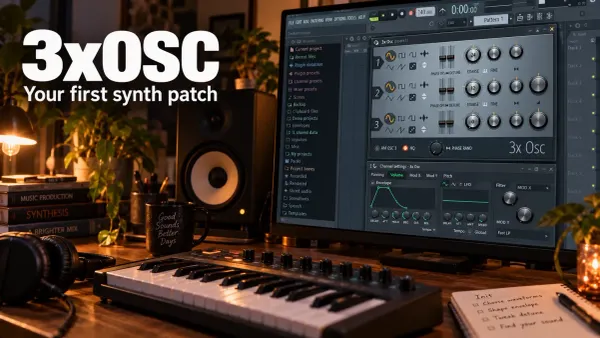
3xOSC in FL Studio: Build Your First Synth Patch
Build one playable 3xOSC sound, understand its mix ratios, and find the Channel envelope and filter that complete the patch. Includes phase checks and reliable preset-saving steps.
Read guide
12 min read
3xOSC in FL Studio: Build Your First Synth Patch
Build one playable 3xOSC sound, understand its mix ratios, and find the Channel envelope and filter that complete the patch. Includes phase checks and reliable preset-saving steps.
Read guide
 12 min read
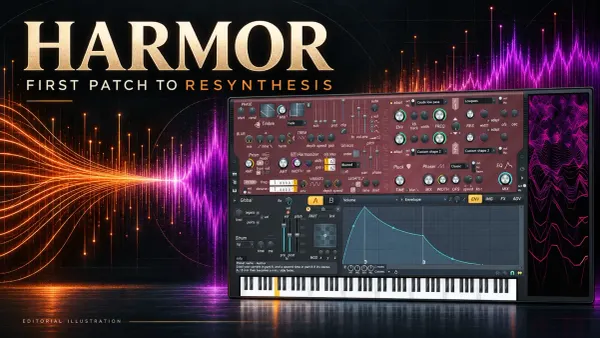
Harmor in FL Studio: First Patch and Resynthesis
Build a controlled Part A patch, learn Harmor's real envelope controls, and turn audio into a stereo resynthesized instrument without losing its source or trial-plugin settings.
Read guide
12 min read
Harmor in FL Studio: First Patch and Resynthesis
Build a controlled Part A patch, learn Harmor's real envelope controls, and turn audio into a stereo resynthesized instrument without losing its source or trial-plugin settings.
Read guide
 12 min read
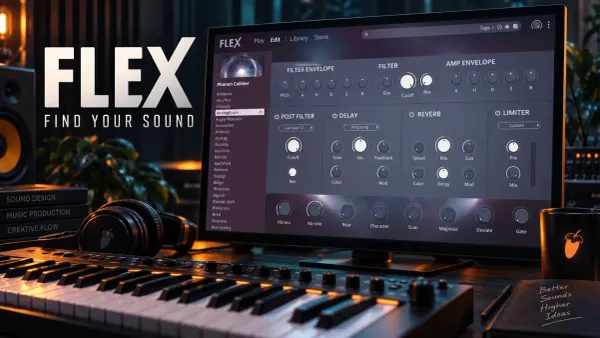
FLEX in FL Studio 2026: Presets, Packs and Macros
Find a FLEX sound that fits the part, shape its actual controls, and understand which packs you own. Includes the 2026 browser, subscription expiry, safe pack repair and project recall.
Read guide
12 min read
FLEX in FL Studio 2026: Presets, Packs and Macros
Find a FLEX sound that fits the part, shape its actual controls, and understand which packs you own. Includes the 2026 browser, subscription expiry, safe pack repair and project recall.
Read guide
 12 min read
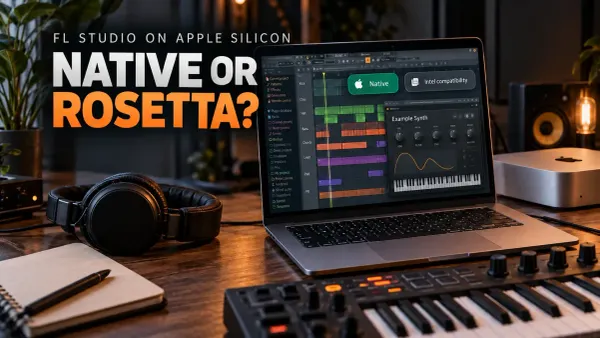
FL Studio Plugins on Apple Silicon: Native or Rosetta?
Keep the working project safe while you separate native plugin builds, Intel translation and whole-host Rosetta mode. Includes the older Plugin Manager scan-error exception and a practical recall test.
Read guide
12 min read
FL Studio Plugins on Apple Silicon: Native or Rosetta?
Keep the working project safe while you separate native plugin builds, Intel translation and whole-host Rosetta mode. Includes the older Plugin Manager scan-error exception and a practical recall test.
Read guide
 11 min read
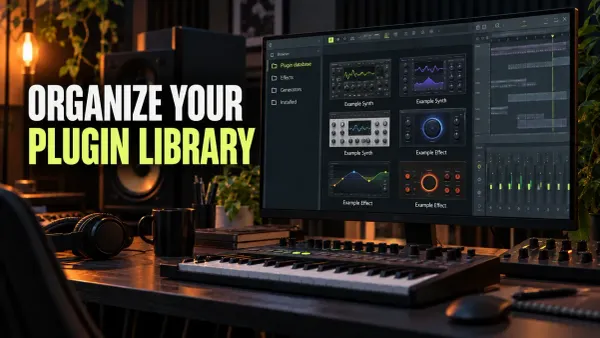
FL Studio Plugin Database: Categories, Favorites & Backup
Build a small working plugin library: useful categories, deliberate starting states, readable thumbnails and a backup you can restore without reinstalling your plugins.
Read guide
11 min read
FL Studio Plugin Database: Categories, Favorites & Backup
Build a small working plugin library: useful categories, deliberate starting states, readable thumbnails and a backup you can restore without reinstalling your plugins.
Read guide
 13 min read
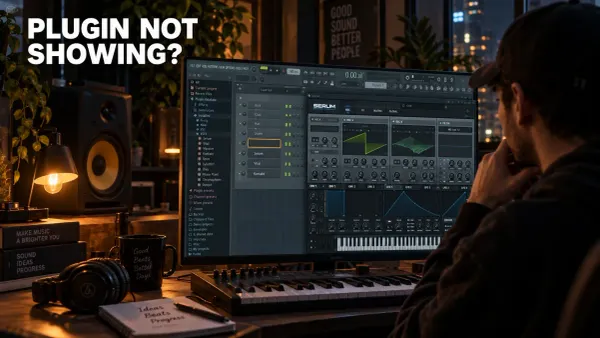
FL Studio Plugin Not Showing? Find and Fix the Cause
Separate a missing file from a scan error, an unclassified entry or a hidden favorite. Recover the right plugin without risking Trial work or overwriting an old project.
Read guide
13 min read
FL Studio Plugin Not Showing? Find and Fix the Cause
Separate a missing file from a scan error, an unclassified entry or a hidden favorite. Recover the right plugin without risking Trial work or overwriting an old project.
Read guide
 12 min read
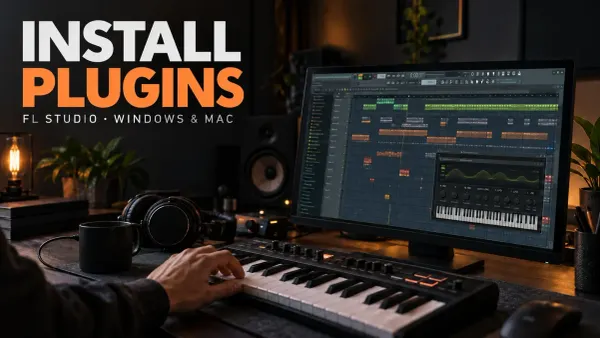
Install Plugins in FL Studio: VST3, AU and CLAP
Choose the right plugin build, check Windows and Mac folder paths, run a verified scan and test the loaded instrument or effect without losing work in FL Studio Trial.
Read guide
12 min read
Install Plugins in FL Studio: VST3, AU and CLAP
Choose the right plugin build, check Windows and Mac folder paths, run a verified scan and test the loaded instrument or effect without losing work in FL Studio Trial.
Read guide
 11 min read
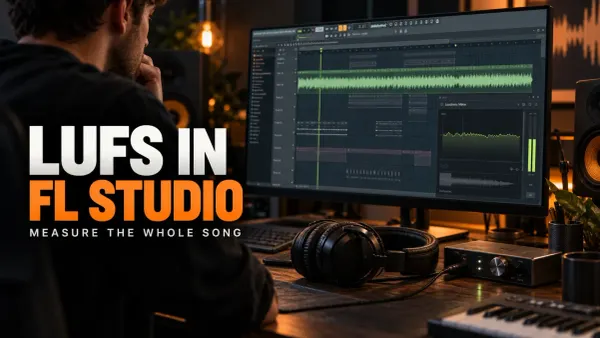
Measure LUFS in FL Studio: Meters, Setup and Export
Get a repeatable whole-song loudness reading, distinguish measurement from mastering processing and check why the exported file might disagree with the project.
Read guide
11 min read
Measure LUFS in FL Studio: Meters, Setup and Export
Get a repeatable whole-song loudness reading, distinguish measurement from mastering processing and check why the exported file might disagree with the project.
Read guide
 11 min read
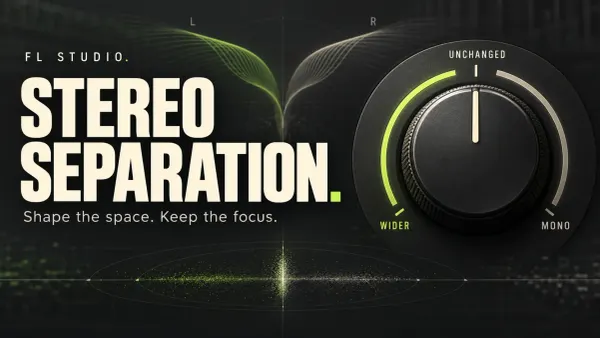
FL Studio Stereo Separation: Widen, Narrow or Go Mono
Choose between pan, existing stereo width and new L/R differences. Understand the stock controls, place the meter correctly and keep the change only when the mix benefits.
Read guide
11 min read
FL Studio Stereo Separation: Widen, Narrow or Go Mono
Choose between pan, existing stereo width and new L/R differences. Understand the stock controls, place the meter correctly and keep the change only when the mix benefits.
Read guide
 11 min read
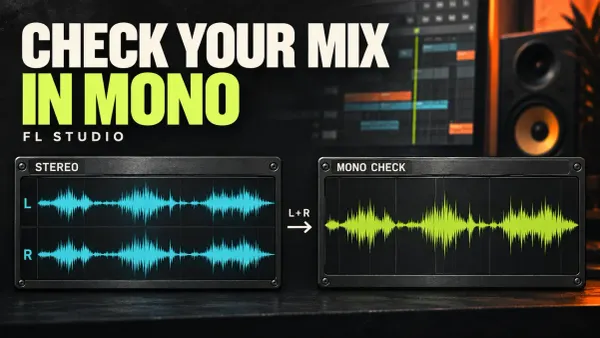
FL Studio Mono Compatibility: Check and Fix Your Mix
Find what disappears when stereo folds to mono. Check the Master, the meter position and the responsible layer without flattening a mix that already works.
Read guide
11 min read
FL Studio Mono Compatibility: Check and Fix Your Mix
Find what disappears when stereo folds to mono. Check the Master, the meter position and the responsible layer without flattening a mix that already works.
Read guide