 FL Studio
 All guides
FL Studio guides, organised by the job in front of you
Choose from thirteen routes, from your first setup to MIDI, recording, mixing and export. Each route helps you find the right next step; the complete article library is below.
Choose a practical route
FL Studio is easier to learn when each question belongs to a real session. Start with setup if the program is new, use Workflow when the idea needs structure, or go straight to Troubleshooting when audio, MIDI or a project has stopped behaving.
Where should you begin?
If FL Studio is not yet installed, follow Start here in order. If you already have a working session, pick the route that matches the current bottleneck rather than reading from the oldest article forward. A silent output belongs in Troubleshooting; a clean recording that needs timing edits belongs in Workflow; a balanced arrangement that needs tone and level work belongs in Mixing.
All published FL Studio tutorials
These guides are ordered by publication date. Use the route cards above when you want a guided sequence, or browse below for one exact task.
 12 min read
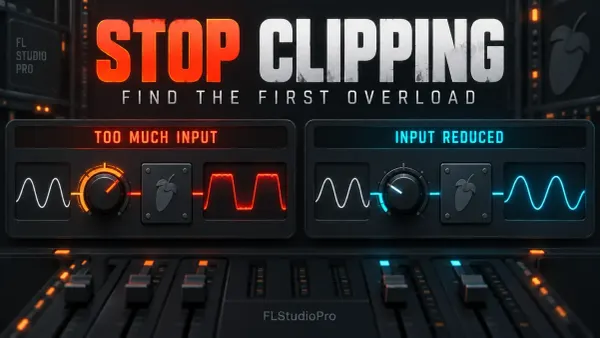
FL Studio Clipping: Find the Overload and Fix It
Find where clean audio first becomes distorted. Check plugin input, Master output and the finished file without confusing orange Insert meters with damaged sound.
Read guide
12 min read
FL Studio Clipping: Find the Overload and Fix It
Find where clean audio first becomes distorted. Check plugin input, Master output and the finished file without confusing orange Insert meters with damaged sound.
Read guide
 12 min read
Reverb and Delay Sends in FL Studio: Clean Routing
Keep the vocal clear while adding a shared room and echo. Build wet-only returns, choose the right send control and fix dry leaks before balancing the effect.
Read guide
12 min read
Reverb and Delay Sends in FL Studio: Clean Routing
Keep the vocal clear while adding a shared room and echo. Build wet-only returns, choose the right send control and fix dry leaks before balancing the effect.
Read guide
 11 min read
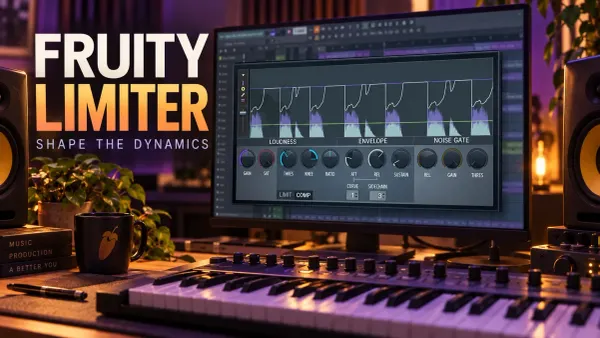
Fruity Limiter Compression: Controls, Timing and Fixes
Make Fruity Limiter control dynamics without losing the attack: separate its processing stages, read the RMS detector and hear what each timing control changes.
Read guide
11 min read
Fruity Limiter Compression: Controls, Timing and Fixes
Make Fruity Limiter control dynamics without losing the attack: separate its processing stages, read the RMS detector and hear what each timing control changes.
Read guide
 11 min read
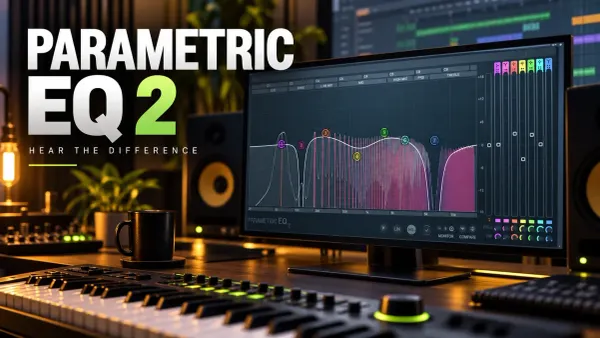
Fruity Parametric EQ 2: Bands, Solo, HQ and LIN
Choose the right EQ shape, hear what Band Solo actually auditions, separate analyzer settings from processing, and compare without letting loudness decide.
Read guide
11 min read
Fruity Parametric EQ 2: Bands, Solo, HQ and LIN
Choose the right EQ shape, hear what Band Solo actually auditions, separate analyzer settings from processing, and compare without letting loudness decide.
Read guide
 11 min read
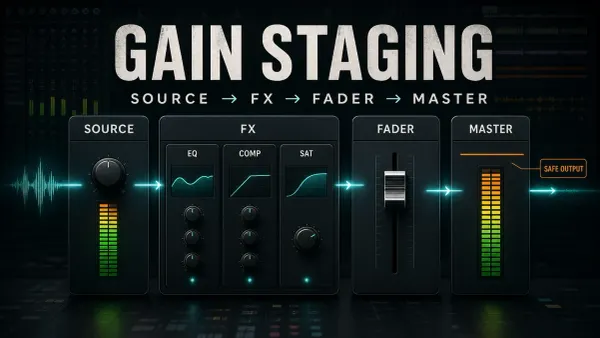
FL Studio Gain Staging: Source, Effects and Master
Find the stage that needs a different level: source, processor input, track balance or final output. No compulsory peak targets for every track.
Read guide
11 min read
FL Studio Gain Staging: Source, Effects and Master
Find the stage that needs a different level: source, processor input, track balance or final output. No compulsory peak targets for every track.
Read guide
 12 min read
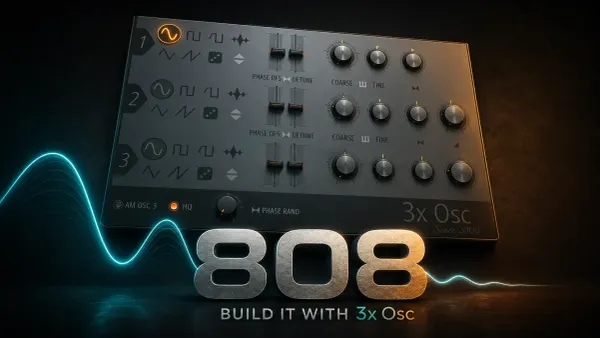
Make an 808 in FL Studio with 3xOSC
Build a playable 808 from one sine, choose how its notes end, add presence only when needed and save a patch that reloads with its envelopes.
Read guide
12 min read
Make an 808 in FL Studio with 3xOSC
Build a playable 808 from one sine, choose how its notes end, add presence only when needed and save a patch that reloads with its envelopes.
Read guide
 12 min read
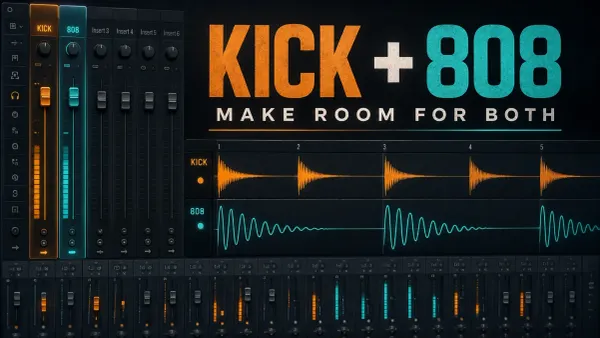
How to Mix 808s in FL Studio Without Mud
Balance the kick and bass, fix unwanted tails and use EQ, harmonics or ducking only where they help. Includes routing, input-gain and mono checks.
Read guide
12 min read
How to Mix 808s in FL Studio Without Mud
Balance the kick and bass, fix unwanted tails and use EQ, harmonics or ducking only where they help. Includes routing, input-gain and mono checks.
Read guide
 11 min read
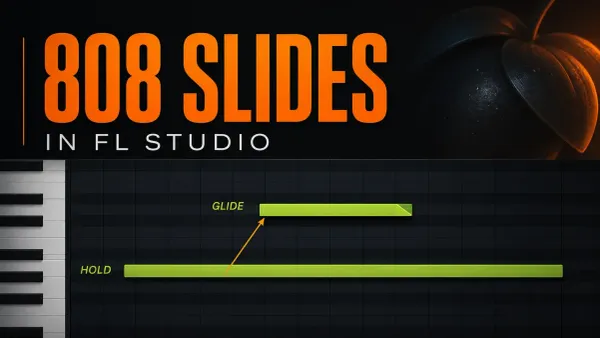
808 Slides in FL Studio: Glide Notes and Fixes
Build one audible 808 slide, control its landing and add a return. Keep native Slide notes separate from Mono, portamento and third-party plugin glide.
Read guide
11 min read
808 Slides in FL Studio: Glide Notes and Fixes
Build one audible 808 slide, control its landing and add a return. Keep native Slide notes separate from Mono, portamento and third-party plugin glide.
Read guide
 10 min read
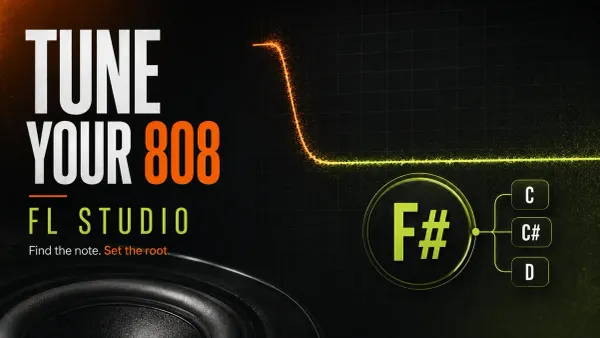
How to Tune an 808 in FL Studio: Root Note and Cents
Find the original 808 pitch with or without Edison, avoid the root-octave trap and tell a wrong note from a small cents error before writing the bass line.
Read guide
10 min read
How to Tune an 808 in FL Studio: Root Note and Cents
Find the original 808 pitch with or without Edison, avoid the root-octave trap and tell a wrong note from a small cents error before writing the bass line.
Read guide
 12 min read
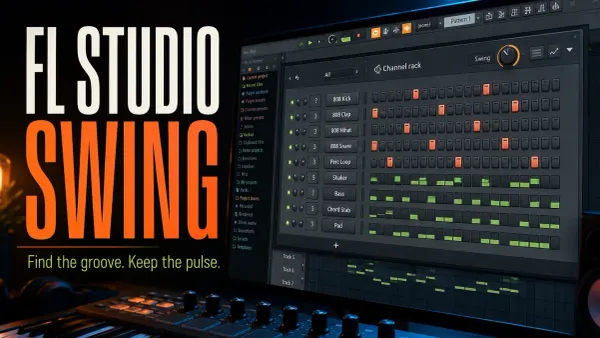
FL Studio Swing: Add Groove Without Losing the Beat
Hear what Global Swing actually moves, set each instrument’s response and choose a groove template or local note edit without changing the wrong Pattern.
Read guide
12 min read
FL Studio Swing: Add Groove Without Losing the Beat
Hear what Global Swing actually moves, set each instrument’s response and choose a groove template or local note edit without changing the wrong Pattern.
Read guide
 12 min read
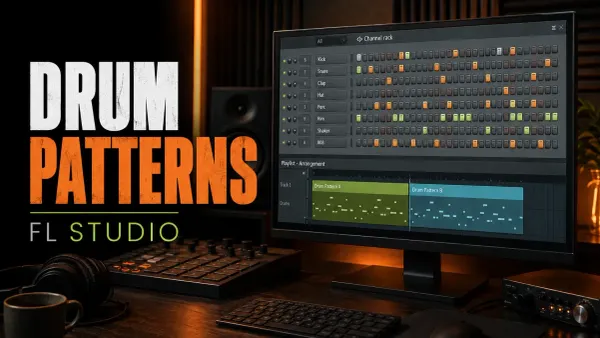
FL Studio Drum Patterns: 3 Grooves, Accents & Fills
Program three counted drum grooves, compare hi-hat accents and turn a one-bar pattern into an A/B phrase without changing the original.
Read guide
12 min read
FL Studio Drum Patterns: 3 Grooves, Accents & Fills
Program three counted drum grooves, compare hi-hat accents and turn a one-bar pattern into an A/B phrase without changing the original.
Read guide
 11 min read
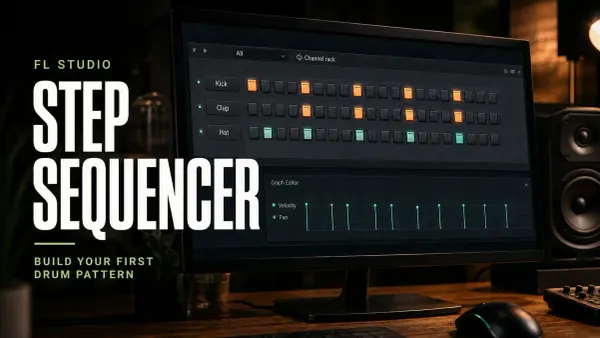
FL Studio Step Sequencer: Steps, Length & Velocity
Program a counted drum loop, control 16- and 32-step lengths, shape velocity and fix missing buttons or unexpected repeats without losing your notes.
Read guide
11 min read
FL Studio Step Sequencer: Steps, Length & Velocity
Program a counted drum loop, control 16- and 32-step lengths, shape velocity and fix missing buttons or unexpected repeats without losing your notes.
Read guide