 FL Studio
 All guides
FL Studio guides, organised by the job in front of you
Choose from thirteen routes, from your first setup to MIDI, recording, mixing and export. Each route helps you find the right next step; the complete article library is below.
Choose a practical route
FL Studio is easier to learn when each question belongs to a real session. Start with setup if the program is new, use Workflow when the idea needs structure, or go straight to Troubleshooting when audio, MIDI or a project has stopped behaving.
Where should you begin?
If FL Studio is not yet installed, follow Start here in order. If you already have a working session, pick the route that matches the current bottleneck rather than reading from the oldest article forward. A silent output belongs in Troubleshooting; a clean recording that needs timing edits belongs in Workflow; a balanced arrangement that needs tone and level work belongs in Mixing.
All published FL Studio tutorials
These guides are ordered by publication date. Use the route cards above when you want a guided sequence, or browse below for one exact task.
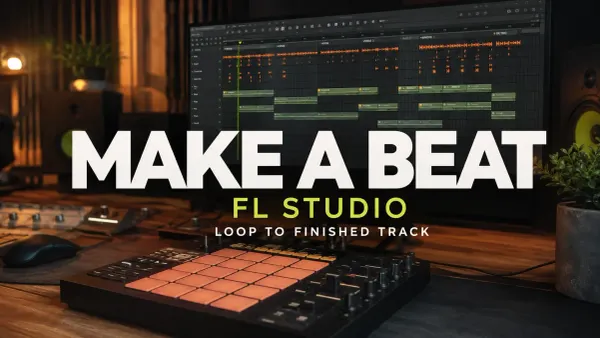 12 min read
How to Make a Beat in FL Studio: Start to Finish
Build a beat from a counted drum grid and a two-bar melody. Turn the loop into a 32-bar practice arrangement, make a rough balance and check the finished audio.
Read guide
12 min read
How to Make a Beat in FL Studio: Start to Finish
Build a beat from a counted drum grid and a two-bar melody. Turn the loop into a 32-bar practice arrangement, make a rough balance and check the finished audio.
Read guide
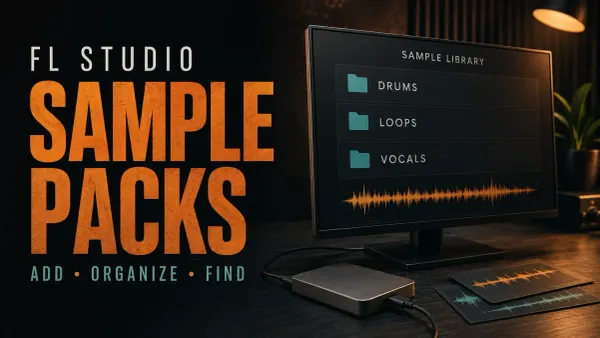 10 min read
Add Sample Packs to FL Studio: Folders, ZIPs and Fixes
Extract a downloaded sample pack, add its folder to the Browser and verify the audio without breaking existing paths. Separate library organization, cloud copies and project sample collection.
Read guide
10 min read
Add Sample Packs to FL Studio: Folders, ZIPs and Fixes
Extract a downloaded sample pack, add its folder to the Browser and verify the audio without breaking existing paths. Separate library organization, cloud copies and project sample collection.
Read guide
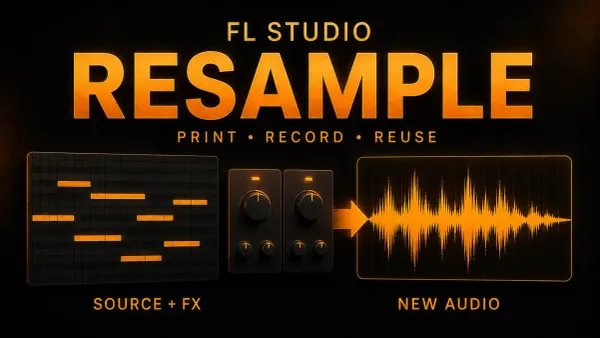 13 min read
Resample Audio in FL Studio: Render, Consolidate or Record
Print a Pattern, consolidate arranged clips or capture a performance in Edison. Check effects, tails and source safety, and distinguish printing from playback resampling.
Read guide
13 min read
Resample Audio in FL Studio: Render, Consolidate or Record
Print a Pattern, consolidate arranged clips or capture a performance in Edison. Check effects, tails and source safety, and distinguish printing from playback resampling.
Read guide
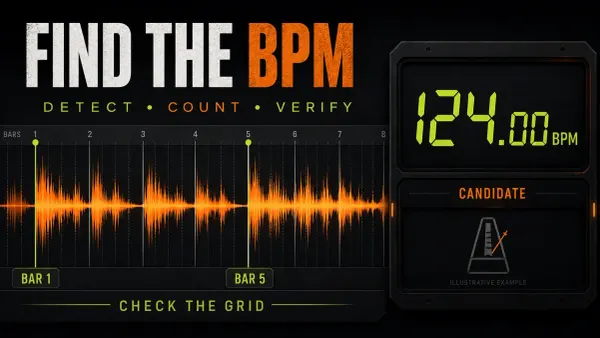 12 min read
How to Detect BPM in FL Studio and Check Sample Tempo
Find a sample’s source tempo without mistaking stretched playback for a correct result. Includes manual beat counting, Tap Tempo and local timing checks.
Read guide
12 min read
How to Detect BPM in FL Studio and Check Sample Tempo
Find a sample’s source tempo without mistaking stretched playback for a correct result. Includes manual beat counting, Tap Tempo and local timing checks.
Read guide
 13 min read
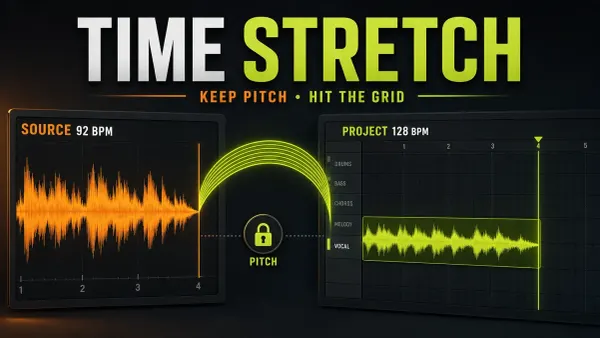
FL Studio Time Stretch: Fit Audio Without Changing Pitch
Fit an Audio Clip to the grid, distinguish source BPM from project locking, choose a suitable stretch method, and protect the original when saving processed audio.
Read guide
13 min read
FL Studio Time Stretch: Fit Audio Without Changing Pitch
Fit an Audio Clip to the grid, distinguish source BPM from project locking, choose a suitable stretch method, and protect the original when saving processed audio.
Read guide
 12 min read
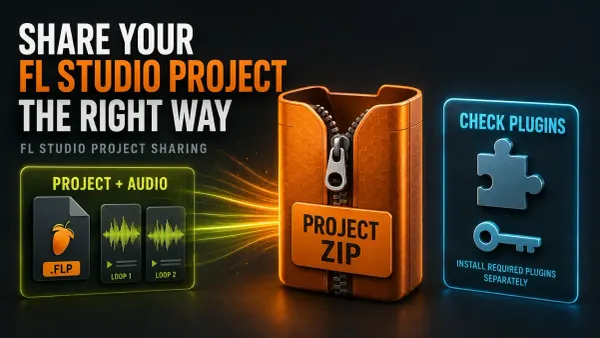
FL Studio Zipped Loop Package: Share Projects Safely
Create an FL Studio Zipped Loop Package, check external libraries and plugin compatibility, then verify and preserve the recipient’s working copy.
Read guide
12 min read
FL Studio Zipped Loop Package: Share Projects Safely
Create an FL Studio Zipped Loop Package, check external libraries and plugin compatibility, then verify and preserve the recipient’s working copy.
Read guide
 12 min read
FL Studio Export Settings: Bit Depth, Sinc and Dither
Choose the format and depth for the next person, understand what sinc and HQ actually affect, then check the exported file without risking needed Trial work.
Read guide
12 min read
FL Studio Export Settings: Bit Depth, Sinc and Dither
Choose the format and depth for the next person, understand what sinc and HQ actually affect, then check the exported file without risking needed Trial work.
Read guide
 11 min read
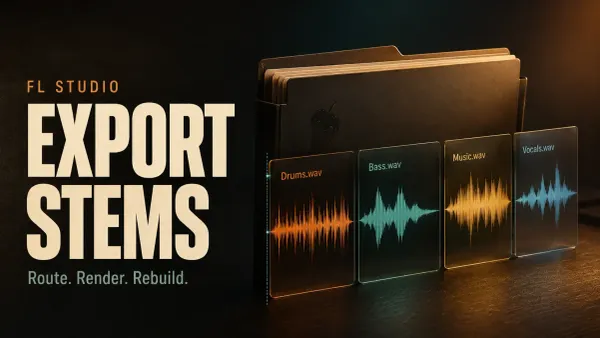
Export Stems from FL Studio: Routes, Effects and Alignment
Choose the files that belong together, preserve the right effects and common start, then check the actual WAV delivery without risking an open Trial project.
Read guide
11 min read
Export Stems from FL Studio: Routes, Effects and Alignment
Choose the files that belong together, preserve the right effects and common start, then check the actual WAV delivery without risking an open Trial project.
Read guide
 11 min read
Export a Song from FL Studio: WAV, MP3 and More
Export the finished mix, not an accidental excerpt: check the Master route, effects, range, tail and delivery format, then listen to the actual file.
Read guide
11 min read
Export a Song from FL Studio: WAV, MP3 and More
Export the finished mix, not an accidental excerpt: check the Master route, effects, range, tail and delivery format, then listen to the actual file.
Read guide
 11 min read
Slicex in FL Studio: Chop Samples, Map Pads & Fix Clicks
Make a playable instrument from a loop: choose regions, fix boundaries, map notes or pads, and check articulation, routing and source dependencies.
Read guide
11 min read
Slicex in FL Studio: Chop Samples, Map Pads & Fix Clicks
Make a playable instrument from a loop: choose regions, fix boundaries, map notes or pads, and check articulation, routing and source dependencies.
Read guide
 11 min read
Edit Samples in FL Studio Edison: Trim, Fade & Fix Clicks
Keep the raw file, trim the exact keeper, repair the right kind of click and save a checked sample from Edison. Includes fade scope, declipping and source-copy safeguards.
Read guide
11 min read
Edit Samples in FL Studio Edison: Trim, Fade & Fix Clicks
Keep the raw file, trim the exact keeper, repair the right kind of click and save a checked sample from Edison. Includes fade scope, declipping and source-copy safeguards.
Read guide
 12 min read
Remove Background Noise in FL Studio with Edison
Reduce steady hiss or hum without losing the performance: profile selection, Windows and Mac controls, removed-audio checks and a separate saved result.
Read guide
12 min read
Remove Background Noise in FL Studio with Edison
Reduce steady hiss or hum without losing the performance: profile selection, Windows and Mac controls, removed-audio checks and a separate saved result.
Read guide