 FL Studio
 All guides
FL Studio guides, organised by the job in front of you
Choose from thirteen routes, from your first setup to MIDI, recording, mixing and export. Each route helps you find the right next step; the complete article library is below.
Choose a practical route
FL Studio is easier to learn when each question belongs to a real session. Start with setup if the program is new, use Workflow when the idea needs structure, or go straight to Troubleshooting when audio, MIDI or a project has stopped behaving.
Where should you begin?
If FL Studio is not yet installed, follow Start here in order. If you already have a working session, pick the route that matches the current bottleneck rather than reading from the oldest article forward. A silent output belongs in Troubleshooting; a clean recording that needs timing edits belongs in Workflow; a balanced arrangement that needs tone and level work belongs in Mixing.
All published FL Studio tutorials
These guides are ordered by publication date. Use the route cards above when you want a guided sequence, or browse below for one exact task.
 13 min read
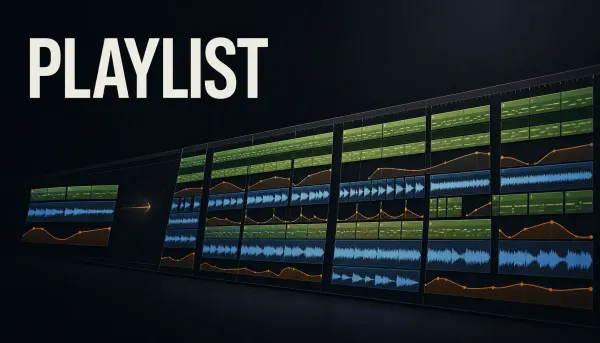
FL Studio Playlist: Arrange a Song Without Losing Control
Turn patterns, audio and automation into a clear FL Studio arrangement, with practical track organization, markers, versions and fixes.
Read guide
13 min read
FL Studio Playlist: Arrange a Song Without Losing Control
Turn patterns, audio and automation into a clear FL Studio arrangement, with practical track organization, markers, versions and fixes.
Read guide
 10 min read
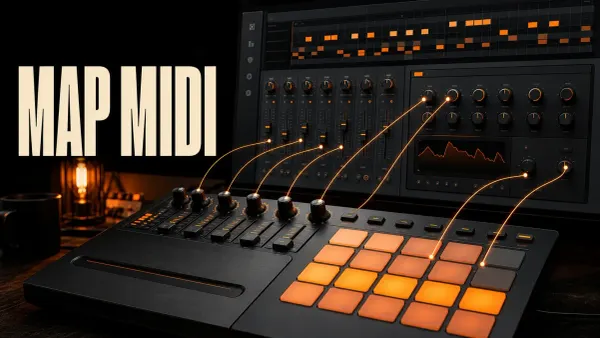
Map MIDI Knobs and Pads to FL Studio Controls
Assign hardware controls to FL Studio and plugin parameters, choose the right link scope and fix jumps or bad assignments without wiping the whole map.
Read guide
10 min read
Map MIDI Knobs and Pads to FL Studio Controls
Assign hardware controls to FL Studio and plugin parameters, choose the right link scope and fix jumps or bad assignments without wiping the whole map.
Read guide
 10 min read
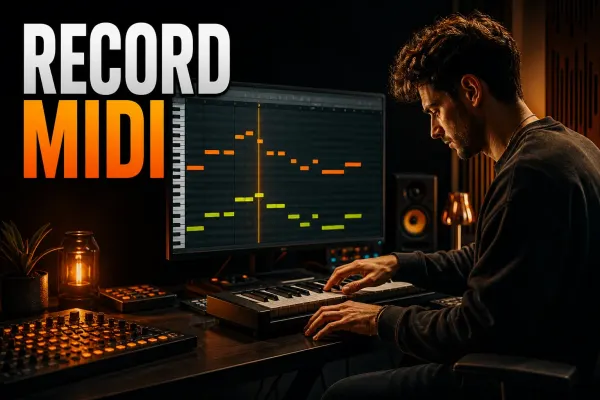
How to Record MIDI in FL Studio Without Losing the Take
Record a keyboard or pad performance into the right FL Studio Pattern, preserve intentional timing and recover an unrecorded idea with Score Logger.
Read guide
10 min read
How to Record MIDI in FL Studio Without Losing the Take
Record a keyboard or pad performance into the right FL Studio Pattern, preserve intentional timing and recover an unrecorded idea with Score Logger.
Read guide
 10 min read
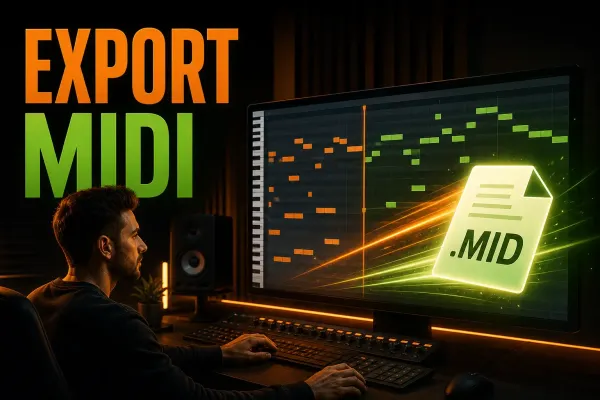
How to Export MIDI from FL Studio Without Losing Work
Export one Piano Roll part or a complete multichannel MIDI file from FL Studio, protect the original project and verify the handoff before sending it.
Read guide
10 min read
How to Export MIDI from FL Studio Without Losing Work
Export one Piano Roll part or a complete multichannel MIDI file from FL Studio, protect the original project and verify the handoff before sending it.
Read guide
 9 min read
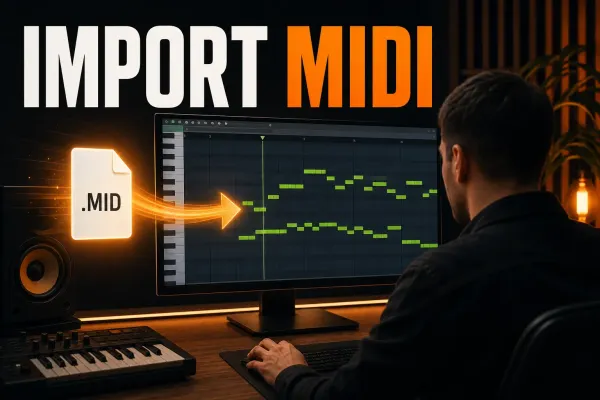
How to Import MIDI Files into FL Studio Safely
Bring single phrases or multitrack MIDI into FL Studio, choose the correct settings, assign instruments and keep notes and controller data aligned.
Read guide
9 min read
How to Import MIDI Files into FL Studio Safely
Bring single phrases or multitrack MIDI into FL Studio, choose the correct settings, assign instruments and keep notes and controller data aligned.
Read guide
 8 min read
How to Humanize MIDI in FL Studio Without Losing Groove
Vary MIDI velocity and timing with intent, use Randomizer for note levels, roll chords with Strum and keep the original groove and feel intact.
Read guide
8 min read
How to Humanize MIDI in FL Studio Without Losing Groove
Vary MIDI velocity and timing with intent, use Randomizer for note levels, roll chords with Strum and keep the original groove and feel intact.
Read guide
 7 min read
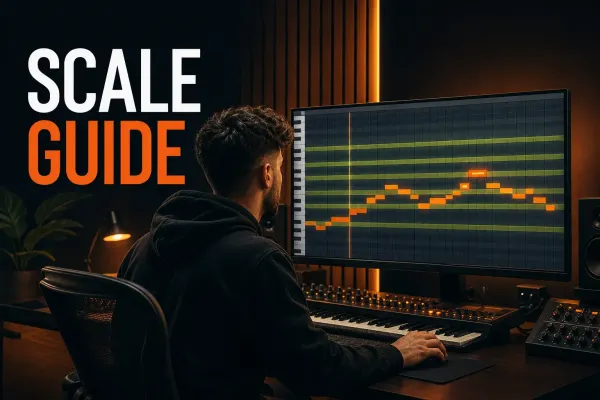
FL Studio Scale Highlighting: Set Keys & Fix Snap
Choose a root and scale, highlight valid Piano Roll lanes, control Snap to scale for edited or incoming MIDI, and fix notes that will not move freely.
Read guide
7 min read
FL Studio Scale Highlighting: Set Keys & Fix Snap
Choose a root and scale, highlight valid Piano Roll lanes, control Snap to scale for edited or incoming MIDI, and fix notes that will not move freely.
Read guide
 7 min read
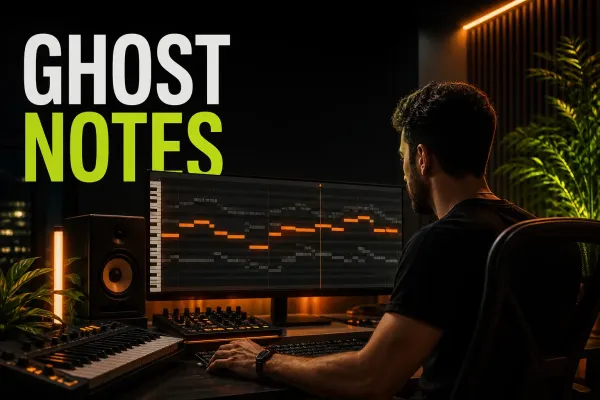
FL Studio Ghost Notes: See Chords Across Patterns
Show notes from other Channels and overlapping Patterns, choose which references appear, edit safely and fix missing Ghost Notes in FL Studio.
Read guide
7 min read
FL Studio Ghost Notes: See Chords Across Patterns
Show notes from other Channels and overlapping Patterns, choose which references appear, edit safely and fix missing Ghost Notes in FL Studio.
Read guide
 10 min read
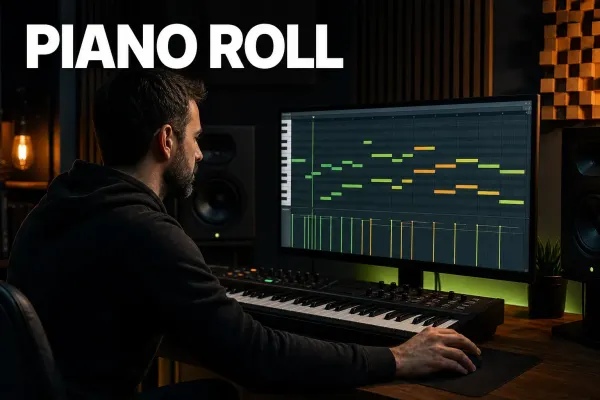
FL Studio Piano Roll: A Practical Beginner Guide
Open the correct Piano Roll, draw and edit notes, control snap and velocity, then turn one Pattern into an arrangement without losing your place.
Read guide
10 min read
FL Studio Piano Roll: A Practical Beginner Guide
Open the correct Piano Roll, draw and edit notes, control snap and velocity, then turn one Pattern into an arrangement without losing your place.
Read guide
 10 min read
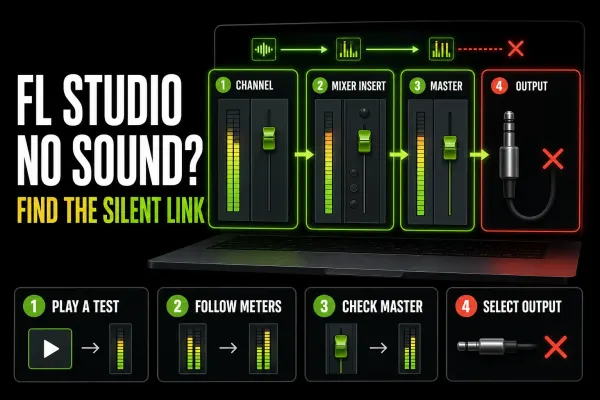
FL Studio No Sound: Find the Silent Link Fast
Follow the meters from the Channel Rack to the Master and audio device to find exactly where FL Studio stops producing sound.
Read guide
10 min read
FL Studio No Sound: Find the Silent Link Fast
Follow the meters from the Channel Rack to the Master and audio device to find exactly where FL Studio stops producing sound.
Read guide
 8 min read
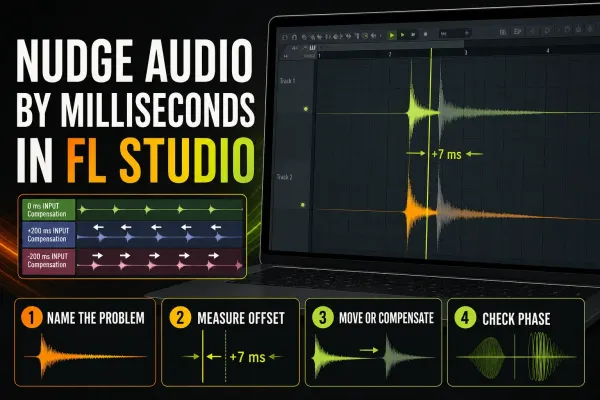
How to Nudge Audio by Milliseconds in FL Studio
Move one clip for feel, align a recorded source with input compensation, or correct a delayed Mixer path without applying the wrong timing fix.
Read guide
8 min read
How to Nudge Audio by Milliseconds in FL Studio
Move one clip for feel, align a recorded source with input compensation, or correct a delayed Mixer path without applying the wrong timing fix.
Read guide
 10 min read
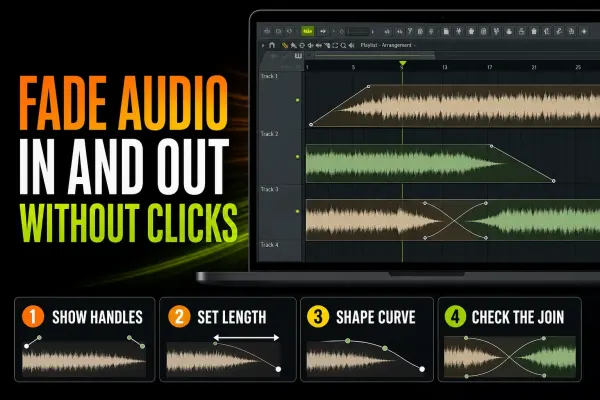
How to Fade In and Out in FL Studio Without Clicks
Use Audio Clip fade handles for local edits, crossfades for joins and automation for arrangement-level moves without clicks or surprise level jumps.
Read guide
10 min read
How to Fade In and Out in FL Studio Without Clicks
Use Audio Clip fade handles for local edits, crossfades for joins and automation for arrangement-level moves without clicks or surprise level jumps.
Read guide