 FL Studio
 All guides
FL Studio guides, organised by the job in front of you
Choose from thirteen routes, from your first setup to MIDI, recording, mixing and export. Each route helps you find the right next step; the complete article library is below.
Choose a practical route
FL Studio is easier to learn when each question belongs to a real session. Start with setup if the program is new, use Workflow when the idea needs structure, or go straight to Troubleshooting when audio, MIDI or a project has stopped behaving.
Where should you begin?
If FL Studio is not yet installed, follow Start here in order. If you already have a working session, pick the route that matches the current bottleneck rather than reading from the oldest article forward. A silent output belongs in Troubleshooting; a clean recording that needs timing edits belongs in Workflow; a balanced arrangement that needs tone and level work belongs in Mixing.
All published FL Studio tutorials
These guides are ordered by publication date. Use the route cards above when you want a guided sequence, or browse below for one exact task.
 12 min read
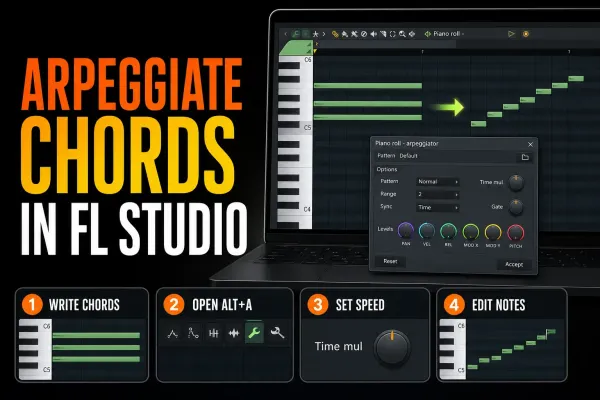
How to Arpeggiate in FL Studio: Two Built-In Ways
Turn held chords into editable notes or a live arpeggio, then shape speed, direction, range, gate and variation without losing the harmony.
Read guide
12 min read
How to Arpeggiate in FL Studio: Two Built-In Ways
Turn held chords into editable notes or a live arpeggio, then shape speed, direction, range, gate and variation without losing the harmony.
Read guide
 10 min read
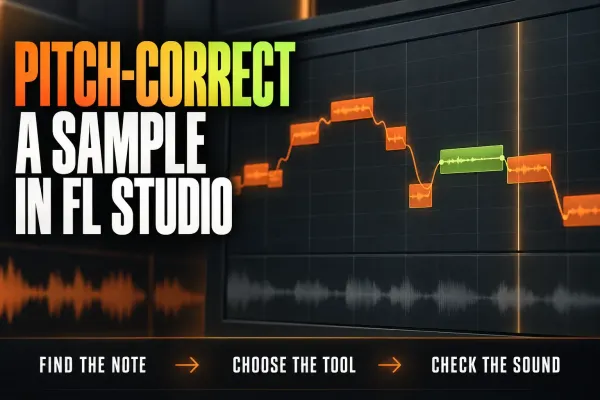
How to Pitch-Correct a Sample in FL Studio Cleanly
Find the sample’s real pitch, choose Audio Clip, Sampler or NewTone, move it by a deliberate interval and keep timing, transients and formants under control.
Read guide
10 min read
How to Pitch-Correct a Sample in FL Studio Cleanly
Find the sample’s real pitch, choose Audio Clip, Sampler or NewTone, move it by a deliberate interval and keep timing, transients and formants under control.
Read guide
 9 min read
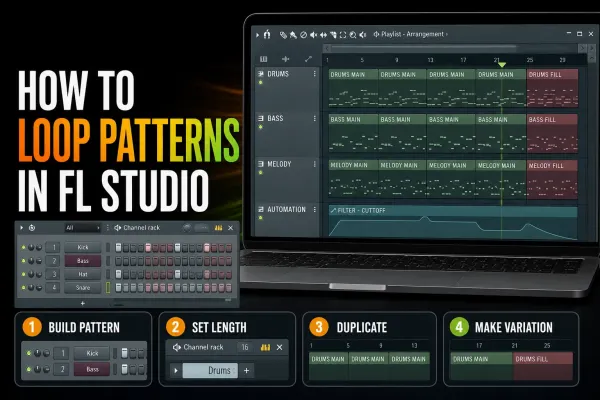
How to Loop Patterns in FL Studio Without a Static Beat
Repeat Pattern Clips with Paint or Ctrl/Cmd+B, set the real pattern length, create variations safely and fix the loops that restart early or stack notes.
Read guide
9 min read
How to Loop Patterns in FL Studio Without a Static Beat
Repeat Pattern Clips with Paint or Ctrl/Cmd+B, set the real pattern length, create variations safely and fix the loops that restart early or stack notes.
Read guide
 11 min read
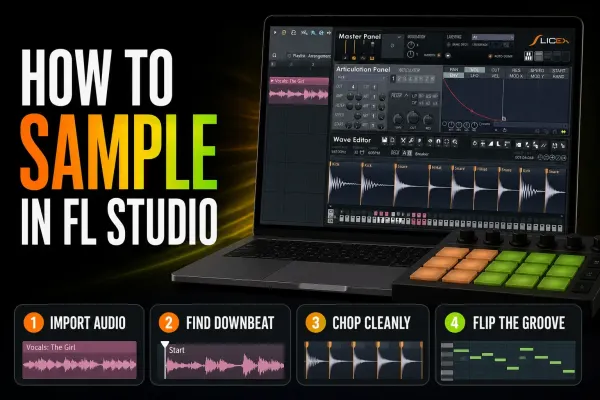
How to Sample in FL Studio: Chop and Flip Audio Cleanly
Import a sample into the right FL Studio tool, find the real downbeat, match tempo without accidental pitch changes, make clean chops and save a reusable result.
Read guide
11 min read
How to Sample in FL Studio: Chop and Flip Audio Cleanly
Import a sample into the right FL Studio tool, find the real downbeat, match tempo without accidental pitch changes, make clean chops and save a reusable result.
Read guide
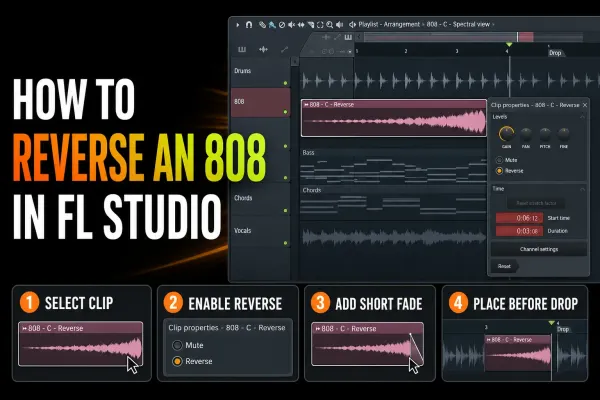 8 min read
How to Reverse an 808 in FL Studio and Keep It Clean
Reverse one 808 Audio Clip, place its audible arrival before the drop, clean up boundary clicks and preserve the forward source and project dependencies.
Read guide
8 min read
How to Reverse an 808 in FL Studio and Keep It Clean
Reverse one 808 Audio Clip, place its audible arrival before the drop, clean up boundary clicks and preserve the forward source and project dependencies.
Read guide
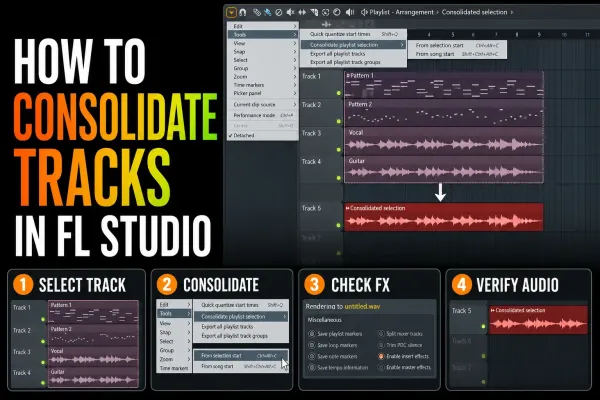 7 min read
How to Consolidate Tracks in FL Studio Without Surprises
Turn Playlist clips into dependable audio without baking the master twice, losing tails or shifting alignment. Choose the right start point and verify the render.
Read guide
7 min read
How to Consolidate Tracks in FL Studio Without Surprises
Turn Playlist clips into dependable audio without baking the master twice, losing tails or shifting alignment. Choose the right start point and verify the render.
Read guide
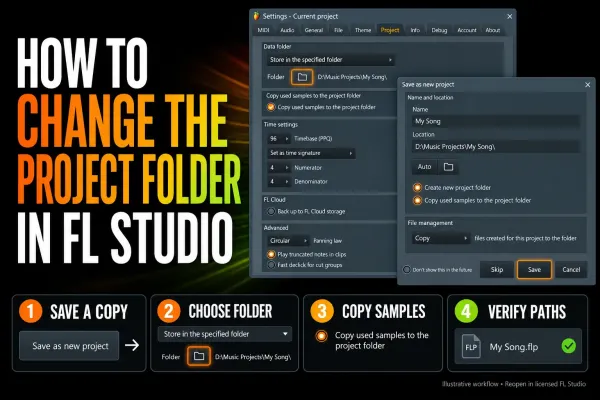 8 min read
How to Change an FL Studio Project Folder Safely
Move an FL Studio project without losing recordings or samples: set the new data folder, copy supported assets, reopen the moved copy and verify dependencies.
Read guide
8 min read
How to Change an FL Studio Project Folder Safely
Move an FL Studio project without losing recordings or samples: set the new data folder, copy supported assets, reopen the moved copy and verify dependencies.
Read guide
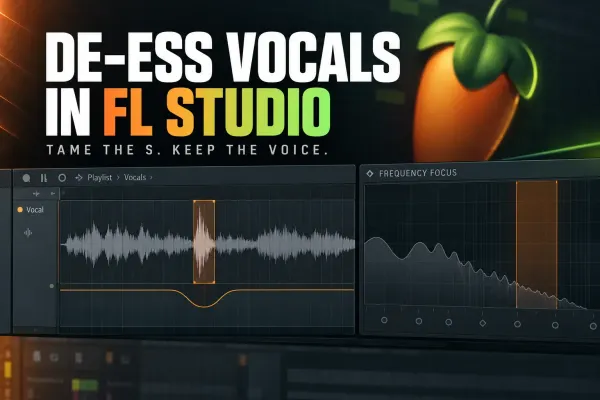 9 min read
How to De-Ess Vocals in FL Studio Without Dulling Them
Tame sharp S and T sounds with Maximus, multiband compression or manual clip gain while leaving the rest of the vocal bright and intelligible.
Read guide
9 min read
How to De-Ess Vocals in FL Studio Without Dulling Them
Tame sharp S and T sounds with Maximus, multiband compression or manual clip gain while leaving the rest of the vocal bright and intelligible.
Read guide
 9 min read
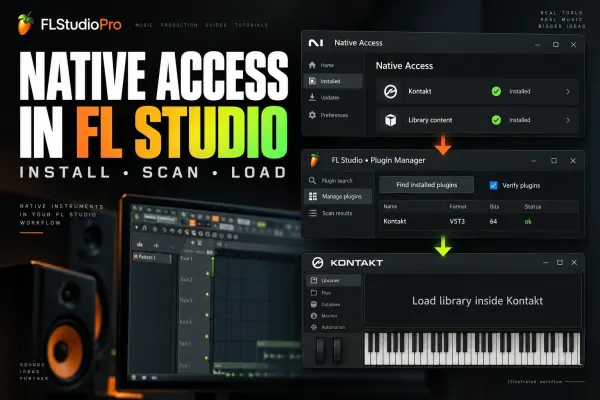
Connect Native Access to FL Studio: Plugins & Kontakt
Install Native Instruments products in Native Access, scan the actual plug-in in FL Studio, then load Kontakt libraries inside Kontakt instead of chasing sample folders.
Read guide
9 min read
Connect Native Access to FL Studio: Plugins & Kontakt
Install Native Instruments products in Native Access, scan the actual plug-in in FL Studio, then load Kontakt libraries inside Kontakt instead of chasing sample folders.
Read guide
 8 min read
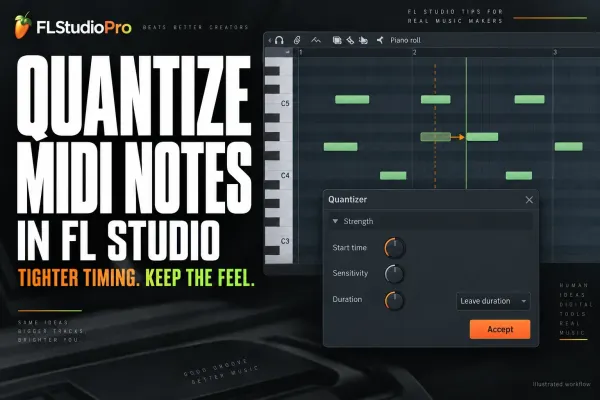
How to Quantize in FL Studio Without Killing Groove
Tighten recorded MIDI with the right Snap value, quick commands or the full Quantizer while keeping note length, velocity and deliberate timing under control.
Read guide
8 min read
How to Quantize in FL Studio Without Killing Groove
Tighten recorded MIDI with the right Snap value, quick commands or the full Quantizer while keeping note length, velocity and deliberate timing under control.
Read guide
 8 min read
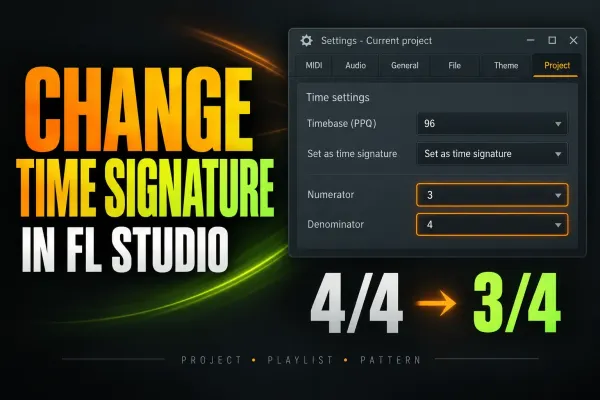
How to Change Time Signature in FL Studio
Change the whole project meter, add a temporary time-signature section, or set a Pattern meter without moving notes or confusing the Playlist grid.
Read guide
8 min read
How to Change Time Signature in FL Studio
Change the whole project meter, add a temporary time-signature section, or set a Pattern meter without moving notes or confusing the Playlist grid.
Read guide
 10 min read
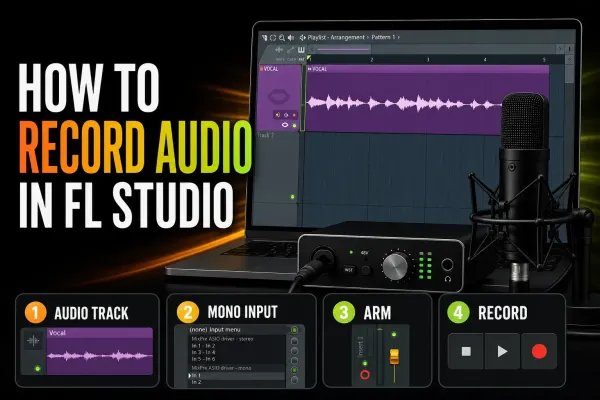
How to Record Audio in FL Studio: Clean Takes
Set the audio device and Mixer input, record a clean take into the Playlist, choose Edison only when it fits, and fix monitoring or alignment problems without guessing.
Read guide
10 min read
How to Record Audio in FL Studio: Clean Takes
Set the audio device and Mixer input, record a clean take into the Playlist, choose Edison only when it fits, and fix monitoring or alignment problems without guessing.
Read guide